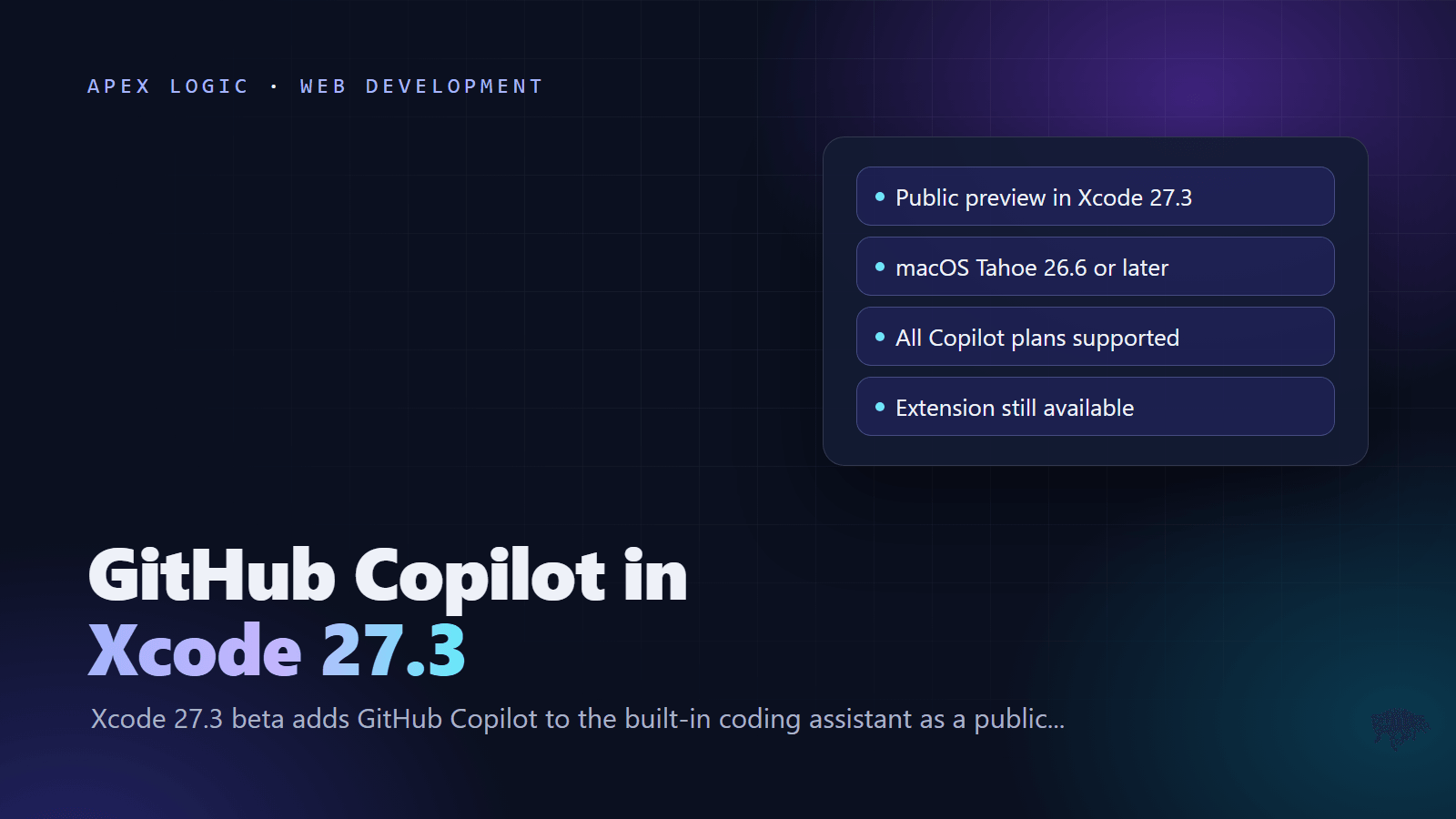
Updated 10 November 2026. GitHub Copilot is now in public preview inside Xcode's built-in coding assistant, starting with Xcode 27.3 beta 1, which Apple released on 3 November.
GitHub Copilot in Xcode 27.3 runs inside Xcode's own coding assistant, so you can use Copilot in Xcode without installing the separate Copilot for Xcode app. Apple's release notes for Xcode 27.3 beta list it as a new Coding Intelligence feature, and GitHub announced the public preview on 4 November 2026. You need Xcode 27.3 beta from Apple Developer Downloads, a Mac on macOS Tahoe 26.6 or later, and a Copilot plan. You set it up in Xcode, Settings, Intelligence.
The GitHub Copilot for Xcode extension still works, and it is still the documented route to Copilot's inline completions, Next Edit Suggestions and code review in Xcode. GitHub's announcement does not list which models or features the built-in path supports, so treat it as a preview and keep the extension if your daily work depends on those features.
Copilot in Xcode 27.3 at a glance
| Question | Answer, as of 10 November 2026 |
|---|---|
| Status | Public preview, announced by GitHub on 4 November 2026 |
| Xcode version | Xcode 27.3 beta; beta 1 shipped on 3 November 2026 |
| macOS | macOS Tahoe 26.6 or later |
| Copilot plans | All Copilot plans, according to GitHub |
| Where to set it up | Xcode, Settings, Intelligence |
| Existing extension | GitHub Copilot for Xcode remains available |
| Feedback | The CopilotForXcode repository or Apple Feedback Assistant |
| Stable Xcode 27.3 | Expected in December, 9to5Mac reported |
What is new in Xcode 27.3 for Copilot?
Apple's Xcode 27.3 beta release notes have one line under Coding Intelligence: GitHub Copilot is now available in the coding assistant. GitHub's changelog adds the requirements and says the existing extension stays, so you can choose the workflow that suits you. In the same week GitHub also brought Copilot to JetBrains Air, so Copilot users can now stay on one subscription across more editors.
Copilot joins a growing list of providers in Xcode's assistant. 9to5Mac reported that ChatGPT arrived in Xcode 26, Claude and the Claude Agent integration followed with Xcode 26.3 alongside OpenAI's Codex, and Google Gemini came with Xcode 27. For teams that have standardized on Copilot, this is the first time it sits next to those options inside Xcode itself.
The beta has other changes that matter for AI-assisted work. The RenderPreview MCP tool now includes applied overrides in snapshot filenames and metadata, and it supports interactive delayed snapshots for macOS previews. Xcode now supports UI tests written with Swift Testing and XCUIAutomation, and a new XCUIHinge class sets the hinge angle on iPhone Duo, which our iPhone Duo app checklist covers. MacRumors also highlighted Siri AI testing and new APIs for touchscreen MacBook Pro models. One install note: Xcode is now also available as an Apple Encrypted Archive, and Apple says 27.3 is the final release that supports the .xip format.
How to set up GitHub Copilot in Xcode 27.3
- Check your Mac. Xcode 27.3 beta requires macOS Tahoe 26.6 or later.
- Download Xcode 27.3 beta from Apple Developer Downloads. Keep your release Xcode installed alongside it for App Store builds.
- Open Xcode 27.3 beta, choose Xcode, then Settings, and select Intelligence in the sidebar. You can also click Get Started with Agents in the coding assistant sidebar.
- Find GitHub Copilot and follow the prompts to set it up, signing in with the GitHub account that holds your Copilot plan.
- Open the coding assistant and start prompting. If you have several providers turned on, choose Copilot for the conversation.
- Read the privacy note. Apple says an agent you set up may access your project files and other information, and explains the details under About Intelligence in Xcode & Privacy in the same settings pane.
One gap to know about: as of 10 November 2026, neither GitHub nor Apple has published screenshots or step-by-step docs for the Copilot entry, so the exact labels may differ in your build. Apple's general steps are below.
Agents and chat providers in Xcode
Apple's coding intelligence docs describe two kinds of providers in the assistant:
- Agents: you click Get next to an agent under Agents, then Install, and sign in from the Account row using the More button. Apple says an agent you choose in the assistant automatically has access to Xcode capabilities such as building and testing your app, and Xcode updates downloaded agents for you. Agents that support the Agent Client Protocol can be added with Add an Agent.
- Chat providers: ChatGPT in Xcode, which works with or without an account, Claude Sonnet & Opus with a sign-in, or any provider that supports the Chat Completions API, hosted online or locally on your Mac.
For managed Macs, Apple documents an MDM switch: setting CodingAssistantAllowExternalIntegrations to false turns off the coding assistant. If Copilot never appears on a company Mac, ask whoever manages your device profiles.
Built-in Copilot vs the Copilot for Xcode extension
| Point | Built-in, Xcode 27.3 beta | GitHub Copilot for Xcode extension |
|---|---|---|
| Install | Part of Xcode 27.3 beta | Separate app, from Homebrew or a DMG |
| Requirements | macOS Tahoe 26.6 or later, Xcode 27.3 beta | macOS 13 or later, Xcode 14 or later, a GitHub account |
| Permissions | Set up in Intelligence settings | Background, Accessibility and Xcode Source Editor Extension |
| Documented features | Not listed by GitHub yet | Completions, Chat, Agent Mode, Code Review, Next Edit Suggestions, MCP Registry, Copilot Vision |
| Status | Public preview | Release 0.51.0 from 12 August 2026; pre-release 0.51.182 from 28 August |
| Best for | Trying Copilot next to Xcode's other agents | Daily work in release Xcode |
Which one should you use?
Use the built-in route if you already test on the Xcode 27.3 beta and want Copilot in the same assistant as Xcode's other providers, without an extra app and its permissions. Keep the extension if you ship from release Xcode, if you rely on inline completions or code review, or if your team needs a setup that is not in preview. You can run both while you compare.
If you use the extension, its README recommends turning off Xcode's own Predictive code completion in the Text Editing settings to avoid confusing overlap. Press Tab to accept the first line of a suggestion, hold Option to see the full suggestion, and press Option and Tab together to accept all of it.
Install the extension as a fallback
brew install --cask github-copilot-for-xcodeOpen the GitHub Copilot for Xcode app, accept the security prompt, grant the Background and Accessibility permissions, then enable GitHub Copilot under Xcode Source Editor in the system Extensions panel. Sign in from the app with the device code it shows. GitHub recommends version 0.50.0 or later so the usage panel matches usage-based billing.
What does Copilot in Xcode cost?
GitHub says all Copilot plans work with the built-in assistant. GitHub's plan list, as of 10 November 2026:
| Plan | Price | Notes |
|---|---|---|
| Copilot Free | Free | Limited to 2,000 completions a month; models through auto selection only |
| Copilot Student | Free for verified students | Models through auto selection only |
| Copilot Pro | $10 a month | Free for some users, such as verified teachers |
| Copilot Pro+ | $39 a month | Higher monthly AI credit allowance |
| Copilot Max | $100 a month | Highest individual AI credit allowance |
| Copilot Business | $19 a seat a month | Shared pool of AI credits |
| Copilot Enterprise | $39 a seat a month | Larger pool, needs GitHub Enterprise Cloud |
Copilot moved to usage-based billing on 1 June 2026. Model usage is metered in GitHub AI Credits based on tokens, while code completions and Next Edit Suggestions stay included and do not use credits. For Business and Enterprise, GitHub charges $0.01 per AI credit beyond the shared pool. GitHub has not said how requests from Xcode's built-in assistant are metered, so for budgeting, assume chat and agent prompts there use AI credits like Copilot chat elsewhere. Our Copilot Fusion guide explains how credit billing works per model.
Use Copilot CLI, Claude Code or Codex with Xcode tools
Xcode can also lend its tools to agents you run outside Xcode, through its Model Context Protocol server. First, in Xcode, open Settings, Intelligence, and under Model Context Protocol set Allow External Agents to Use Xcode Tools to Always or While Xcode is Open. Then register the bridge with your agent. Apple documents these two commands:
claude mcp add --transport stdio xcode -- xcrun mcpbridge
codex mcp add xcode -- xcrun mcpbridge
Apple does not list GitHub Copilot CLI, but GitHub documents the same pattern for adding a local server. Based on that syntax, the Copilot CLI version would be:
copilot mcp add xcode -- xcrun mcpbridgeCheck the result with claude mcp list or codex mcp list, or open the /mcp dashboard in an interactive Copilot CLI session. Open your project in Xcode before you prompt the agent; Xcode alerts you when an external agent connects and while it is active. New to MCP? Our MCP explainer covers the basics.
Copilot not showing in Xcode? Check these
- Wrong Xcode: open About Xcode and confirm you are running 27.3 beta. Release builds before 27.3 do not include it.
- Old macOS: the 27.3 beta needs macOS Tahoe 26.6 or later.
- Managed Mac: an MDM profile can turn off the coding assistant with the CodingAssistantAllowExternalIntegrations key.
- Organization seat: GitHub says paid plans are subject to organization and enterprise policies, so ask your Copilot admin if features are missing.
- Doubled suggestions: if the extension is also installed, turn off Xcode's Predictive code completion, as the extension's README advises.
- Still stuck: report it in the CopilotForXcode repository or through Apple Feedback Assistant, as GitHub asks.
Should your team switch now?
Not for production work. Xcode 27.3 is a beta, the Copilot integration is a preview, and 9to5Mac reported that the stable release is expected in December alongside macOS 27.3. A sensible plan is to test the built-in assistant on a side branch this month, keep the extension in release Xcode, and decide once 27.3 ships. Our guide to AI coding assistants for teams covers how to run a fair trial, and if you are still planning your release, see how to publish an app on the App Store and Google Play.
If you are planning AI features inside your own iOS app, such as in-app support or a knowledge assistant, browse our AI tools or contact our team for a fixed quote.
FAQ
Is GitHub Copilot in Xcode free?
GitHub says all Copilot plans are supported in Xcode's built-in assistant, and its plan list includes Copilot Free, which limits you to 2,000 completions a month and auto model selection. So you can try it without paying, within those limits. Paid plans start at $10 a month for Copilot Pro, as of 10 November 2026, and model usage beyond your allowance is billed in GitHub AI Credits.
Do I still need the GitHub Copilot for Xcode extension?
Not to use Copilot in Xcode 27.3 beta, because the built-in assistant now supports it. The extension is still useful, though. It works in release versions of Xcode back to Xcode 14, and it is the route GitHub documents for inline completions, Next Edit Suggestions, Agent Mode and code review. GitHub says the extension remains available, so you can keep both while you compare.
Which Xcode version has GitHub Copilot built in?
Xcode 27.3 beta, starting with beta 1, which Apple released on 3 November 2026. Apple's release notes list GitHub Copilot as a new Coding Intelligence feature, and GitHub calls the integration a public preview. You need a Mac running macOS Tahoe 26.6 or later. Earlier Xcode versions can still use Copilot through the separate GitHub Copilot for Xcode extension.
When will Xcode 27.3 be released?
Apple has not announced a date. 9to5Mac reported that Xcode 27.3 is expected in December, alongside macOS 27.3 and Apple's other point releases, but that is a report, not an Apple commitment. Until the stable version ships, the built-in Copilot integration is beta software, so keep shipping App Store builds from your release version of Xcode.
Can I use Copilot CLI with Xcode?
Yes, through Xcode's MCP server. Allow external agents in Xcode's Intelligence settings, then register the xcrun mcpbridge command with your agent. Apple documents the commands for Claude Code and Codex. Apple does not list Copilot CLI, but GitHub documents copilot mcp add followed by a server name, two dashes and the command, which gives copilot mcp add xcode -- xcrun mcpbridge.
Can my company turn off Xcode's coding assistant?
Yes. Apple documents an MDM setting for managed Macs: set the CodingAssistantAllowExternalIntegrations key to false in a device management profile to turn off the coding assistant. Organizations that use Copilot Business or Enterprise also control Copilot features through GitHub's organization and enterprise policies, so both Apple's device rules and GitHub's policies can affect what a developer sees.
Sources
- GitHub Changelog: GitHub Copilot is now available in Xcode's coding assistant
- GitHub Changelog: GitHub Copilot weekly releases, November 2
- Apple: Xcode 27.3 Beta Release Notes
- Apple: Setting up coding intelligence
- Apple: Giving external agents access to Xcode
- GitHub: CopilotForXcode repository
- GitHub Docs: Plans for GitHub Copilot
- GitHub Blog: GitHub Copilot is moving to usage-based billing
- GitHub Docs: Adding MCP servers for GitHub Copilot CLI
- 9to5Mac: Xcode 27.3 adds GitHub Copilot to its built-in coding assistant
- MacRumors: Apple Releases Xcode 27.3 Beta With Three New Features


Loading comments...