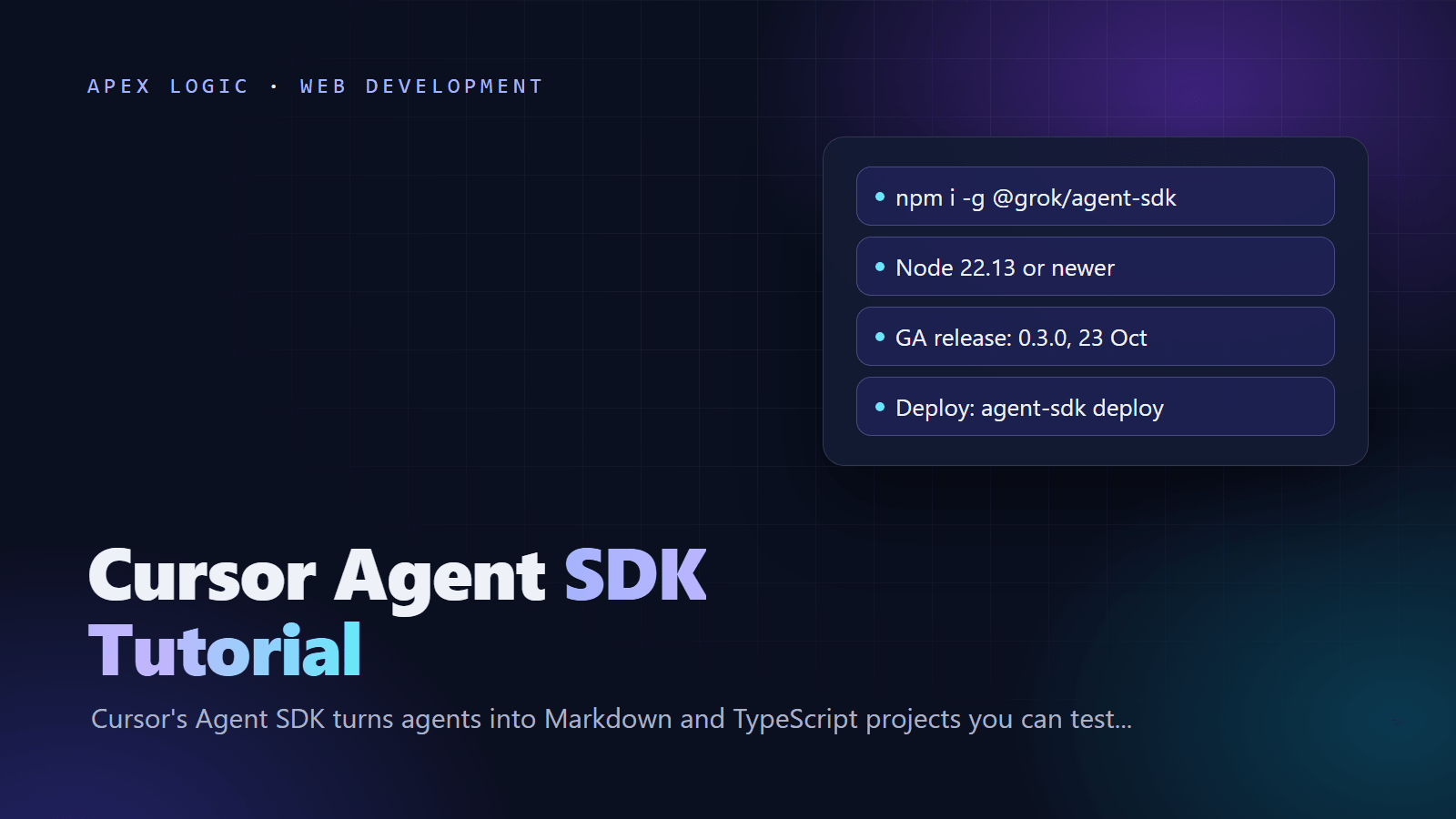
Updated 29 October 2026. Cursor's Agent SDK reached general availability this month, and its npm package is @grok/agent-sdk, not the @cursor/agent-sdk name shown in the launch post.
The Cursor Agent SDK is Cursor's framework for building your own agents as code: a folder of Markdown instructions and TypeScript tools that you run locally, test with evals and deploy to Cursor or to your own server. Cursor announced it as generally available on 20 October 2026, and it is the same harness Cursor uses for its own managed agents, such as Bugbot. To start, install the CLI with npm install -g @grok/agent-sdk, run agent-sdk login, then agent-sdk init ./my-bot and agent-sdk dev.
If you copied npx @cursor/agent-sdk init from the launch post, it fails: when we checked on 29 October 2026, npm returned a 404 for @cursor/agent-sdk. Cursor's current docs use @grok/agent-sdk, which needs Node 22.13 or newer. Cursor lists no separate price for the SDK as of 29 October 2026.
Cursor Agent SDK at a glance
From Cursor's launch post, its Agent SDK docs and the npm registry, checked on 29 October 2026:
| Item | Detail |
|---|---|
| Status | Announced as generally available on 20 October 2026; the SDK changelog marks 0.3.0 (23 October) as the GA release |
| Package | @grok/agent-sdk, which installs the agent-sdk and bdk commands |
| Latest version | 0.5.0 on npm, published 28 October 2026 |
| Requirements | Node 22.13 or newer (not Bun) and a Cursor login or API key for model turns |
| Default model | grok-4.5 with high effort and fast mode |
| Triggers | Pull request, comment and CI events from GitHub, GitLab and Bitbucket; Slack; webhooks; cron schedules |
| Where it runs | Cursor-managed hosting or your own infrastructure |
| Price | No separate SDK price in Cursor's docs as of 29 October 2026 |
What is the Cursor Agent SDK?
Cursor says the Agent SDK is the framework it uses to build its own managed agents, including Bugbot, Security Reviewer and Rollouts. You write the instructions and the tools, and Cursor runs the model loop that calls them. Because an agent is just files, every change to a prompt or tool goes through normal code review. Typical jobs are review bots for pull requests, triage agents for Linear or Jira, and policy approvers; Cursor's own team built a reviewer that checks every pull request against an internal lessons-learned knowledge base in about a day.
Unlike Cursor Automations and Grok Bot, which are set up without code and run only on Cursor, SDK agents are versioned code that can also run on your own infrastructure. GitHub events reach the agent through your Cursor account, so no public webhook URL is needed.
Fix: npm 404 for @cursor/agent-sdk
Cursor's 20 October changelog entry and launch post show npx @cursor/agent-sdk init ./my-bot and imports from @cursor/agent-sdk. That package is not on npm. Running npm against it on 29 October 2026 printed:
npm error code E404
npm error 404 Not Found - GET https://registry.npmjs.org/@cursor%2fagent-sdk - Not found
The fix is to install the package that Cursor's current docs name, and to change the imports in any copied examples:
npm install -g @grok/agent-sdk
agent-sdk version
- Imports become
@grok/agent-sdk,@grok/agent-sdk/tools,@grok/agent-sdk/channels/githuband@grok/agent-sdk/evals. - Cursor's docs say the package used to be called
@cursor/bdk, which is why the CLI also installs abdkcommand. - Early alpha projects on
@cursor/julyneedagent-sdk migrate --dir ., which opens a migration pull request; see the migration guide.
How to install the Cursor Agent SDK
- Check Node.
node --versionmust report 22.13 or newer. The troubleshooting page says to use Node, not Bun, or file reads fail withNGHTTP2_FRAME_SIZE_ERROR. - Install the CLI:
npm install -g @grok/agent-sdk. - Sign in:
agent-sdk loginstarts a browser sign-in. In CI, setCURSOR_API_KEYfrom your secret store instead. - Create a project:
agent-sdk init ./pr-reviewer, or add--templatewith a template such assecurity-reviewerortriage-linear. - Run it:
cd pr-reviewer, thenagent-sdk devstarts a local server with a playground.
What goes in an Agent SDK project?
Each file's path decides how the SDK loads it, according to the agent config and project layout references:
| Path | What it holds |
|---|---|
bot/agent.ts | defineAgent() settings such as the model, local options and hosting |
bot/instructions.md | The always-on system prompt, required on the root agent |
bot/tools/<name>.ts | One typed tool, named after the file |
bot/channels/<name>.ts | Where the agent receives and answers messages, such as GitHub or Slack |
bot/lib/ | Shared code that is never treated as a tool |
evals/ | Eval suites, beside bot/ |
Optional folders add skills, MCP connections, subagents, hooks and schedules. Run agent-sdk validate --dir . to check a project and agent-sdk info --dir . to list what it found.
Build a pull request review agent in 6 steps
These steps follow Cursor's official quickstart: a reviewer that rates each pull request as trivial, moderate or large, approves safe changes and sends the rest to a human. We swapped template strings for string concatenation and added a read declaration and an eval guard.
Step 1: Write the instructions
Replace bot/instructions.md:
# PR reviewer

Call inspect_pr before you judge a pull request, then act on the
complexity it reports:

- trivial: approve with submit_review if the diff matches the title
  and nothing looks risky.
- moderate: approve only when you understand every patch and see no
  risk. Otherwise request a human review and name the files that worry you.
- large: request a human review right away and point the reviewer at
  the biggest files.

Never approve a draft. End with one sentence that gives the verdict and why.
Step 2: Share the pull request URL parser
Both tools parse a pull request URL, so the parser lives in bot/lib/github.ts, where the SDK never looks for tools:
export function parsePrUrl(prUrl: string) {
  const [owner, repo, pulls, number] = new URL(prUrl).pathname.split("/").filter(Boolean);
  const pull_number = Number.parseInt(number ?? "", 10);
  if (pulls === "pull" && owner && repo && Number.isInteger(pull_number)) {
    return { owner, repo, pull_number };
  }
  throw new Error("Not a pull request URL: " + prUrl);
}
Step 3: Add the inspect_pr tool
Create bot/tools/inspect_pr.ts. It rates complexity and caps patches at 3,000 characters. The tools reference treats a tool with no effect as a write, so this one declares effect: "read" to keep running in sessions where writes are stubbed.
import { defineTool } from "@grok/agent-sdk/tools";
import { z } from "zod";
import { parsePrUrl } from "../lib/github.js";

function rateComplexity(linesChanged: number, changedFiles: number) {
  if (linesChanged <= 25 && changedFiles <= 2) {
    return "trivial";
  }
  if (linesChanged <= 400 && changedFiles <= 15) {
    return "moderate";
  }
  return "large";
}

export default defineTool({
  description: "Fetch a pull request's title, patches, and complexity.",
  inputSchema: z.object({ prUrl: z.string().describe("GitHub pull request URL") }),
  effect: "read",
  async execute({ prUrl }, ctx) {
    const pull = parsePrUrl(prUrl);
    const octokit = await ctx.host.github.getOctokit();
    const { data: pr } = await octokit.rest.pulls.get(pull);
    const { data: files } = await octokit.rest.pulls.listFiles({ ...pull, per_page: 100 });
    const complexity = rateComplexity(pr.additions + pr.deletions, pr.changed_files);

    return {
      title: pr.title,
      draft: pr.draft ?? false,
      complexity,
      files: files.map((file) => ({
        path: file.filename,
        additions: file.additions,
        deletions: file.deletions,
        patch: complexity === "large" ? undefined : file.patch?.slice(0, 3000),
      })),
    };
  },
});
Check it without spending a model turn, using the quickstart's two public React pull requests, one trivial and one large:
agent-sdk tool call inspect_pr --dir . --input '{"prUrl":"https://github.com/facebook/react/pull/35623"}'
agent-sdk tool call inspect_pr --dir . --input '{"prUrl":"https://github.com/facebook/react/pull/25229"}'
Step 4: Add the submit_review tool
Create bot/tools/submit_review.ts. Cursor's evals guide warns that evals run real tools, so the first lines return early in an eval session:
import { defineTool } from "@grok/agent-sdk/tools";
import { z } from "zod";
import { parsePrUrl } from "../lib/github.js";

export default defineTool({
  description: "Approve the pull request, or comment asking for a human review.",
  inputSchema: z.object({
    prUrl: z.string().describe("GitHub pull request URL"),
    verdict: z.enum(["approve", "request_human_review"]),
    summary: z.string().describe("One or two sentences on why."),
  }),
  async execute({ prUrl, verdict, summary }, ctx) {
    if (ctx.session.purpose === "eval") {
      return { posted: false, reason: "eval", verdict };
    }
    const approve = verdict === "approve";
    const octokit = await ctx.host.github.getOctokit();
    await octokit.rest.pulls.createReview({
      ...parsePrUrl(prUrl),
      event: approve ? "APPROVE" : "COMMENT",
      body: approve ? summary : "Human review needed. " + summary,
    });
    return { posted: true, verdict };
  },
});
Step 5: Review a pull request from your terminal
Use a repository you control and a pull request you did not author, since the tool posts a real review:
agent-sdk run --dir . --message "Review https://github.com/acme/checkout/pull/42"
Confirm that inspect_pr ran before submit_review, then check the review on GitHub.
Step 6: Trigger reviews from GitHub
Create bot/channels/github.ts so new, reopened and ready-for-review pull requests start a review automatically:
import { defaultGitHubAuth, githubChannel } from "@grok/agent-sdk/channels/github";

const REVIEW_ACTIONS = new Set(["opened", "reopened", "ready_for_review"]);

export default githubChannel({
  botName: "agent-sdk-pr-reviewer",
  cursorAccount: { repos: ["acme/checkout"] },
  onPullRequest: (ctx, pr) => {
    if (pr.draft || REVIEW_ACTIONS.has(pr.action) === false) {
      return null;
    }
    return {
      auth: defaultGitHubAuth(ctx),
      title: "Review " + ctx.repository.fullName + "#" + pr.number,
      context: ["Review " + pr.url + "."],
    };
  },
});
With agent-sdk dev running, replay an open pull request's event; pull access is enough:
agent-sdk github replay https://github.com/acme/checkout/pull/42 --dir . --action opened
How to test an Agent SDK agent with evals
An eval sends a fixed message to the real agent and checks which tools ran and what came back. Suites live in evals/, files end in .eval.ts, and evals/evals.config.ts must set maxConcurrency, according to the evals reference. This illustrative smoke test expects the large React pull request to go to a human:
// evals/evals.config.ts
import { defineEvalConfig } from "@grok/agent-sdk/evals";

export default defineEvalConfig({
  maxConcurrency: 4,
});

// evals/review.eval.ts
import { defineEval } from "@grok/agent-sdk/evals";

export default defineEval({
  tags: ["smoke"],
  async test(t) {
    await t.send("Review https://github.com/facebook/react/pull/25229");
    t.succeeded();
    t.toolOrder(["inspect_pr", "submit_review"]);
    t.calledTool("submit_review", { input: { verdict: "request_human_review" } });
  },
});
Run agent-sdk eval --dir . --tag smoke on each pull request and the full suite on a schedule. To save a real pull request's events as fixtures without posting anything, add --dry-run --fixtures-dir fixtures/github to agent-sdk github replay.
How to deploy: Cursor hosting or your own server
Deploy to Cursor
Commit and push first, because agent-sdk deploy builds the pushed ref, not your working copy. It prints the agent's URL once it runs, and you manage it in the Deployed Agents dashboard. Declare outside hosts and secret names in bot/agent.ts under hosting.egressDomains and hosting.secretNames, as the deployment guide shows. The secret name below is a placeholder:
agent-sdk login
agent-sdk validate
agent-sdk deploy
agent-sdk secret set pr-reviewer EXAMPLE_API_KEY
- Secrets: commit names, never values.
secret setasks for the value at a hidden prompt, the next task uses it without a redeploy, and names must not start withCURSOR_. - Privacy Mode (Legacy): teams on it cannot use managed hosting; deploys, hosted sessions and eval runs are refused.
- Caps: for teams with deployment caps, the defaults are 20 deployments and 100 deploys per 24 hours.
Self-host on your own server
One process can serve every agent in a directory. Model turns still go through Cursor with your API key; self-hosting changes where the agent process runs.
export CURSOR_API_KEY="your-cursor-api-key"
export AGENT_SDK_BEARER_TOKEN="$(openssl rand -hex 32)"

agent-sdk serve \
  --dir /srv/agents \
  --host 127.0.0.1 \
  --port 3000 \
  --state-root /var/lib/agent-sdk \
  --bearer-token "$AGENT_SDK_BEARER_TOKEN"
Before you expose it, put TLS or an authenticating proxy in front, keep the bearer token, keep the state root on a backed-up volume outside the repository and enable schedules in only one process. Our web application security guide covers the same basics for any service.
How much does the Cursor Agent SDK cost?
As of 29 October 2026, Cursor's Agent SDK docs and pricing help page list no separate price for the SDK or for hosted agents. The pricing page says new customers now choose a plan on The X Subscription, and it does not mention the SDK. What the docs do say:
- Model turns need a Cursor credential:
agent-sdk login, a Cursor API key or a service account key. - Agents default to grok-4.5 with high effort and fast mode; set
modelinbot/agent.tsto change it. agent-sdk session list --view costshows session costs against a running server.
Measure a few days of real traffic before you scale. Our guide to estimating LLM API costs shows how to budget an agent before it runs on every pull request.
Breaking changes and gotchas
persistentwas removed fromdefineAgentin 0.3.0. Validation fails with "persistent was removed. Delete it from defineAgent." until you delete it.- Semantic search is gone.
validatereports "Semantic search has been removed. Use Grep." while a project still uses it. - The local sandbox is off by default, so shell commands are approved automatically and inherit the server's credentials. Pull request diffs are untrusted input, and Cursor's docs say to turn
local.sandboxon when turns read them. - The SDK moves fast. npm went from 0.2.28 on 23 October to 0.5.0 on 28 October 2026, so pin an exact version.
Should your team build on the Agent SDK now?
If your team already uses Cursor, a small pilot makes sense: one agent, one repository, evals in CI and a human approval on anything that merges. The Hacker News discussion of the launch shows the open questions, from lock-in to tool churn, so keep business logic in bot/lib/ where you can move it.
If you would rather not tie agents to one vendor's harness, our guide on how to build an AI agent covers the general design, and our MCP explainer shows how to expose your systems as tools any agent can call. For the review process, see AI coding assistants for teams and our Claude Code Review guide. If you want help designing a review or triage agent around your own systems, talk to us.
Cursor Agent SDK FAQ
What is the correct npm package for the Cursor Agent SDK?
Install @grok/agent-sdk with npm install -g @grok/agent-sdk. Cursor's launch post shows @cursor/agent-sdk, but npm returned a 404 for that name when we checked on 29 October 2026. Cursor's docs say the package was previously called @cursor/bdk. Update imports to @grok/agent-sdk and its subpaths when you copy older examples.
Is the Cursor Agent SDK free?
The CLI installs from npm at no charge, but agents need a Cursor credential for model turns, and those turns are usage on your Cursor account. As of 29 October 2026, Cursor's docs and pricing help page list no separate price for the SDK or for hosted agents. Run agent-sdk session list --view cost against a running server to see what sessions cost.
Can I self-host Cursor Agent SDK agents?
Yes. agent-sdk serve runs every agent in a directory as one Node process, which you can package in a container. Use Node 22.13 or newer, set CURSOR_API_KEY, protect the server with a bearer token and TLS or an authenticating proxy, and keep the state root on a backed-up volume. Model turns still go through Cursor.
Which model does the Cursor Agent SDK use?
By default, agents run on grok-4.5 with high effort and fast mode, according to Cursor's agent config reference. You can set another Cursor model in bot/agent.ts, either as a plain string such as composer-2.5 or as an object with an id and params for effort and speed. Subagents inherit the parent's model unless they set their own.
How is the Agent SDK different from Cursor Automations?
Cursor Automations are set up in the dashboard with a prompt, a model and a trigger, and they run on Cursor. Agent SDK projects are versioned Markdown and TypeScript files with your own tools, evals and channels, and they run on Cursor or your own infrastructure. The CLI can convert an existing automation with agent-sdk init --from automation: plus its URL or ID.
Does the Cursor Agent SDK work with GitLab and Bitbucket?
Yes. Cursor's changelog lists pull request, comment and CI events from GitHub, GitLab and Bitbucket as channels, along with Slack mentions and direct messages, webhooks from any provider and cron schedules. The CLI also has replay commands for GitLab, Bitbucket and PagerDuty events, so you can test a channel locally before you deploy.
Sources
- Cursor Blog: Introducing the Agent SDK (20 October 2026)
- Cursor Changelog: Agent SDK
- Cursor Docs: Agent SDK
- Cursor Docs: Quickstart
- Cursor Docs: Tools
- Cursor Docs: Agent config
- Cursor Docs: Evals guide
- Cursor Docs: Evals reference
- Cursor Docs: Deployment
- Cursor Docs: CLI reference
- Cursor Docs: Agent SDK changelog
- Cursor Docs: Limits
- Cursor Docs: Troubleshooting
- Cursor Docs: Migration guide
- Cursor Help: Pricing
- Hacker News: The Agent SDK (28 October 2026)
Loading comments...