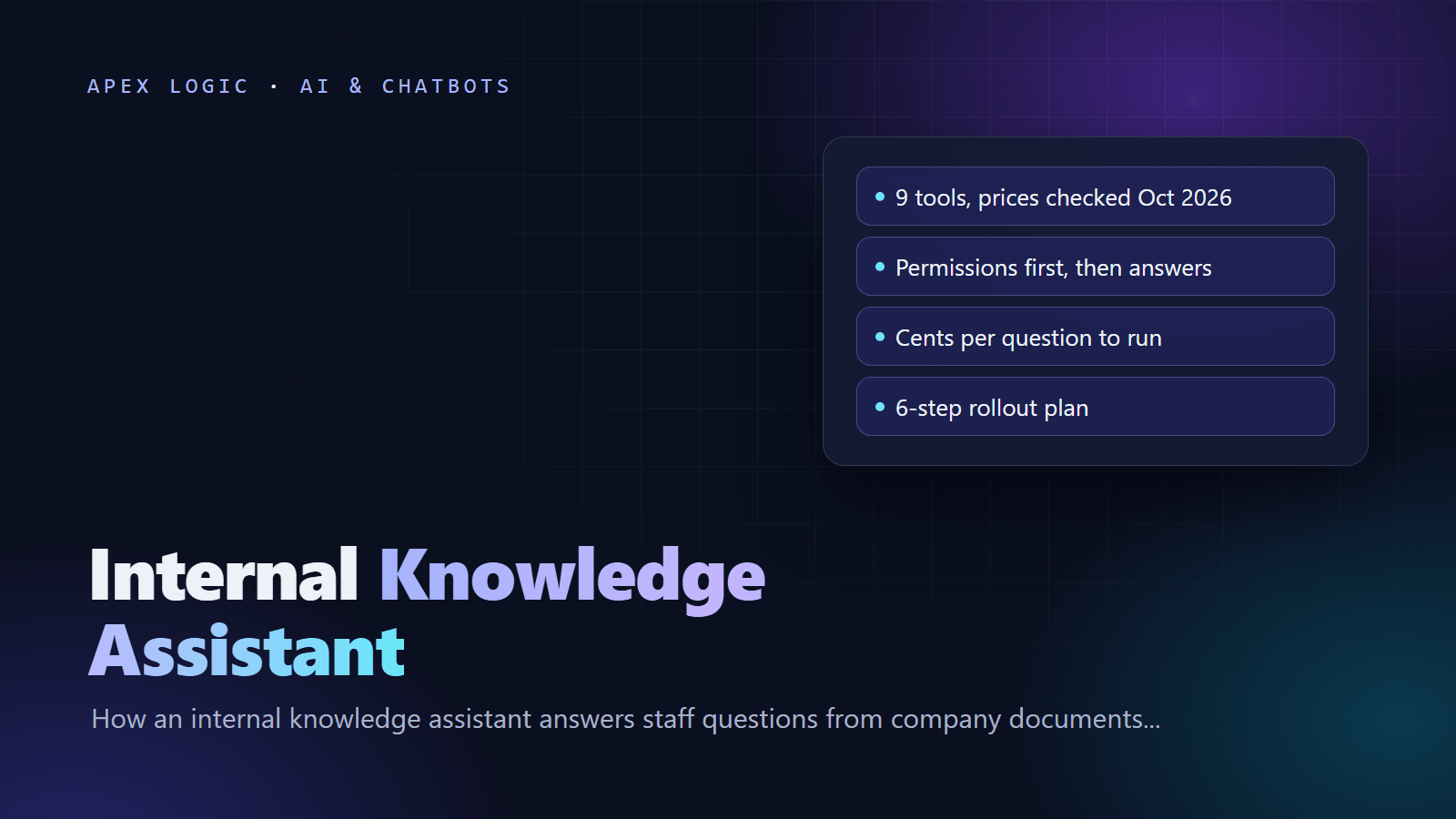
Updated 23 October 2026. New guide: the internal knowledge assistants in Microsoft 365, Google Workspace, Notion, Slack and Atlassian compared with prices checked today, plus build costs, security checks and a rollout plan.
An internal knowledge assistant is an AI tool that answers employees' questions from your company's own documents, wikis, tickets and chats, and shows the source of each answer. Instead of searching five systems or interrupting a senior colleague, staff type a question such as "What is our refund limit for damaged goods?" and get a short answer with a link to the policy. A good one only draws on documents the person asking is already allowed to open.
You can buy one or build one. As of 23 October 2026, the assistants built into Microsoft 365, Google Workspace, Notion, Slack and Atlassian cost about $14 to $30 per user a month, or come included in plans you may already pay for. A custom internal knowledge assistant costs more up front but very little per question to run, and it can search every system you use under one set of rules.
Quick answer: which internal knowledge assistant fits
| Where your knowledge lives | Start with | Price, as of 23 October 2026 |
|---|---|---|
| SharePoint, OneDrive, Teams and Outlook | Microsoft 365 Copilot | Copilot Business add-on: $21 per user a month, paid yearly; $18 promotional price for the first year on orders by 31 December 2026 |
| Google Drive, Gmail and Docs | Gemini in Google Workspace | Included from Business Standard: $14 per user a month with a one-year commitment |
| Notion, plus Slack, Teams or Drive | Notion Business with Enterprise Search | $20 per member a month billed yearly, $24 monthly |
| Mostly Slack conversations and files | Slack Business+ AI search | $15 per user a month annually, $18 monthly |
| Confluence and Jira | Atlassian Rovo | Included in Standard, Premium and Enterprise cloud plans |
| Many systems, strict permissions or many users | A custom assistant | From $1,500 to build with Apex Logic, then usage and hosting |
What is an internal knowledge assistant?
It is a chat or search box, often inside Teams, Slack or your intranet, that answers questions from company knowledge: policies, procedures, product specs, past proposals, project documents and support tickets. It differs from a public chatbot in three ways: it reads private sources, it must respect access rights, and every answer should cite where it came from so staff can check it. Compared with a customer-facing support chatbot, mistakes stay inside the company, but the data is more sensitive.
How does an internal knowledge assistant work?
Almost every product, bought or built, uses retrieval augmented generation (RAG):
- Connect sources. Connectors read approved folders, spaces and channels, along with who may see each item.
- Index. Documents are split into sections and turned into embeddings for meaning-based search, usually alongside keyword search. Our vector database explainer covers this step.
- Filter by permission. When someone asks, the search only considers sections that person may open.
- Retrieve and answer. The best sections go to a language model with an instruction to answer only from them and to say so when they do not cover the question.
- Cite and improve. The answer links to its sources, and staff flag wrong answers so document owners can fix the source.
RAG suits this job better than fine-tuning because company facts change every week and every answer needs a source; our RAG vs fine-tuning guide explains why. For chunking, hybrid search and reranking in detail, see our production RAG architecture guide.
What the permission filter looks like
Step 3 is where custom builds most often go wrong. This illustrative query uses PostgreSQL with the pgvector extension, whose install instructions point to version 0.8.7 as of 23 October 2026. Each chunk stores the groups allowed to read it, and the query only ranks chunks that share a group with the person asking:
SET hnsw.iterative_scan = strict_order;

SELECT doc_title, doc_url, section_text
FROM chunks
WHERE allowed_groups && $1
ORDER BY embedding <=> $2
LIMIT 8;
Here $1 is the asking user's groups as a text array and $2 is the question's embedding, ranked by cosine distance. The first line matters. pgvector's documentation explains that with approximate indexes the filter is applied after the index scan, so a filter matching 10% of rows returns only about 4 rows on average with default HNSW settings. Iterative index scans, added in version 0.8.0, keep searching until enough permitted rows turn up. Without them, people with narrow access quietly get thinner, worse answers.
Built-in knowledge assistants compared
List prices from official pages, as of 23 October 2026, per user a month unless stated.
| Tool | What it searches | Price | Permissions and data |
|---|---|---|---|
| Microsoft 365 Copilot | Microsoft 365 content, plus other systems through Copilot connectors | Business add-on $21 paid yearly; Business Standard with Copilot $23.50 paid yearly; enterprise add-on $30 paid yearly or $31.50 monthly | Follows existing Microsoft 365 permissions; prompts not used to train the underlying models |
| Gemini in Google Workspace | Drive, Gmail, Docs and other Workspace apps | Business Standard $14 and Plus $22 with a one-year commitment; Starter ($7) lacks Gemini in Drive | Retrieves only content the user can access; no training on customer data without permission |
| Notion Business | Notion plus connected Slack, Teams, Google Drive, Jira and more | $20 billed yearly or $24 monthly; Enterprise on quote | Honors existing permissions; Enterprise Search cites sources; zero data retention with model providers on Enterprise |
| Slack Business+ and Enterprise+ | Slack messages and files; Enterprise+ adds apps such as Google Drive and GitHub | Business+ $15 annually or $18 monthly; Enterprise+ $45 annually | Never shows what normal Slack search would not show that user; answers cite messages and files |
| Atlassian Rovo | Confluence, Jira and connected third-party apps | Included in Standard, Premium and Enterprise cloud plans; Jira and Confluence each add 25, 70 or 150 Rovo credits per user a month by edition | Synchronizes with source permissions so users only see what they can access |
| ChatGPT Business | Connected apps such as Google Workspace, Slack, GitHub and Microsoft 365 | $20 per standard seat paid annually, $25 monthly | Company Knowledge respects source permissions; no training on business data by default |
| Claude Team | Enterprise search across connected tools, including Microsoft 365 | $20 per standard seat paid annually, $25 monthly | Microsoft 365 connector mirrors each user's permissions; no model training on content by default |
| Glean | More than 250 connectors | No public price; demo first | Enterprise search specialist |
| Guru | More than 100 tools | Custom pricing | Inherits permissions from source systems; answers include citations |
Two notes. Microsoft's Copilot Chat, included at no extra cost with eligible Microsoft 365 plans, is web-grounded; answers grounded in your work data come with a Microsoft 365 Copilot license, and some advanced Copilot features are billed by usage on top. Google also sells Gemini Enterprise for company-wide agents and search, and its page points buyers to sales or a 30-day trial of the Plus edition.
Buy or build: what an internal knowledge assistant costs
Worked example: 50 staff each ask about 20 questions a week, roughly 4,300 questions a month. Prices are as of 23 October 2026; usage figures are our estimates.
| Option | Monthly cost for 50 users | What it covers |
|---|---|---|
| Microsoft 365 Copilot Business add-on | $1,050, or $900 at the first-year promotional price | Microsoft 365 data and connectors |
| Notion Business, billed yearly | $1,000 | Notion plus connected apps |
| ChatGPT Business or Claude Team, annual | $1,000 | Connected apps plus general AI use |
| Slack Business+, annual | $750 | Slack content only |
| Custom build, model usage only | About $3 on a small model, about $52 on a mid-size model | Every connected source, under your rules |
The custom figures assume about 4,000 input and 400 output tokens per question at OpenAI's list prices: gpt-6-luna at $0.10 and $0.50 per million input and output tokens, and gpt-6.1-sol at $2 and $10. Indexing 5 million tokens of documents with text-embedding-3-small costs about $0.10 at $0.02 per million. Model usage is rarely the expense. The real costs are the build, hosting the index, keeping connectors working and cleaning up documents. Our LLM API cost guide shows how to estimate your own numbers.
The trade-off is simple. Suite assistants are cheap to start but charge per seat every month. A custom assistant costs $1,500 to $10,000 to build on our published range, then little per question. If one suite already holds most of your knowledge, start there. Build when knowledge is spread across systems no single suite covers, when answers must appear inside your own app or intranet, or when hundreds of seats at $20 to $30 each outweigh a one-off build.
Security and access control: what to check
- Permission inheritance. The assistant must enforce each source's access rules at question time, including for guests and people who have left.
- Oversharing. A permission-aware assistant faithfully surfaces whatever is overshared. Microsoft's deployment guidance for Copilot starts with fixing oversharing for that reason, so audit "anyone with the link" files and broad groups first.
- Training and retention. Get in writing that prompts and documents are not used for model training, and how long logs are kept.
- Sensitive sources. Leave HR cases, legal matters and payroll out of the first phase.
- Audit logs. You should be able to see who asked what and which sources were used.
- Prompt injection. A document can contain hidden instructions, so treat retrieved text as data and keep actions such as sending email behind human approval.
Write these rules into your AI acceptable use policy. If you connect tools through MCP, our MCP explainer covers the extra risks.
How to roll out an internal knowledge assistant in 6 steps
- Collect 100 real questions from new starters, support and operations, with the document that answers each one.
- Choose sources of truth and archive outdated versions, because two conflicting policies produce confused answers.
- Fix permissions on those sources before you connect them.
- Pilot with one team for two to four weeks and score the answers against your 100 questions.
- Add a feedback button that sends wrong answers to the document owner.
- Expand source by source, testing again after each new connection.
How to measure whether it works
| Metric | What it tells you |
|---|---|
| Accuracy on your test questions | Whether answers are right and cite the right document |
| "Not found" rate | Gaps in your documentation, which become a to-do list for owners |
| Weekly active users | Whether staff trust it enough to come back |
| Flagged answers | Stale or conflicting sources to fix |
| Repeat questions to experts | Time saved for the people who used to answer them |
Pitfalls to avoid
- Connecting everything on day one, including drafts and duplicates.
- No owner for each source, so flagged answers go nowhere.
- Judging tools on demos instead of your own test questions.
- Treating answers on HR, legal or safety matters as final; use the assistant to find the policy, not to decide the case.
Want one built around your sources and permissions? Our AI knowledge base assistant starts from $1,500 on a fixed quote as of 23 October 2026, typically 3 to 5 weeks, and you own the code. Send us a list of your sources for an estimate.
Internal knowledge assistant FAQ
What is the difference between an internal knowledge assistant and enterprise search?
Enterprise search returns a list of matching documents. An internal knowledge assistant reads the best matches and writes a short answer with citations, so staff get the rule itself instead of ten files. Most current products do both: Slack, Notion and Atlassian put AI answers on top of search. The assistant is only as good as the search underneath, which is why retrieval quality matters more than the model.
Is Microsoft 365 Copilot Chat enough on its own?
Usually not for company knowledge. Microsoft describes Copilot Chat, included at no extra cost with eligible plans, as web-grounded, while grounding in your work data comes with a Microsoft 365 Copilot license, as of 23 October 2026. Organizations can run their own custom agents in Copilot Chat on a metered basis, which can fill some gaps without buying licenses for everyone.
Can an internal knowledge assistant give wrong answers?
Yes. Most wrong answers come from outdated, duplicated or missing documents rather than the model. Citations let staff check the source in one click, a "not found" reply is better than a guess, and a feedback button sends errors to the document owner. Treat answers on safety, HR or legal matters as a pointer to the policy rather than the final word.
Does the AI provider train on our documents?
Not by default on the business plans we checked as of 23 October 2026. Microsoft, Google Workspace, Slack, ChatGPT Business and Claude Team all state that customer content is not used for model training by default, and Notion says it does not train on your data unless you opt in. Check retention terms as well, and for a custom build, use API terms that exclude training.
How long does a custom internal knowledge assistant take to build?
A first version over one or two sources, with citations and a Slack or web interface, takes three to five weeks on our published timeline. Agreeing which documents count as the source of truth is often the slowest part. Each extra connector, detailed permission mirroring and large scanned archives add time, so start narrow and expand once accuracy on your test questions is good.
Sources
- Microsoft: Copilot for small business, pricing and FAQ
- Microsoft: Copilot for enterprise, pricing
- Microsoft Learn: Secure and governed data foundation for Copilot
- Google Workspace: Pricing
- Google Workspace: Generative AI privacy hub
- Google Cloud: Gemini Enterprise
- Notion: Pricing
- Notion Help: Enterprise Search
- Notion Help: Slack AI connector and permissions
- Slack: Pricing
- Slack Help: Guide to AI features in Slack
- Slack Help: Security for AI features in Slack
- Atlassian: Rovo plans and licensing FAQ
- Atlassian Support: Rovo data, privacy and usage guidelines
- OpenAI: Business pricing
- OpenAI Help: Company knowledge in ChatGPT
- OpenAI: API pricing
- Anthropic: Claude pricing
- Claude Help: Microsoft 365 connector
- Glean
- Guru: Pricing
- pgvector on GitHub
Loading comments...