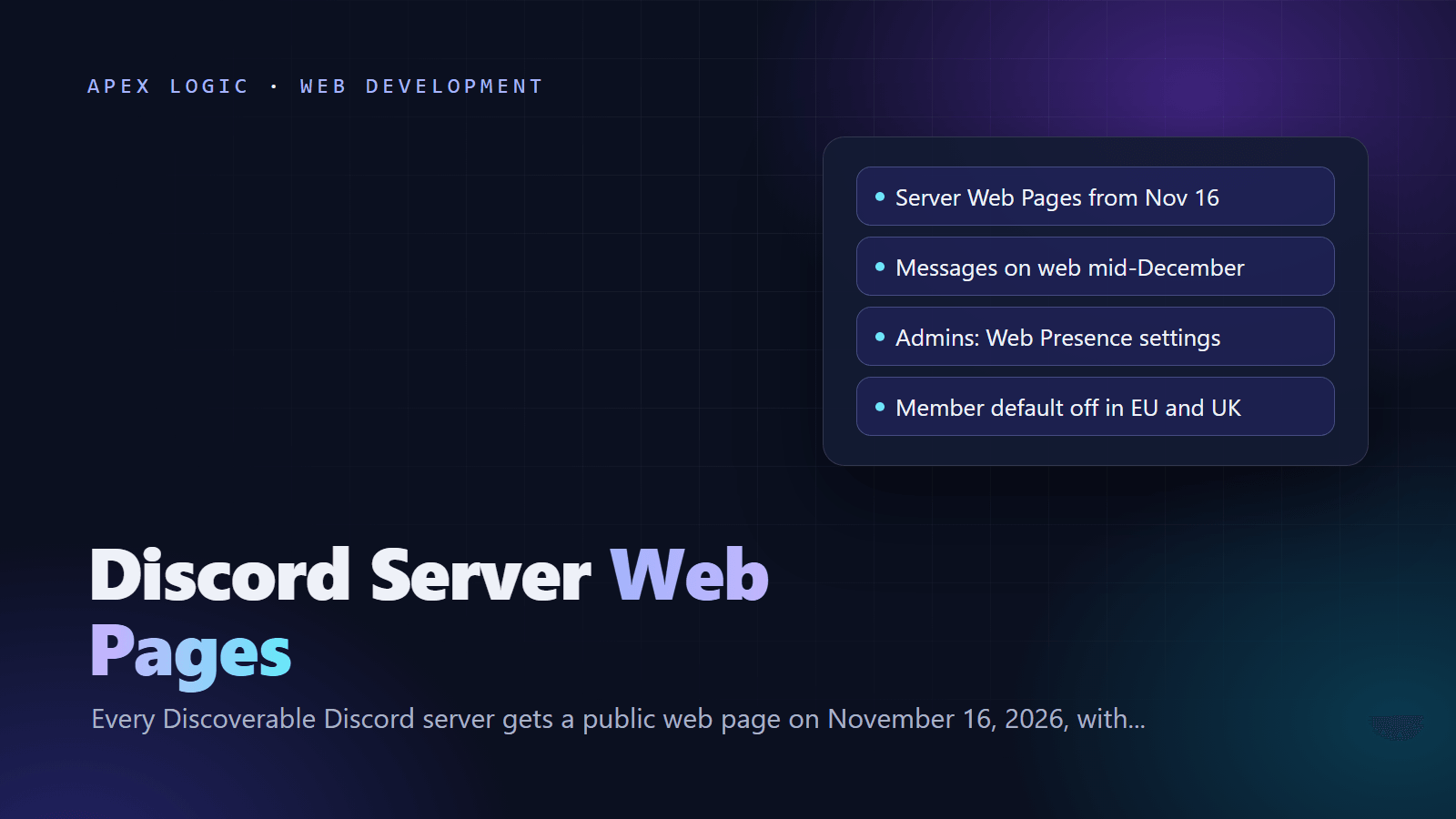
Updated 29 October 2026. Discord announced on October 27, 2026 that every Discoverable Server gets a public Server Web Page from November 16, and that public channel messages can appear in web search from mid-December.
From November 16, 2026, every Discoverable Server on Discord will have a public Server Web Page that anyone can see and that search engines like Google can show in their results. AI-generated Channel Summaries of public channels can appear on that page from the same day, and from mid-December 2026 members' messages from public channels can appear in web search, without usernames or avatars. Both features are on by default. Admins control them in Server Settings, under Community, in Web Presence.
If your company, product or brand runs a Discoverable Server, you have until November 16 to publish a proper landing page, choose which channels feed summaries and messages, and tell members what is changing. If your server is not Discoverable, nothing changes. Private channels, DMs and group DMs are never included. This checklist covers the dates, the exact settings and the decisions to make.
Discord Server Web Pages at a glance
| Date | What happens | What admins should do |
|---|---|---|
| October 27, 2026 | Web Presence controls and the member privacy setting start rolling out | Open Web Presence and review both toggles |
| November 16, 2026 | Every Discoverable Server gets a Server Web Page; Discord builds a default page from your Server Profile if you have not published one; Channel Summaries can start | Publish your own landing page and choose summary channels |
| Mid-December 2026 | Channel Messages roll out gradually; messages sent before then are not shown | Choose message channels and brief your members |
- Admin setting: Server Settings, Community, Web Presence. As of 29 October 2026, it is available on desktop and in the browser only, to the server owner and members with the Administrator permission.
- Member setting: User Settings, Data & Privacy, "Show my message content from Discoverable channels on web pages".
- Member default: on in most regions; off for accounts in the EU/EEA, UK, Canada, Brazil, Australia and South Korea; teens are excluded.
Which Discord servers are affected?
Only Discoverable Servers. Discord has three server types. Friend Servers and Community Servers are invite-only, while Discoverable Servers are Community Servers that meet extra size, safety and activity requirements and whose admins chose to list them in Server Discovery. Discord's requirements for Discovery include:
- at least 1,000 members;
- a server that is at least 8 weeks old;
- activity requirements and safety settings;
- a server name, description and channel names that follow the Discovery Guidelines; and
- the 2FA Requirement For Moderation setting turned on.
Verified servers automatically qualify as Discoverable. To check your status, open Server Settings, select Access and look at the Discoverable setting. If it is on, the changes in this guide apply to you.
Within a Discoverable Server, only public channels are eligible. Private channels, such as role-restricted channels, are never included, and neither are private threads and private forums. Threads and forum posts are included if their parent channel is public, eligible and turned on for the feature.
What will appear on your Server Web Page?
A Server Web Page is a public page on the open web. Anyone can see it, including people without a Discord account, and new members can join directly from it. It can show three kinds of content:
- Your landing page. The description and details you publish. If you do not publish one, Discord creates a default page from your Server Profile on November 16.
- Channel Summaries. Short summaries of active conversations from November 16 onward. Discord says it creates them using AI and that they may not always be accurate. Usernames and avatars are not shown.
- Channel Messages. From mid-December, answers to questions members sent in public channels can be found in web search, in their own words, without usernames or avatars. For now they are text only, although a small number of communities from an earlier pilot already show images and videos.
Summaries are subject to Discord's Discovery Guidelines, and Discord's Trust and Safety team can remove summaries that break them. Channels taking part in either feature are labeled with an icon in the channel header, and members see a pop-up near the header before they post in a newly enabled channel.
How do I open Web Presence settings in Discord?
- Open Discord on desktop or in a browser; the settings are not in the mobile app.
- Open Server Settings.
- Under Community, select Web Presence.
Only the server owner or members with the Administrator permission can change these settings, and bots cannot. After October 27, you may also see a pop-up titled "Reach new members on the web" that links straight there.
Under Discoverable Content on Web Pages there are two toggles, both on by default: Channel Summaries on the web and Channel Messages on the web. Each has its own channel list where you select or deselect channels, and the summaries list also offers search, Select All and Deselect All. The lists are independent, so a channel can feed summaries without its messages appearing.
New public text channels also get a Discoverable section at creation, with four options: All Content, Summaries Only, Messages Only or Off.
Admin checklist before November 16, 2026
- Confirm you are Discoverable. Open Server Settings, then Access, and check Discoverable. If it is off, none of this applies yet.
- Decide what the web should see. A public page can bring new members, but customers, competitors and journalists can read it too. Agree the goal with whoever owns your brand.
- Publish your own landing page. In Web Presence, edit the Landing Page and select Publish Landing Page. Discord advises specific, accurate words, the same advice as any SEO checklist for a new website.
- Choose summary channels. Keep general and product discussion if you are happy for the public to read a summary. Remove support, billing, moderation and off-topic channels.
- Choose message channels for mid-December. FAQ and help channels with good answers are obvious candidates. Keep channels where people share order numbers, emails or account screenshots off.
- Set a rule for new channels. Moderators should choose deliberately between All Content, Summaries Only, Messages Only and Off.
- Update your server rules. Say that public channels may appear on the web, and that personal data, passwords, keys and customer details never belong there.
- Tell your members. Announce the channel labels, the member setting and the fact that defaults vary by region.
- Assign a reviewer. Read your page and its summaries weekly, because Discord says automated summaries may not always be accurate.
- Decide whether to stay Discoverable. The only way to have no public page is to turn off Discoverability, covered below.
What can members control?
Each member decides whether their own messages can appear. The setting is called "Show my message content from Discoverable channels on web pages" and sits in User Settings, under Data & Privacy. It can be changed on desktop or in a browser, and it applies to the whole account across every server, including on mobile.
The default depends on where the account is. It is on in most regions and off for accounts in the EU/EEA, the UK, Canada, Brazil, Australia and South Korea. Teens are excluded entirely: their messages will not appear on the web and they cannot turn the setting on.
Two details catch people out. First, the setting is not retroactive. Messages sent while it was on can still appear, even if they have not appeared yet, and turning it off is not a bulk "remove my history" action. Second, the member switch does not control Channel Summaries. Summaries appear unless admins turn them off.
How do I remove Discord content from the web?
- Delete the message. Deleting a message in Discord removes it from the Discord app and from Discord's web pages.
- Turn off a feature. Switching off Channel Summaries or Channel Messages stops new content, but content already published may stay visible until it is removed one item at a time.
- Deselect channels. Removing a channel from a list stops it contributing new content.
Search engines keep their own copies. Discord says it does not control how long others keep cached or indexed copies, so content can take extra time, or an extra removal request through the search engine, before it disappears from results.
Can I turn off my Server Web Page completely?
Not while you stay Discoverable. Discord says a Server Web Page is a required part of being a Discoverable Server, so turning off both features stops new content but leaves the page live.
To remove the page, open Server Settings, select Access and turn off Discoverable (Discord's Server Web Pages article describes this as choosing Invite Only or Apply to Join). Your server becomes a Community Server again: it leaves Server Discovery and discord.com/servers, its web pages are taken down, search engines may take time to drop them, and new members need an invite link. You can turn Discoverability back on later if you still qualify.
| Option | Public page | Summaries and messages | Discovery listing |
|---|---|---|---|
| Do nothing | Default page from November 16 | On for all public channels | Kept |
| Curate in Web Presence | Your own landing page | Only the channels you choose | Kept |
| Turn both features off | Page stays live | No new content; published content may remain | Kept |
| Turn off Discoverability | Taken down | Off; published content is not removed automatically | Lost until you turn it back on |
What this means for businesses that run Discord communities
For game studios, software companies and creators, parts of a chat that felt private become public web content. The upside: Discord describes Channel Messages as a way for answers members gave in public channels to be found in web search, which can bring in people searching for your product. The risk: offhand remarks, unanswered complaints and wrong answers can show up in search without your context.
Treat public channels like your blog or help center. Keep answers accurate, move sensitive conversations to private channels or tickets, and publish official answers on a site you control too. If your Discord is effectively your support desk, a help center on your own domain, like the setup in our internal knowledge assistant guide or an AI knowledge base assistant, keeps the canonical answer in one place. Our generative engine optimization guide explains why that also matters for AI search.
Is Discord selling messages to AI companies?
Discord's FAQ says no: nothing has changed, and it is making content easier to find when admins and users choose to put it on the web. Channel Summaries are created with AI from recent public discussions. Discord's pages name search engines like Google but do not say how other services that read public web pages will treat the new pages. Keep channels with sensitive topics out of both features, and if your company has an AI policy, add a line about which community channels a third party's AI may summarize.
If you want help moving support answers out of Discord threads into a help center or a support chatbot you own, our web development team can scope it on a fixed quote. You can also contact us with a link to your server and a short description of how you use it.
Discord Server Web Pages FAQ
When will Discord messages show up on Google?
Discord says Channel Messages from public channels in Discoverable Servers start rolling out gradually from mid-December 2026, and it may take a few weeks before messages appear on Server Web Pages. Messages sent before mid-December are not shown. Server Web Pages themselves, and AI Channel Summaries, can appear from November 16, 2026. Discord's help pages say search engines like Google can show these pages in their results.
How do I stop my Discord server's messages appearing in search?
As an admin, open Server Settings on desktop or in a browser, go to Community, then Web Presence, and turn off Channel Messages on the web, or deselect the channels you want to keep off the web. Do the same for Channel Summaries, which has its own separate list. Content already published may stay visible until it is deleted, and search engines may keep cached copies for a while.
Can I keep my server Discoverable without a public web page?
No. Discord says a Server Web Page is a required part of being a Discoverable Server. You can control what appears on it by editing the landing page and turning off Channel Summaries and Channel Messages, but the page stays live. The only way to remove it is to turn off Discoverability under Access, which turns your server back into an invite-only Community Server and takes it out of Server Discovery.
Will old Discord messages appear on the web?
No. Discord says messages sent before mid-December 2026 are not shown as Channel Messages, and Channel Summaries cover conversations from November 16, 2026 onward. After that, whether a message can appear depends on the channel settings chosen by admins, the member's own setting at the moment the message was sent, the member's region and age, and Discord's server, channel and content requirements.
Are usernames shown on Discord Server Web Pages?
No. Discord says usernames and avatars are not shown alongside Channel Messages or in Channel Summaries. That does not make the content anonymous in practice. A message can still identify someone through what it says, a signature, a link to a profile or a pasted screenshot, so ask members not to post personal or customer details in channels that take part.
Does this affect private channels or DMs?
No. Private servers, direct messages and group DMs are not affected, and private channels, such as role-restricted channels, are never included. Private threads and private forums are excluded too, whatever the parent channel's settings. Only public channels in Discoverable Servers can contribute summaries or messages, and admins can remove any public channel from either feature in Web Presence.
Sources
- Discord blog: Making Content from Discoverable Servers Easier to Discover (October 27, 2026)
- Discord Help Center: Discoverable Server Web Presence
- Discord Help Center: Discoverable Content on the Web
- Discord Help Center: Discord Server Web Pages
- Discord Help Center: Enabling Server Discovery
- Discord Help Center: Clarifying Server Types
Loading comments...