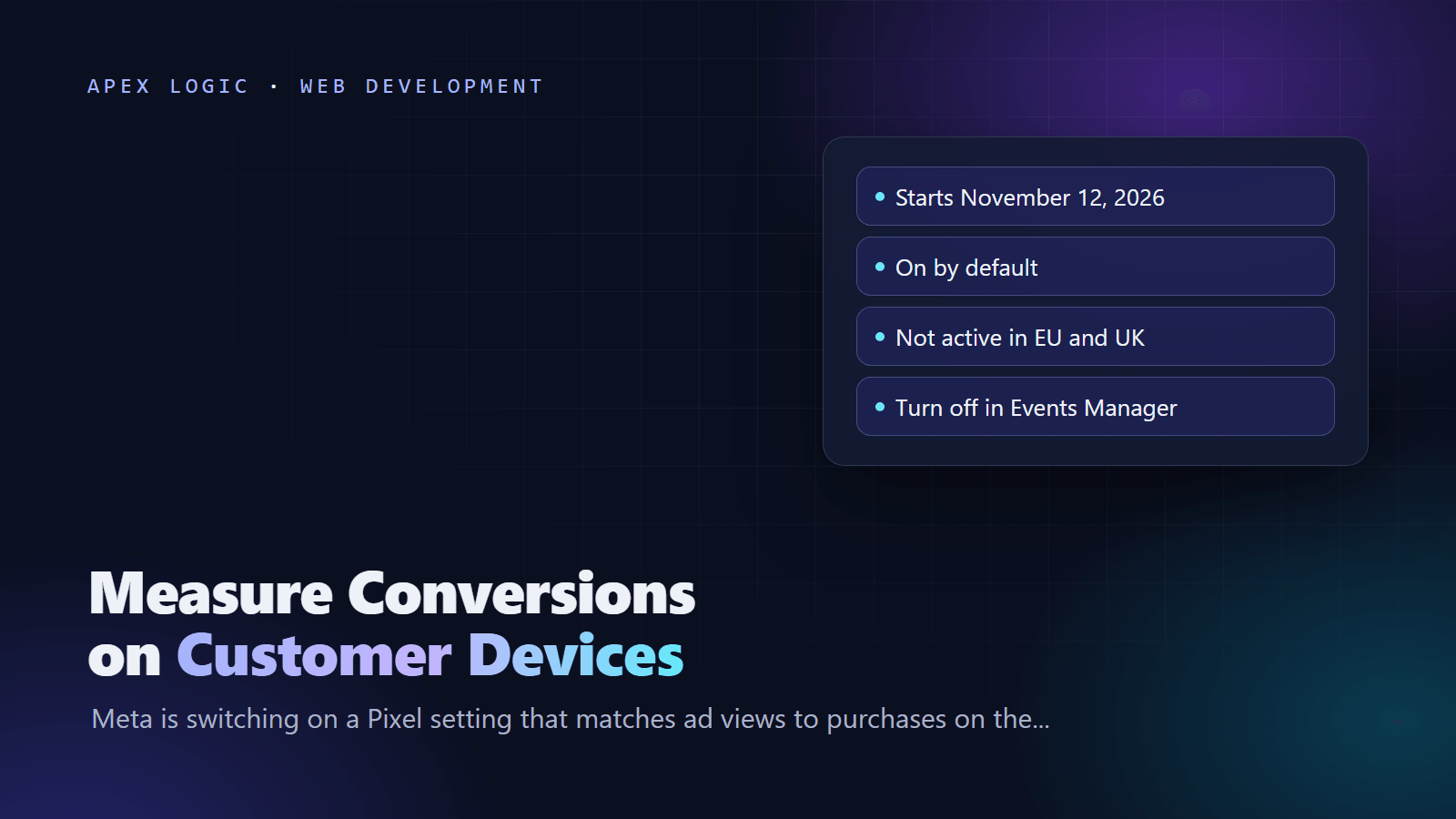
Updated 29 October 2026. Meta has added a Measure conversions on customer devices setting to Events Manager, and its notices to advertisers say measurement starts on November 12, 2026.
Measure conversions on customer devices is a new Meta Pixel setting in Events Manager. It matches an ad someone saw with a purchase they made later, on the shopper's own phone or computer, so Meta can count conversions it would otherwise miss. Meta's help page says the setting is on by default for eligible pixels and that you can turn it off at any time. Meta's notice to advertisers, as reported by PPC Land, says measurement starts on November 12, 2026.
Meta says your attribution window and attribution model do not change, only which conversions can be measured. As of 29 October 2026, the feature is not active for people located in the EU and UK, and Meta lists two prerequisites: the Pixel must be installed directly on the page, and your website must require people to log in with an email address or mobile phone number. The start date lands about two weeks before Black Friday on November 27, so the practical job is to decide on the setting now, record what you chose, and set up a simple check of Meta's numbers against your own orders.
Meta on-device conversion measurement at a glance
| Question | Answer |
|---|---|
| Setting name | Measure conversions on customer devices |
| Where it lives | Meta Events Manager, Data sources, your pixel, Settings |
| Start date | November 12, 2026, per Meta's notice as reported by PPC Land |
| Default | On for eligible pixels |
| Regions | Not active for people located in the EU and UK (as of 29 October 2026) |
| Prerequisites | Pixel installed directly on the page, not in an iframe or as an image-only pixel; site requires login with an email address or phone number |
| What changes | Which conversions Meta can measure |
| What stays the same | Attribution window, attribution model, and your Pixel and Conversions API setup |
| Can you turn it off? | Yes, per pixel, at any time |
What does Measure conversions on customer devices do?
Meta's Business Help Center explains the problem with an example. Someone sees your ad for a lamp on Instagram, then visits your website two days later and buys it. Meta may have a record of the ad view and may receive the purchase event, but it cannot always connect the two to credit your campaign.
With the setting on, that match happens on the customer's device, where both the ad view and the purchase are present. Meta says the match uses information the customer has already shared with you, such as an email address, plus temporary, non-identifying device information. According to Meta, no identifying customer information is shared with it; Meta only receives confirmation that a purchase happened and which campaign to attribute it to.
Three more points from Meta's page are worth noting:
- It works alongside your existing Pixel and Conversions API setup and does not replace either.
- It affects which conversions can be measured, not how they are credited to your ads.
- Meta states that it is your responsibility to make sure your integration does not share prohibited information with Meta.
When does Meta start measuring conversions on customer devices?
Meta's two help pages on the feature, read on 29 October 2026, do not give a start date. The date comes from Meta's notices to advertisers. PPC Land reported on October 27, 2026 that Meta's notice reached advertisers in mid-October and that a gray line under the new toggle reads "Measurement starting November 12, 2026". MetricMaven reported on October 19 that the date came from Meta's email to advertisers, and Stape described the rollout as scheduled for November 12. Treat November 12 as your planning date, and check the panel in your own Events Manager for the exact wording on your account.
Who does the November 12 change affect?
It affects advertisers whose pixels Meta considers eligible. Meta's setup page lists two requirements:
- The Meta Pixel is installed directly on your page, not inside an iframe and not as an image-only (img) pixel.
- Your website requires people to log in to an account using an email address or mobile phone number.
Measurement is not active for people located in the EU and UK. Several points are still open. PPC Land reported that Meta has not said which events are covered beyond its purchase example, which browsers and in-app browsers are supported, whether purchase values are included, or how consent is handled. Meta's page says a stronger signal can improve campaign performance, but it does not explain how recovered conversions are used in bidding. The quickest way to know where you stand is to open the Settings tab of each pixel in Events Manager and look for the toggle.
Should you keep it on or turn it off?
There is no single right answer. Meta's case for keeping it on is that you see more of the conversions you drive in campaign reporting, and that a stronger signal can improve campaign performance. The case for turning it off, or turning it off for a while, is about comparability and governance.
| Keep it on if | Turn it off or wait if |
|---|---|
| You optimize for purchases and want Meta to see more of them | You need like-for-like comparisons with last year's Black Friday |
| You already check Meta's numbers against your store's orders | Client reports or bonuses are tied to Meta-reported ROAS |
| Your privacy notice already covers advertising measurement | Your legal or privacy lead has not reviewed the feature |
| You can annotate reports so everyone knows the date of the change | Several people run the account and nobody owns tracking |
According to PPC Land, Yiqi Wu, chief executive of the tracking company Aimerce, advised on X against opting out by default, and suggested comparing Meta-attributed sales with Shopify orders while keeping server-side tracking on. That is a sensible middle path: keep the setting, but measure its effect against data you control.
How to turn off Measure conversions on customer devices
Meta's steps are short. Repeat them for every pixel you use:
- Go to Meta Events Manager.
- Click Data sources.
- Select the name and ID of your pixel.
- Click Settings.
- Below the Meta pixel settings section, find Measure conversions on customer devices and switch it on or off.
Before you change anything, take a screenshot of the current state with the date visible and note it in a change log. If an agency manages your account, ask them to confirm in writing which pixels have the setting on.
How to check your numbers after November 12
Reported conversions may rise after November 12 even if real sales do not. The fix is a simple reconciliation: compare Meta-attributed purchases with orders in your own store system, day by day, and watch the ratio rather than the raw count.
- Export daily purchases from Ads Manager for the four weeks before November 12.
- Export daily orders from your store platform for the same days.
- Work out your normal ratio of Meta purchases to store orders.
- Keep running the same report after November 12, through Black Friday and Cyber Monday on November 30.
- If the ratio jumps while store orders stay flat, the change is in measurement, not demand. Let budget decisions follow the store numbers.
Here is an illustrative Python script for steps 1 to 4. It assumes an Ads Manager export with "Day" and "Purchases" columns and a store export with one row per order and a "created_at" column, with dates that start in YYYY-MM-DD format. Column names differ by platform, so adjust them to match your files.
import csv
from collections import defaultdict


def load_counts(path, date_col, count_col=None):
    counts = defaultdict(float)
    with open(path, newline="", encoding="utf-8") as f:
        for row in csv.DictReader(f):
            day = row[date_col][:10]
            if count_col:
                counts[day] += float(row[count_col] or 0)
            else:
                counts[day] += 1
    return counts


meta = load_counts("meta_ads_export.csv", "Day", "Purchases")
orders = load_counts("store_orders.csv", "created_at")

for day in sorted(set(meta) | set(orders)):
    store = orders.get(day, 0)
    ratio = round(meta.get(day, 0) / store, 2) if store else None
    print(day, int(meta.get(day, 0)), int(store), ratio)
Expect the two numbers to differ, because Meta credits purchases to ads using its attribution settings, while your store counts every order. What matters is whether the ratio moves after November 12. If you want this as a weekly report rather than a script you run by hand, our guide to automated reporting covers how to schedule it.
What about privacy and consent?
Meta says the match uses information people have already shared with you plus temporary device information, and that identifying customer information is not shared with Meta. It also puts the responsibility for not sending prohibited information on the advertiser. MetricMaven reported that Meta's materials do not say whether the feature honors consent signals such as fbq('consent', 'revoke'), a consent management platform or Global Privacy Control.
That gap matters if you rely on consent banners outside the EU and UK. Ask whoever owns privacy at your company to review the feature, check that your privacy notice describes advertising measurement, and record the decision. If you are not sure, turning the setting off until you have answers is a defensible choice, and you can switch it back on at any time.
Checklist before November 12, 2026
- List every pixel and dataset your business uses, including old ones still loading on landing pages.
- Open Settings for each pixel and record whether Measure conversions on customer devices is on.
- Check the prerequisites: a direct Pixel install and an email or phone login on your site.
- Decide on or off for each pixel, and write down who decided and why.
- Annotate your reporting tools with November 12, 2026 as a measurement change date.
- Set up the daily ratio check against store orders.
- Keep your Pixel and Conversions API setup running, since Meta says the feature works alongside them.
- Review your privacy notice and consent setup with whoever owns privacy.
- Tell your agency, finance team and anyone who reads ROAS that the numbers may shift.
- Review the decision in the first week of December, after Cyber Monday.
How this fits with Meta's other changes
This is one of several Meta changes that small businesses are handling at the same time. Our guides cover the Facebook link limit for Pages and Meta's commercial terms and website crawling. Tracking scripts also affect page speed, so if you add or move tags while you work on this, our guide on how to speed up a slow website is a useful check.
If you would like Meta and store data pulled into one reconciliation view, our AI data analyst page shows the kind of tool we build, and our web development team can review a Pixel and Conversions API setup on a fixed quote. Get in touch if that would help.
Meta conversions on customer devices FAQ
What does Measure conversions on customer devices mean?
It is a Meta Pixel setting in Events Manager that matches ad views with later purchases on the shopper's own device, using information the customer already gave you, such as an email address, plus temporary device information. Meta says it then receives only a confirmation that a purchase happened and which campaign to credit. The goal is to count conversions that Meta currently cannot connect to an ad.
When does Meta start measuring conversions on customer devices?
Meta's notices to advertisers give November 12, 2026, according to PPC Land, which quoted the Events Manager panel text "Measurement starting November 12, 2026". MetricMaven and Stape reported the same date. Meta's help pages describe the feature but do not repeat the date, so check the panel in your own Events Manager for the exact wording shown on your account.
Is the setting on by default, and can I turn it off?
Yes to both. Meta's help page says the setting is turned on by default for eligible pixels and can be turned off at any time. To change it, go to Events Manager, click Data sources, select your pixel, click Settings, and use the Measure conversions on customer devices toggle below the Meta pixel settings section. Repeat this for each pixel you run.
Does it work for customers in the EU and UK?
No. As of 29 October 2026, Meta's help pages state that measuring conversions on customer devices is not active for people located in the EU and UK. If nearly all of your customers are there, you should see little change from this feature. Customers elsewhere can be measured if your pixel meets Meta's requirements, so stores that sell internationally may see a partial effect.
Will my Meta ROAS go up after November 12?
Reported ROAS may rise if Meta measures purchases it previously missed, even though your actual revenue stays the same. Meta says the attribution window and model do not change, only which conversions can be measured. That is why you should compare Meta-attributed purchases with orders in your store system, and annotate November 12 in your reports so nobody reads a measurement change as a sales trend.
Do I still need the Conversions API?
Yes. Meta's help page says measuring conversions on customer devices works alongside your existing Pixel and Conversions API setup and does not replace it. Keep sending server events as you do now, keep your event setup healthy, and treat the new setting as an extra measurement path rather than a reason to remove anything you already run.
Sources
- Meta Business Help Center: About measuring conversions on customer devices
- Meta Business Help Center: How to turn on measuring conversions on customer devices
- PPC Land: Meta Pixel will count more conversions from Nov 12 unless advertisers opt out (October 27, 2026)
- PPC Land: Meta Pixel counts more sales from Nov 12 (October 28, 2026)
- MetricMaven: Meta Measure Conversions, what to check (October 19, 2026)
- Stape: Meta on-device conversion measurement (October 22, 2026)



Loading comments...