Updated 23 October 2026. Meta's help pages now spell out the Facebook Page link limit and the Meta One plans that raise it, after the cap drew wide attention this week.
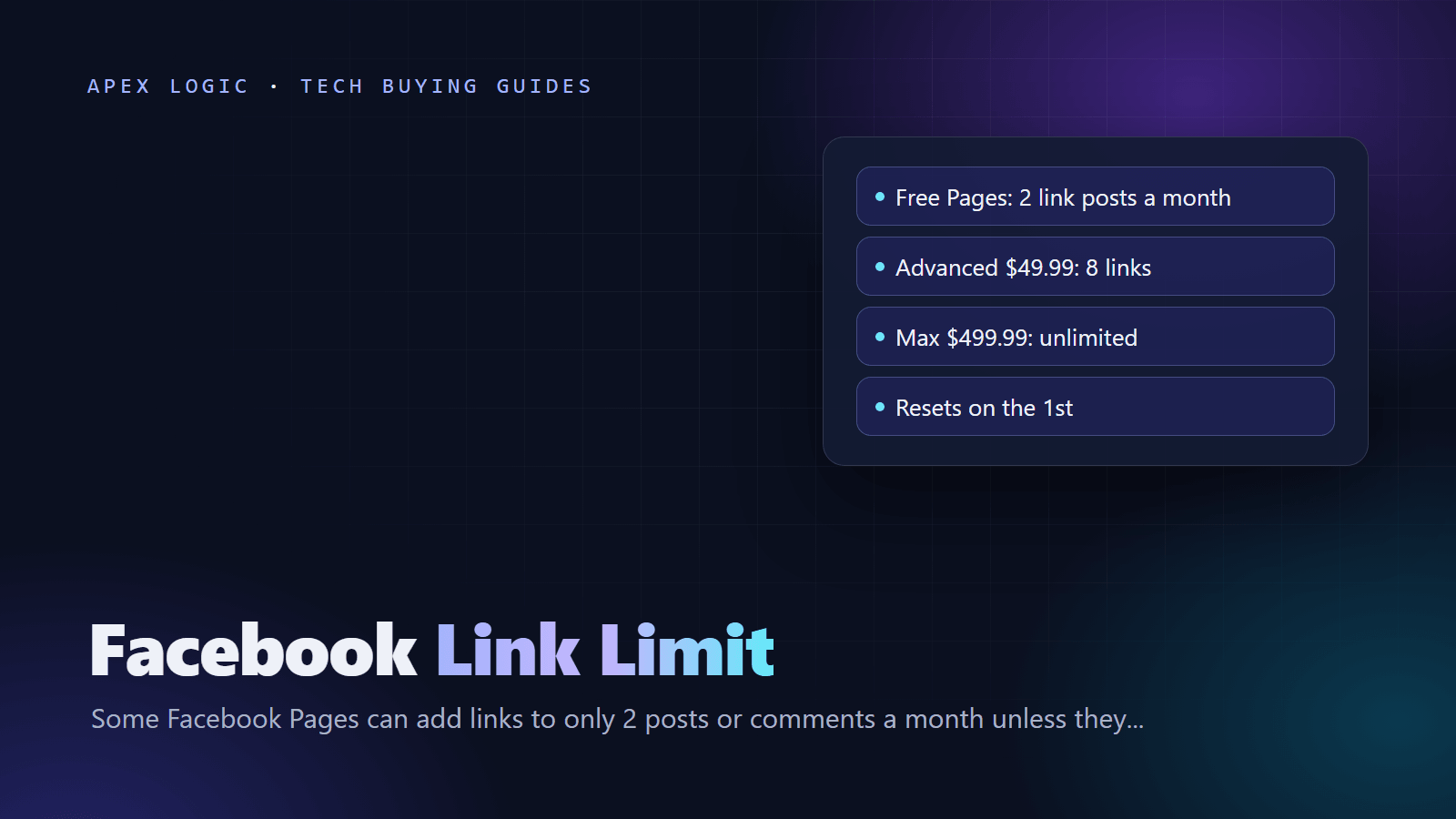
The Facebook link limit means a limited Page can include links in only 2 organic posts or comments per month. The cap resets on the 1st of each month, it may not apply to every Page, and only a paid Meta One Advanced, Expert or Max plan raises it. As of 23 October 2026, Meta lists Advanced at USD 49.99 a month for 8 link posts or comments, Expert at USD 149.99 for 20 and Max at USD 499.99 for unlimited. The cheapest business plan, Essential at USD 14.99, keeps the limit at 2.
Some links never count: links in ads, links to Meta apps such as WhatsApp and Instagram, affiliate links through Facebook's affiliate partnerships, and additional links in the comments of a post that already has a link. Used well, that last rule and a plan for your two free link posts may be enough for a business that shares only a few links a month.
Facebook link limit at a glance
| Meta One plan | Price per month (USD) | Page posts or comments with links per month |
|---|---|---|
| No subscription | Free | 2 |
| Essential | 14.99 | 2 |
| Advanced | 49.99 | 8 |
| Expert | 149.99 | 20 |
| Max | 499.99 | Unlimited |
Source: Meta's Facebook Help Center, as of 23 October 2026. Meta shows prices in US dollars and says they may vary by region.
What is the Facebook link limit?
It is a monthly cap on organic link posts for some Facebook Pages. Meta's help article on links in organic Page posts and comments says that if you see the limit, "you can include links in up to 2 organic posts or comments per month". The same article says the limits may not apply to all Pages, so two businesses can see different rules on the same day.
The cap has been building for almost a year:
- 17 December 2025: TechCrunch reported that Meta was testing a two-link limit for some professional mode profiles and Pages, with Meta Verified subscribers exempt. Meta called it a limited test and said publishers were excluded.
- 15 September 2026: Meta launched Meta One, a set of paid plans across Facebook, Instagram, WhatsApp and Meta AI, as Engadget reported.
- 17 September 2026: Social Media Today reported that the two-link restriction now reached more Pages, alongside the launch of Meta One for Business.
- 20 October 2026: a Hacker News thread about the cap reached 467 points and more than 400 comments, a sign the change had reached a much wider audience.
What counts toward the 2-link limit?
According to Meta's help page, links in organic posts and comments that you publish on your Page count toward the limit. These do not:
- extra links in the comments of a post that already contains a link
- links to Meta's own apps: Facebook, Instagram, WhatsApp and Threads
- affiliate links from partners connected through Facebook's affiliate partnerships
- links in ads
Two practical points follow. First, the old trick of posting without a link and adding it in the first comment now uses one of your two allowances, because comments count. Second, once a post carries a link, extra links in that post's comments are free. Press Gazette reported that testers who hit the limit saw their URLs appear as plain text that could not be clicked.
Meta's page also lists what you can do with a counted link: choose your own link preview image instead of the automatic one, and add a call-to-action button that sends people to a destination you pick. If a post is going to use one of your two links, use both features.
When does the Facebook link limit reset?
Without a subscription, your allowance renews on the 1st of every month, so the next reset is 1 November 2026. On a Meta One plan, it renews each month on your billing date instead. Allowances you do not use are lost at the end of the month.
Meta One plans compared: is paying for links worth it?
Meta One business plans bundle much more than links. As of 23 October 2026, Meta's "About Meta One Plans" help page lists these link-related benefits and extras:
| Plan | Facebook link posts or comments | Instagram clickable links per month | Other notable extras |
|---|---|---|---|
| Essential ($14.99) | 2 | No post or reel links listed; a link page in your Instagram bio with up to 20 links | Verified badge, impersonation protection, more Meta Business Agent use on WhatsApp Business |
| Advanced ($49.99) | 8 | Up to 4 posts and 4 reels | Scheduling, extended insights, 500 WhatsApp Business Broadcast credits, shared access for 4 people |
| Expert ($149.99) | 20 | Up to 8 posts and 8 reels | 1,250 Broadcast credits, human support chat 5 times a month |
| Max ($499.99) | Unlimited | Up to 12 posts and 12 reels | 5,000 Broadcast credits, human support chat whenever needed |
Meta says Meta One is still in limited testing, that the options you see depend on your location and account type, and that sign-up works through the mobile apps while web sign-up is still being built. It also says the business plans are not available for certain categories of profiles and Pages, so check availability before you plan around a paid tier.
A simple way to judge the price is the cost per extra link post. Advanced gives 6 more link posts than the free tier for $49.99, about $8.33 each. Expert gives 18 more for $149.99, which also works out to about $8.33 each. If one Facebook link post does not bring you more than about $8 of profit, paying for links alone does not add up, and the other benefits have to justify the plan.
Example: a small online store (illustrative)
Assume a store wants 6 link posts a month. Each link post brings 120 visits, 2 percent of visitors buy, the average order is $45 and the profit margin is 30 percent. Each link post then earns about $32 in profit (120 x 0.02 x $45 x 0.30). Four extra posts a month would be worth about $130 against $49.99 for Advanced, at prices as of 23 October 2026. With 40 visits per post, the same math gives about $43 a month, and the plan would not pay for itself. Measure your own numbers before deciding: tag each Facebook link with UTM parameters and check visits and sales in your analytics.
Which Facebook Pages are exempt from the link limit?
Meta does not publish a full list. Its help page only says the limits may not apply to all Pages. In the December 2025 test, Meta told TechCrunch that publishers were excluded. Press Gazette reported on 7 October 2026 that it understands news publishers are excluded again, but also that Meta has not confirmed how it defines a news publisher, and that some small publishers were told they had hit the free limit. The simplest check is to watch whether your Page shows the limit when you add a link.
How to share links on Facebook without paying: 7 options
- Plan your two link posts. Use them for the posts that matter most each month, such as a launch, a sale or a booking page, with a custom preview image and a call-to-action button.
- Collect links under one post. Once a post includes a link, extra links in its comments do not count, according to Meta.
- Use WhatsApp for conversations. Links to Meta technologies, including WhatsApp, do not count. A click-to-chat link to your WhatsApp Business number turns a post into a conversation. Test one on your Page to confirm it stays clickable.
- Run ads for key offers. Meta says links in ads do not count toward the limit, so a small ad budget for one important page can be cheaper than a monthly plan.
- Post content that works without a link. Photos and reels with a clear call to action, such as "message us" or "search our shop name", still drive action.
- Grow channels you own. Use your free link posts to build an email list or a WhatsApp audience, so future offers do not depend on Facebook's rules.
- Measure before you pay. Tag links with UTM parameters and compare Facebook traffic with your other sources for a month or two.
What the Facebook link limit means for your website
The direction is clear: free outbound links on Facebook are getting scarcer. Press Gazette reported the view of social media expert Matt Navarra that Meta increasingly treats external links as taking value away from its platform. Whether or not you pay, your website and your own channels need to carry more of the load.
In practice that means three things. Make sure people who search for your business find a fast, clear website, using a checklist like our SEO checklist for a new website, and our guide to getting cited by AI search. Capture contacts you can reach again, through email automation or a WhatsApp chatbot, keeping an eye on WhatsApp Business API pricing. And read the terms you accept as a business on Meta's apps, such as the Meta commercial terms that start on 30 October.
If more of your Facebook audience will now arrive through WhatsApp messages instead of link clicks, our AI tools include a support chatbot and a lead qualification assistant that reply in minutes. You can also talk to us about a setup that fits a small team and budget.
Facebook link limit FAQ
How many links can a Facebook Page post per month?
If your Page has the limit, you can include links in up to 2 organic posts or comments per month without paying. Meta One Advanced raises that to 8, Expert to 20 and Max to unlimited, while Essential stays at 2, as of 23 October 2026. Meta says the limits may not apply to all Pages, and links in ads, links to Meta apps and affiliate partnership links do not count.
Do links in comments count toward the Facebook link limit?
Yes, in most cases. Meta's help page says links in organic posts and comments you publish on your Page count. The exception is additional links in the comments of a post that already includes a link, which do not count. So putting a link in the first comment of a post without a link uses one of your two monthly allowances, while adding more links under a link post does not.
Does Meta One Essential remove the Facebook link limit?
No. Meta's help page lists the Essential plan, at USD 14.99 a month as of 23 October 2026, with the same 2 link posts or comments as a Page with no subscription. Essential adds other benefits, such as a verified badge, impersonation protection and a link page for your Instagram bio. To post links more often on Facebook, Meta points to the Advanced, Expert or Max plans.
When does the Facebook link limit reset?
Without a subscription, the limit resets on the 1st of each month, so a Page that used both links in October gets two new ones on 1 November 2026. With a Meta One plan, the count resets monthly on the date the subscription renews. Meta says unused link posts or comments do not transfer to the next month, so there is no benefit in saving them.
Do WhatsApp links count toward the Facebook link limit?
Meta's help page says links to Meta technologies, including Facebook, Instagram, WhatsApp and Threads, do not count toward the limit. That makes a WhatsApp click-to-chat link a useful way to move interested people into a conversation without using an allowance. Post one on your Page and check that it stays clickable, since Meta applies the limit unevenly while it tests the system.
Is the Facebook link limit on every Page?
No. Meta says the limits on posts and comments with links may not apply to all Pages. Press Gazette reported that news publishers are understood to be excluded, although Meta has not confirmed how it defines them. Meta has not published a list of affected Pages or a full rollout timeline, so the only reliable check is whether your own Page shows the limit when you add a link.
Sources
- Facebook Help Center: About links in organic Facebook Page posts and comments
- Meta Help Center: About Meta One Plans
- TechCrunch: Facebook is testing a link posting limit for professional accounts and Pages (17 December 2025)
- Engadget: Meta adds new subscription tiers for businesses, creators and AI power users (15 September 2026)
- Social Media Today: Facebook Pages get charged for link posts (17 September 2026)
- Press Gazette: Facebook cash-for-links scheme excludes publishers, for now (7 October 2026)
- Hacker News: Facebook Pages require paid subscription to post more than two links per month (20 October 2026)


Loading comments...