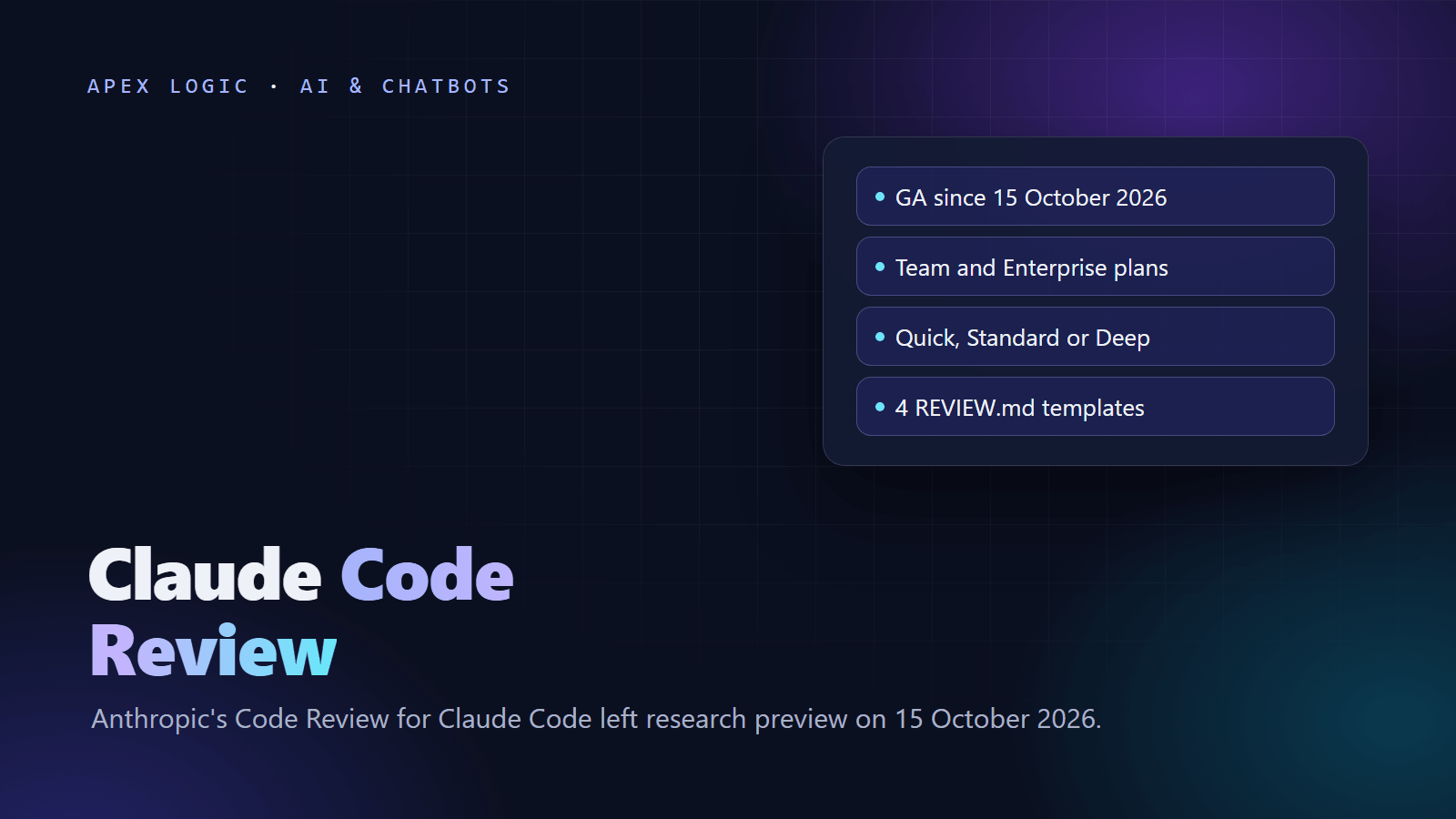
Updated 18 October 2026. Code Review for Claude Code left research preview on 15 October, and this guide covers setup, billing, comment commands and REVIEW.md files you can copy.
Claude Code Review is Anthropic's managed reviewer for GitHub pull requests: several Claude agents read each change and the code around it, a verification step drops likely false positives, and the remaining findings arrive as inline comments ranked by severity. Anthropic made it generally available on 15 October 2026 for Claude Team and Enterprise organizations. It never approves or blocks a pull request, so the merge decision stays with your team.
There is no flat price per review. As of 18 October 2026, Code Review is billed on token usage through usage credits, separate from your plan's included usage, and a review costs more at a deeper review level, on a bigger change and when reviews run on every push. An Owner turns it on from Admin settings in a few steps, and you steer what it flags with a REVIEW.md file, with four templates below.
Claude Code Review at a glance
From Anthropic's general availability announcement and the Code Review docs, checked on 18 October 2026:
| Item | Details |
|---|---|
| Status | Generally available since 15 October 2026 |
| Plans | Claude Team and Enterprise |
| Code hosts | GitHub, including GitHub Enterprise Server and GitHub Enterprise Cloud with data residency |
| Not available for | Organizations using Zero Data Retention, the HIPAA configuration or customer-managed encryption keys |
| Where it runs | Anthropic infrastructure, with read-only repository access; it does not build or run your code |
| What it posts | Inline comments, a summary and a Claude Code Review check run that never fails |
| Severity labels | Important, Nit and Pre-existing |
| Review levels | Quick, Standard (the default) or Deep, set per repository |
| Billing | Token usage through usage credits, with a monthly spend limit |
| Enterprise offer | Eligible Enterprise organizations can claim at least $10,000 in Code Review credits by 15 January 2027; credits expire 30 days after they are claimed |
What changed at general availability
Anthropic says it made three changes based on preview feedback: reviews are about three times faster (most take 6 to 10 minutes, down from about 20), findings are shorter and each states the problem, its trigger and the fix, and admins can set the review level per repository. In an engineering post the same day, the Claude Code team said Claude writes about 90% of the Claude Code codebase, and that during the preview the share of its internal pull requests getting substantive review comments rose from 16% to 54%. These are Anthropic's internal numbers, so treat them as a direction, not a forecast.
How to set up Claude Code Review
You need the Owner role in your Claude organization, a GitHub organization owner to install the Claude GitHub App, and write access to each repository you add. From the setup guide:
- On claude.ai, open Admin settings > Claude Code, go to the Code review section and turn on Allow code review.
- If a Connect GitHub dialog opens, click Connect and authorize Claude. GitHub Enterprise Server users pick their instance first.
- If your repositories are not listed, click Install GitHub App, choose the organization and repositories, approve the permissions and, if shown, click Finish connecting GitHub.
- Select the repositories and click Continue, then Finish.
- Set the review level and the Review runs option for each repository (see costs below).
- Open a test pull request that is not a draft. A Claude Code Review check run should appear within a few minutes.
Two things to know on day one: new repositories start at After every push, which runs the most reviews, and the Claude GitHub App requests broader permissions than reviews use, because other Claude features share it.
What Claude Code Review costs and how to cap it
Per the costs page, as of 18 October 2026, reviews are billed on token usage through usage credits to the organization, on your Anthropic bill even if developers use Claude through Amazon Bedrock, Google Cloud or Microsoft Foundry. Each review's cost depends on the review level, the size of the change, the complexity of the surrounding code and how many candidate issues need checking. How many reviews run depends on the Review runs setting:
| Review runs setting | When a review starts |
|---|---|
| Once after PR creation | When a pull request is opened, reopened or marked ready for review |
| After every push | On each push, so cost is multiplied by the number of pushes |
| Manual (@claude review) | Only when someone comments a review command |
Automatic reviews skip drafts and forks. To estimate a budget, Anthropic suggests a pilot: set a spend limit, turn on a few typical repositories with Once after PR creation or Manual, read the Average cost column in the admin Repositories table, and multiply by your monthly pull requests (and by pushes per pull request for After every push).
With assumed numbers: a team opens 120 pull requests a month and pushes to each about three times. By the costs page's formula, Once after PR creation runs about 120 reviews and After every push about 360, tripling the bill at the same average cost. Set a limit for the Claude Code Review service at claude.ai/admin-settings/usage; when it, the organization's overall limit or the credit balance runs out, reviews are skipped with a pull request comment that names the cause. Track spend at claude.ai/analytics/code-review.
Comment commands and severity labels
From the pull request guide:
| Command | What it does |
|---|---|
@claude review | Starts one review of the whole pull request without subscribing it to future pushes |
@claude review always | Starts a review and subscribes the pull request to a review on every later push |
A command only works as a new top-level comment on an open pull request, at the start of the comment, from someone with write, maintain or admin permission; bots are ignored. If the repository also runs the Claude Code GitHub Action with its default @claude trigger, @claude review starts the Action too, so give the Action a different trigger_phrase.
| Severity | Meaning |
|---|---|
| Important (red) | A bug that should be fixed before merging |
| Nit (yellow) | A minor issue, worth fixing but not blocking |
| Pre-existing (purple) | A bug already in the codebase that this pull request did not introduce |
To dismiss a finding without a code change, resolve its thread; a reply alone does not dismiss it.
Gate a merge on Important findings
The check run never fails, so it cannot block a merge. For a hard gate, the docs show how to read the severity counts with the GitHub CLI:
# 1. Find the check run ID for the pull request's head commit
gh api repos/OWNER/REPO/commits/COMMIT_SHA/check-runs --jq '.check_runs[] | {id, name}'

# 2. Read the severity counts from the Claude Code Review check run
gh api repos/OWNER/REPO/check-runs/CHECK_RUN_ID \
  --jq '.output.text | split("bughunter-severity: ")[1] | split(" -->")[0] | fromjson'
This prints counts such as {"nit": 1, "normal": 2, "pre_existing": 0}, where normal is the number of Important findings. Fail your CI job when normal is above zero. If the line is missing, treat it as no verdict rather than zero findings, because failed, canceled or superseded reviews do not write it.
REVIEW.md vs CLAUDE.md
Code Review reads two kinds of instruction files, explained in the customization guide:
- CLAUDE.md holds project rules that Claude Code follows for every task, reviews included. A review reads the root file and those in the parent folders of each changed file, and flags changes that break them.
- REVIEW.md holds rules for reviews only: what counts as Important, what to skip, how many nits to post and what to always check. Put one at the repository root, plus optional files in subfolders for code under that path.
Three rules decide whether your REVIEW.md works. Reviews read it from the base or default branch, never from the pull request's own changes, so merge a change before you expect it to apply. Instructions that lower severity, exclude paths or cap nits are honored when the root file sits on a protected default branch (a classic branch protection rule or a ruleset). And the local /code-review command reads CLAUDE.md but not REVIEW.md, so rules you want in both places belong in CLAUDE.md.
4 REVIEW.md templates you can copy
We wrote these starting points ourselves, following the structure of the example in Anthropic's docs. Adjust the paths and rules, merge the file to your protected default branch, watch a week of reviews, then tighten it.
1. Web app (React or Next.js with API routes)
# Review instructions

## What Important means here

Important means a bug that breaks a page or API route, shows one user's
data to another or blocks a rollback: missing session checks, user input
rendered as raw HTML, secrets reaching the browser, or database changes
that are not backward compatible. Style is Nit at most.

## Cap the nits

Report at most three Nits per review.

## Do not report

- Lint, formatting and type errors (CI runs these)
- Generated output in .next/ and dist/, and any lockfile

## Always check

- Every new API route checks the session before it reads or writes data
- Forms validate input on the server, not only in the browser
- New environment variables are documented in .env.example
2. Python API or backend service
# Review instructions

## What Important means here

Important means wrong data returned or stored, a missing permission
check, an unhandled error that turns into a 500 response, or a
migration that cannot be rolled back. Refactoring ideas are Nit at most.

## Cap the nits

Report at most five Nits per review.

## Do not report

- Anything ruff, mypy or the test suite already catches in CI
- Test fixtures under tests/fixtures/
- Generated client code under app/generated/

## Always check

- Every outbound HTTP call has a timeout
- Money is stored and calculated as Decimal, never float
- New endpoints have at least one test for the unauthorized case
3. AI chatbot or LLM feature
# Review instructions

## What Important means here

Important means the model can take an action without the checks below,
personal data or API keys reach prompts or logs, or a change removes a
safety instruction from a system prompt. Prompt wording changes that
keep the same rules are Nit at most.

## Do not report

- Files under evals/fixtures/
- Wording-only edits in prompts/ that keep every rule

## Always check

- Every tool the model can call checks the user's permission on the server
- Actions that send email, issue refunds or change orders need a
  confirmation step or a human approval
- Model calls set a timeout and a maximum token limit
- Claims about behavior cite file:line evidence, not guesses from names
4. Infrastructure and CI config (Terraform, Docker, workflows)
# Review instructions

## What Important means here

Important means a change that exposes a service or storage bucket to the
internet, puts a secret in plain text, deletes backups or shortens
retention, or lets code reach production without passing tests.

## Cap the nits

Report at most two Nits per review.

## Do not report

- Key ordering, whitespace and comment wording

## Always check

- Container images in production use pinned versions, not latest
- Every new cloud resource has an owner tag
- Changes to production have a matching change in staging
- CI workflows do not skip tests on the main branch
For a sensitive folder, such as billing code, add a second REVIEW.md inside it with extra checks. Anthropic's docs show this layout with a file under services/billing/.
Code Review vs /code-review vs Ultrareview
| Option | What starts it | Where it runs | Who can use it |
|---|---|---|---|
| Code Review | Pull request activity or an @claude review comment | Anthropic infrastructure | Team and Enterprise organizations with GitHub repositories |
/code-review | You, in a Claude Code session | Your session, counted toward your plan or API usage | Anyone, on any plan |
| Ultrareview | /code-review ultra in Claude Code | A cloud sandbox | claude.ai accounts; not on Bedrock, Google Cloud or Foundry, or for ZDR, HIPAA or CMEK organizations |
| Claude in your own CI | Your pipeline events | Your GitHub Actions or GitLab CI/CD runners | Anyone with a Claude API key or cloud credentials |
/code-review is the cheap way to try AI review first. It reviews your current branch by default, also takes a pull request number, branch range or path, and accepts --fix to apply findings or --comment to post them on a GitHub pull request or, through the glab CLI, a GitLab merge request (see the local review docs).
Limits and how to use it well
- It can miss things. Anthropic's docs say a review with no findings does not mean the code is error-free or secure, and reviews never build or run your code. Keep CI, tests and a security review in place; our guide on how to secure a web application lists the basics.
- Keep humans on risky paths. In its engineering post, the Claude Code team describes risk tiers: low-risk changes such as docs need no human approval once automated checks pass, ordinary changes need one person and the riskiest code needs two, and an agent's approval never counts as a human's.
- Write the rules down. Pair a short REVIEW.md with an AI use policy for your developers; our AI policy template is a starting point.
If you outsource development, ask your vendor how AI-written code is reviewed, and add it to the questions in our guide on how to choose an AI development company. See also AI coding assistants for teams and, for an open-source agent you can point at any model, our OpenCode 2.0 guide. If you want help writing review rules or adding AI review to your CI, get in touch.
Claude Code Review FAQ
How much does Claude Code Review cost?
There is no flat per-review price. As of 18 October 2026, Code Review is billed to the organization on token usage through usage credits, separately from your plan's included usage. A review costs more at the Deep level, on large or complex changes and when reviews run on every push. Run a pilot, read the average cost per review and set a monthly spend limit.
Which plans include Claude Code Review?
Claude Team and Enterprise plans, for repositories on GitHub, GitHub Enterprise Server or GitHub Enterprise Cloud with data residency. It is not available to organizations using Zero Data Retention, the HIPAA configuration or customer-managed encryption keys. On other plans, run the local /code-review command in Claude Code, which counts toward your normal usage.
Does Claude Code Review work with GitLab?
The managed Code Review service works with GitHub only. For GitLab, Anthropic's docs offer two routes: run /code-review --comment in Claude Code to post findings on a merge request as one note through the glab CLI, or run Claude in your own GitLab CI/CD pipeline with an API key. Both run on your side, so you manage the setup and the bill.
Can Claude Code Review block a merge?
Not by itself. Reviews never approve or block a pull request, and the Claude Code Review check run finishes as neutral, never as a failure. To enforce a rule, require conversation resolution in GitHub branch protection so findings must be resolved, or read the severity counts with the GitHub CLI in your CI job and fail it when the count of Important findings is above zero.
What is the difference between Code Review and /code-review?
Code Review is the managed service that reviews pull requests on GitHub for Team and Enterprise organizations, runs on Anthropic infrastructure and reads both CLAUDE.md and REVIEW.md. /code-review is a command you run in your own Claude Code session on any plan. It reads CLAUDE.md but not REVIEW.md, counts toward your normal usage and can apply its fixes with --fix.
Sources
- Anthropic: Code Review is now generally available (15 October 2026)
- Claude Code team: How the Claude Code team does code review (15 October 2026)
- Claude Code docs: Code Review
- Claude Code docs: Set up Code Review
- Claude Code docs: Code Review costs and usage
- Claude Code docs: Read and request reviews on a pull request
- Claude Code docs: Customize Code Review
- Claude Code docs: Review locally with /code-review

Loading comments...