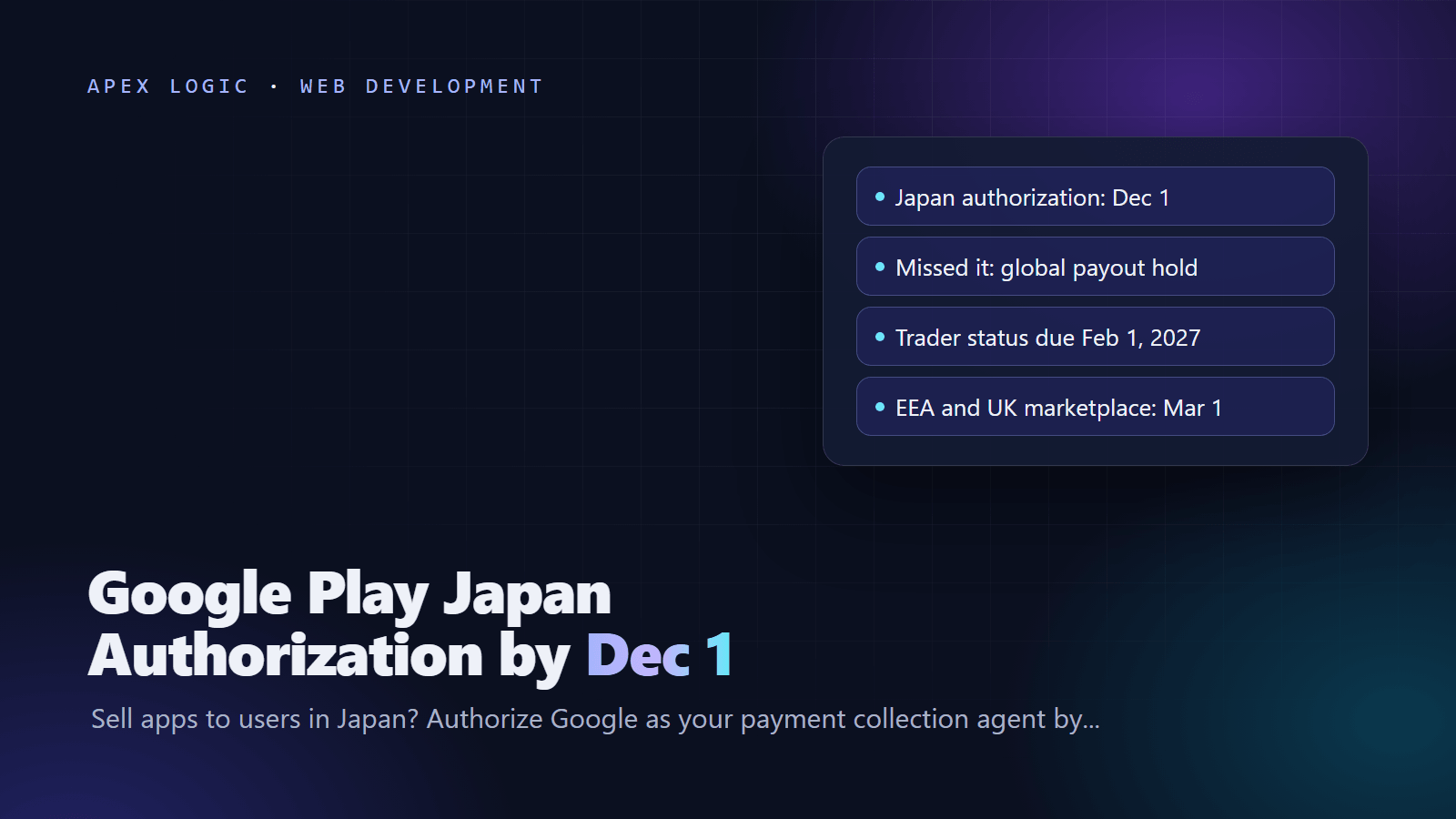
Updated 10 November 2026. Google's October 29 policy update set December 1, 2026 as the deadline for the Japan payment authorization and opened trader status declarations, which are due by February 1, 2027.
If you sell apps, subscriptions or in-app items on Google Play to users in Japan, or sell from Japan to users in other countries, you must authorize Google to act as your payment collection agent under Japan's Payment Services Act by December 1, 2026. If you miss it, Google says your payments will be held globally: a hold on all your earnings in every region, not only Japan, until you complete it. The authorization itself takes one click on Continue in the invitation that arrives by email, in Play Console or in Payments Center.
The second deadline reaches every developer. All active developer accounts must declare whether they are a trader or a non-trader under EEA and UK consumer law by February 1, 2027, ahead of Google Play's move to an online marketplace model in the EEA and UK on March 1, 2027. If you declare as a trader on a personal account, Google will display a phone number and an address on Google Play. Missing the declaration may lead to blocked app updates and removal from Google Play globally.
Google Play deadlines at a glance
| Date | What changes | Who it affects |
|---|---|---|
| December 1, 2026 | Japan Payment Services Act authorization due; payments held globally if it is missing | Developers selling into or out of Japan |
| December 15, 2026 | Disbursement block date reported from Google's emails, not in Google's published pages | The same group; do not plan around it |
| From November 2026 | Trader status declarations open in Play Console | All active developer accounts |
| January 27, 2027 | Location button, contacts picker, call log, geofencing and subscription discount rules apply | Apps using those permissions or offers |
| February 1, 2027 | Trader status declaration due | All active developer accounts |
| February 2027 | New memory and code optimization quality thresholds | All apps |
| March 1, 2027 | Marketplace model in the EEA and UK; trader details shown on Google Play | Developers who declare as traders |
What is the Google Play Japan authorization?
Google says Japan's Payment Services Act (PSA) and Installment Sales Act (ISA) require it to verify developer identity and collect specific declarations. In the PSA step, you authorize Google to act as your payment collection agent for sales that cross Japan's border. You open the authorization page from your invitation and select Continue to give consent, and Google says your status updates right away.
The deadline comes from Google's October 29, 2026 policy announcement, which says developers who sell into or out of Japan must complete authorization by December 1, 2026, or their payments will be held globally. Google's Payments Center help page adds that you should complete it by the deadline stated in your invitation.
Who has to complete the Japan authorization?
- Developers outside Japan who sell to users in Japan.
- Developers based in Japan who sell to users outside Japan.
- Not required: sales made entirely within Japan, according to Google's help page.
TWIMCO reads selling as any paid app, subscription or in-app purchase available to buyers in Japan, and pointed out that many apps are available in every country by default, so a developer can be selling into Japan without planning to. Agencies that publish apps for clients, or keep several clients' apps in one account, should check each payments profile, not just their own. If an agency publishes for you, our guide to protecting your IP when you outsource explains why the developer account should be in your name.
What happens if you miss December 1?
Google says it will place a global hold on all your earnings across all regions until the authorization is done, and its FAQ says you get no payouts from any region until you consent.
TWIMCO, citing a September report by Factotum, wrote that Google's emails said invitations began on September 1 and that disbursements would be blocked on December 15. Factotum's November 2 digest says the December 15 date appears only in Google's emails, not in its published documents. As of 10 November 2026, treat December 1 as the real deadline.
How to complete the Japan authorization, step by step
- Look for the invitation in your email, including spam, in Play Console and in Payments Center.
- Open the link to the Authorization page.
- Select Continue to submit your authorization. Google says the status updates immediately.
- Complete the separate Installment Sales Act disclosure if you are asked for it.
- Check that the payments profile you authorized is the one your payouts use, a check TWIMCO recommends.
- If you sell into Japan but cannot find an invitation, contact Google Play support from the Play Console help menu.
What is the Installment Sales Act disclosure?
This is a second, separate step for any developer that sells into Japan. Google notifies existing sellers at policy launch and new sellers after their first sale to a buyer in Japan. The information depends on your account type:
- Individuals: full name and address, plus two yes or no questions about the last five years.
- Organizations: registered legal name and address, the authorized representative's name and date of birth, whether you have a 13-digit Japanese Corporate Number (and the number if you do), plus the same two questions.
The two questions ask about penalties or administrative actions under Japan's Act on Specified Commercial Transactions and court findings under the Consumer Contract Act. A yes answer does not ban you, but you must give five details: the date, what happened, who was involved, where it happened (app, website, ad or terms of service) and the steps taken to prevent it happening again. Google reviews these by hand, and the most common reason for a resubmission request is a yes answer missing one of the five details. New developers have payouts blocked at their first Japan earnings until the disclosure is done, while existing developers get a temporary grace period with reminders.
Google Play trader status: what changes on February 1 and March 1, 2027?
Google's trader status page says every active developer account must declare whether it is a trader or a non-trader by February 1, 2027, and new accounts must declare when they are created. The page names the UK Digital Markets, Competition and Consumers Act and the EU Unfair Commercial Practices Directive, and ties the change to Google Play's move to an online marketplace model in the EEA and UK on March 1, 2027.
From March 1, 2027, Google says it will show these details for traders:
- Your contact details. For personal accounts that declare as traders, that means a phone number and an address.
- Your D-U-N-S number, in the App support section.
- A link to your app's terms of service, if you provide one.
- For users in the EEA and UK, your developer or trader name in the "Offered by" field in place of Google, and your self-certification that your products comply with local laws.
If you declare as a non-trader, Google will tell EEA and UK users that consumer protection rights do not apply to their contracts with you. Failing to declare by February 1, 2027 may trigger enforcement, including app update blocks and removal from Google Play globally, and misstating your status can lead to account suspension or termination.
Am I a trader or a non-trader?
Google defines a trader as anyone acting for purposes related to their trade, business, craft or profession. A personal hobby is unlikely to make you one. Google suggests weighing profit motive, transaction volume, how your business is set up and your legal status, such as holding a D-U-N-S number. In our reading, a company account, an app with paid features or subscriptions, or an app run to earn ad revenue points to trader status, while a free hobby app with no income points the other way. Developers who do not distribute in the EEA or UK can declare as non-traders.
How to declare trader status in Play Console
- Sign in to Play Console and go to Manage account, then Account details, then About you, and follow the prompts.
- If you are a trader, open each app and go to Monitor and improve, then Policy and programs, then App content, and confirm the trader status.
- Self-certify that you offer only compliant products or services, add a terms of service link for each app, and add a contact phone number if you use a personal account.
Can I keep my home address off Google Play?
Google's page does not describe a way for traders to hide their details, and the trader declaration is separate from the identity verification every developer completes, which our Android developer verification guide covers. If you trade as an individual and do not want your home address public from March 1, 2027, talk to an adviser now about a business address or trading through a company, then declare.
Other Google Play dates from the October 29 update
Google says you have at least 30 days from October 29, 2026 to comply with the new policies, and its policy deadlines table lists these dates:
- January 27, 2027, location: the location button becomes mandatory for one-time or infrequent requests in apps targeting API 37 or higher, and apps using ACCESS_FINE_LOCATION must explain in Play Console why coarse location or the button is not enough.
- January 27, 2027, call log: account verification by phone call is no longer a permitted use of READ_CALL_LOG. Google lists the SMS User Consent API, the SMS Retriever API and the Digital Credentials API as alternatives.
- January 27, 2027, other rules: geofencing is removed as an approved foreground service use case (use the Geofence API), apps without a real need for broad contacts access must use the Android Contact Picker, and subscriptions with ongoing eligibility discounts, such as student plans, must explain eligibility, verification and the price after eligibility ends.
- February 2027: new app quality thresholds for memory and code optimization, which Google says can affect visibility and publishing.
- April 14 and August 25, 2027: AppFunctions, then the Local Network and Manage Contacts declarations.
Checklist: 10 steps for Google Play developers
- Pull your Japan sales from your earnings reports and check which apps have paid features available in Japan.
- Find the Japan authorization invitation for every payments profile you control.
- Click Continue on the PSA authorization before December 1, 2026.
- Complete the Installment Sales Act disclosure, with all five details for any yes answer.
- Confirm the status and save a dated screenshot.
- Agencies: repeat for every client account and tell clients what you did.
- Decide your trader status and, if you are an individual trader, sort out a business address and phone number.
- Declare at account level, then confirm trader status and add a terms of service link for each app.
- Schedule code changes for the January 27, 2027 permission and subscription rules.
- Check your payouts after December 15 and your store listing after March 1, 2027.
If you need help moving phone-call verification to the SMS or Digital Credentials APIs or reworking location permissions, our development team works on fixed quotes, and you can send us your app list. Our guides to adding payments to your app and app maintenance costs cover the next steps.
FAQ
Do I need the Japan authorization if my apps are free?
The authorization covers payments Google collects for you, so it matters if you sell paid apps, in-app purchases or subscriptions to buyers in Japan, or sell from Japan to buyers elsewhere. If you sell nothing, Google has no payments to collect for you. Still, if Google sends you an invitation, complete it. It takes one click and removes any doubt about a payout hold.
What does payments held globally mean?
Google says it will place a global hold on all your earnings across all regions until you complete the authorization, and its FAQ adds that you receive no payouts from any region until you consent. The hold is not limited to Japan revenue, so a missed click affects the cash flow of your whole business, including sales in the US and Europe.
Is the Japan authorization the same as Android developer verification?
No. The Japan authorization is a payments step required by Japan's Payment Services Act, completed from an invitation or in Payments Center. Android developer verification is Google's identity check for developers. The trader status declaration is a third step that Google says is separate from identity verification. You may need all three, and finishing one does not satisfy the others.
Who counts as a trader on Google Play?
Google treats anyone acting for purposes related to their trade, business, craft or profession as a trader. It suggests looking at profit motive, transaction volume, business setup and legal status, such as having a D-U-N-S number. A personal hobby is unlikely to make you a trader. If your app earns money as part of a business, plan to declare as a trader.
Will Google show my address on Google Play?
If you declare as a trader on a personal developer account, yes. Google's trader status page says a phone number and address will be displayed, along with your D-U-N-S number and a terms of service link, from March 1, 2027. The page does not describe a way to hide these details, so decide on a business address and phone number before you declare.
What if I do not distribute apps in the EEA or UK?
You still have to make a declaration by February 1, 2027, because Google requires it from all active developer accounts regardless of where apps are distributed. Google's page says developers who do not distribute in the EEA or UK can declare as non-traders. If you later start distributing there, you can update your declaration in Play Console when your activities change.
Sources
- Google Play Console Help: Policy announcement, October 29, 2026
- Google Payments Center Help: How to verify as a developer selling into or out of Japan
- Google Play Console Help: Trader status declaration
- Google Play Console Help: Policy deadlines
- Factotum: Publishing ops digest, October 26 to November 1, 2026
- TWIMCO: Google Play Japan Authorization by Dec 1, 2026
Loading comments...