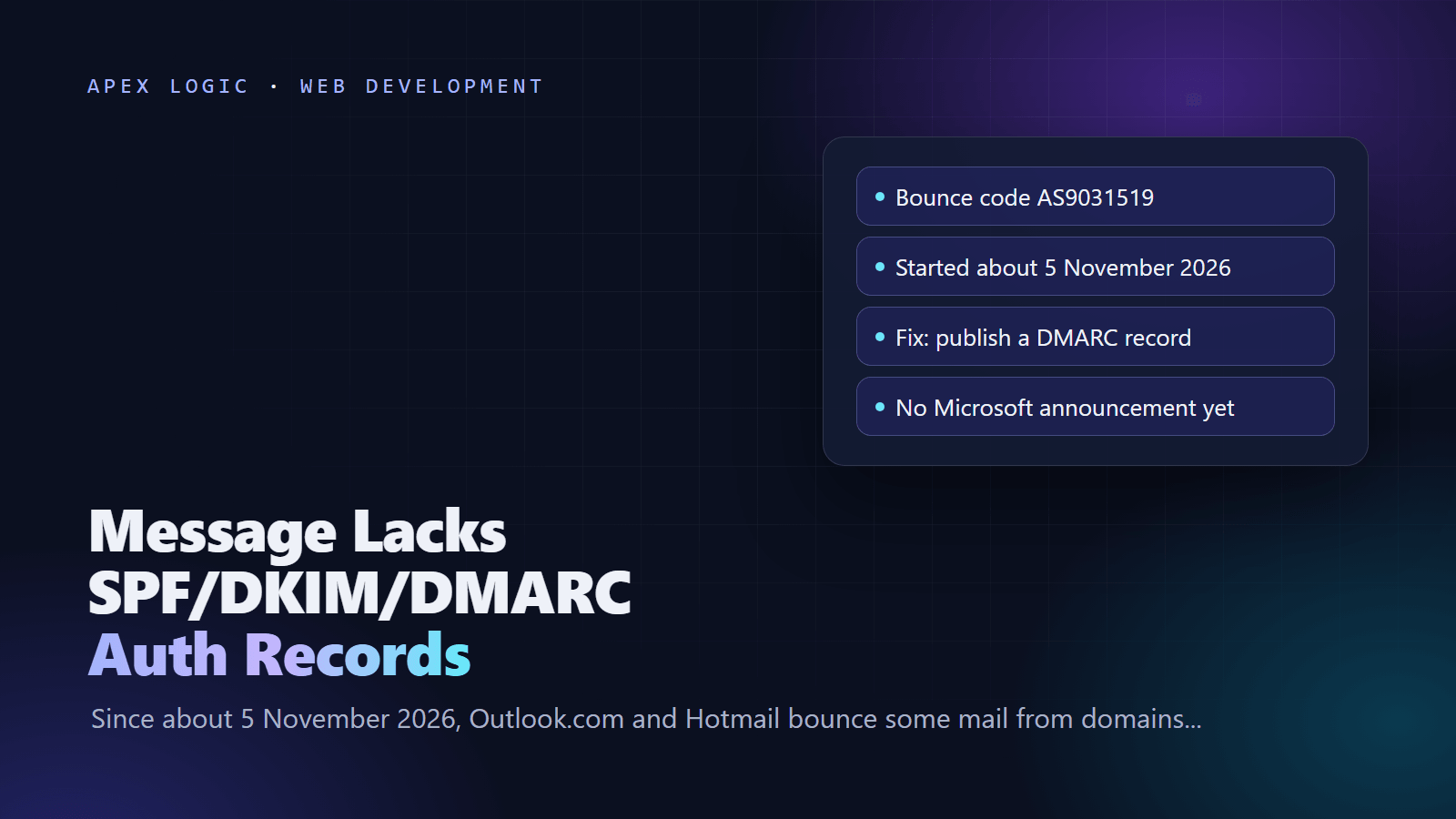
Updated 10 November 2026. A Microsoft support moderator now describes an ongoing Exchange service issue, while senders confirm that publishing a DMARC record stops most of these bounces.
The bounce "550 5.7.1 Message rejected: Message lacks SPF/DKIM/DMARC Auth Records (AS9031519)" means Outlook.com refused your message. Since about 5 November 2026, Outlook.com, Hotmail, Live and MSN mailboxes have been rejecting part of the mail from sending domains that have no DMARC record, including small senders that send a few emails a week. As of 10 November 2026, Microsoft has not announced a policy change.
The fix that works for most senders is quick: publish a DMARC record for your domain, for example a TXT record at _dmarc with the value v=DMARC1; p=none, and make sure SPF or DKIM passes for the domain in your From address. Then resend the bounced messages. Nothing on the recipient's side fixes it, because the message is rejected before it reaches the mailbox.
The Outlook DMARC bounce at a glance
| Question | Answer, as of 10 November 2026 |
|---|---|
| Bounce text | 550 5.7.1 Message rejected: Message lacks SPF/DKIM/DMARC Auth Records, often ending in (AS9031519) |
| Who rejects | Outlook.com, Hotmail.com, Live.com and MSN.com mailboxes |
| Started | On or about 5 November 2026, according to MailRoute and postmasters on the mailop list |
| Who is hit | Sending domains with no DMARC record, at any volume |
| Every message? | No. Rejections are partial, and a retry can get through |
| Microsoft's position | No announcement or postmaster notice. A support moderator described a service degradation under investigation on 9 November |
| Fix senders report | Publish a DMARC record, even p=none, with SPF or DKIM aligned to the From domain |
| Recipient-side fix | None. Safe senders is unlikely to help, according to a Microsoft moderator |
What does "Message lacks SPF/DKIM/DMARC Auth Records" mean?
It is a rejection during delivery, so the message never reached the inbox or the junk folder. MailRoute, which wrote up the change on 6 November, has seen two forms of the bounce:
550 5.7.1 Message rejected: Message lacks SPF/DKIM/DMARC Auth Records (AS9031519)
550 5.7.1 Message rejected: Message lacks SPF/DKIM/DMARC Auth Records
Some Microsoft 365 senders see it inside a different code. A Microsoft Q&A post on 6 November quoted this text for a message to a hotmail.com address:
550 5.7.23 The message was rejected because of Sender Policy Framework violation -> 550 5.7.1 Message rejected: Message lacks SPF/DKIM/DMARC Auth RecordsThe message does not say which check failed. The pattern in reports is consistent, though: the sending domains already had working SPF, and often DKIM, but published no DMARC record at all.
Is this a new Microsoft rule or a bug?
Nobody outside Microsoft knows yet. Here is what is known, as of 10 November 2026:
- The published rule is older and narrower. Since May 2025, Microsoft has required domains that send 5,000 or more messages a day to Outlook.com to pass SPF and DKIM and publish a DMARC policy of at least p=none, with failures bounced as 550 5.7.515. That rule never covered small senders.
- The new bounces hit small senders. On the mailop list, Neil Jenkins of Fastmail reported the same rejections for many customers with custom domains and said he could find no announcement. Another member reported being hit while sending around 20 emails a week.
- It may depend on how your DNS answers. Dan Malm, a systems engineer at one.com, reported that only his domains whose _dmarc lookup returns NXDOMAIN seemed affected, not those that return an empty NOERROR answer. Al Iverson replied that his own test matched: mail with a valid DMARC record was accepted and mail with an NXDOMAIN answer was rejected.
- Microsoft's support staff are hedging. On 9 November, a Microsoft external staff moderator on Microsoft Q&A wrote that an ongoing Exchange service issue affecting mail to Outlook.com, Hotmail.com and Live.com was classified as a service degradation under investigation. The dmarcian team, in a post syndicated by Security Boulevard, said they believe a bug, not a deliberate change, is the cause.
Either way, the practical answer is the same. A DMARC record costs nothing, protects your domain from spoofing once you enforce it, and is already required for high-volume senders. Add it now instead of waiting for Microsoft to explain.
How to fix the AS9031519 bounce in 7 steps
- Read the full bounce. Note the From domain, the exact 550 text and the time. Keep a copy, because you will need it if the problem continues.
- Check whether a DMARC record exists. Replace example.com with your domain:
No answer, or an NXDOMAIN error, means there is no DMARC record.# macOS or Linux dig +short TXT _dmarc.example.com # Windows PowerShell Resolve-DnsName -Name _dmarc.example.com -Type TXT # Any system nslookup -type=TXT _dmarc.example.com - Publish a DMARC record. At your DNS host, add a TXT record with the host name _dmarc only, since most DNS panels add the domain for you, and a value such as:
A domain can have only one DMARC record, so edit an existing one instead of adding a second. The rua address receives daily aggregate reports. If it sits on a different domain, that domain must publish an authorization record, as Microsoft's DMARC guide explains.v=DMARC1; p=none; rua=mailto:dmarc-reports@example.com - Check SPF. Run dig +short TXT example.com and look for exactly one record starting with v=spf1. It must list every service that sends as your domain: your mailbox provider, your website or app's mail service and your newsletter tool.
- Turn on DKIM with your own domain. DMARC passes only when SPF or DKIM passes for the domain in the From address. Microsoft's DKIM guide says Microsoft 365 does not sign mail from a custom domain with that domain until you turn it on. In the Defender portal, go to Email & collaboration, Policies & rules, Threat policies, Email authentication settings, open the DKIM tab, publish the two CNAME records it shows for selector1._domainkey and selector2._domainkey, then switch on signing. Do the same in every other service that sends as you.
- Test with a real message. Send to an Outlook.com or Hotmail address you control and open the message headers. In the Authentication-Results line you want dmarc=pass. Microsoft's DMARC guide notes that dmarc=bestguesspass means no DMARC record was found and Microsoft inferred a pass, so treat it as a missing record.
- Resend what bounced and watch the reports. MailRoute notes that DNS changes usually apply within minutes, once the old answer expires from caches, but messages that already bounced must be sent again. After a few weeks of clean reports, plan the move toward p=quarantine and p=reject.
What about website forms, apps and newsletter tools?
The senders most likely to miss this are systems, not people. Contact forms, WordPress notifications, order confirmations, CRM sequences and app sign-up emails often send as your domain through another service. Microsoft's support article for the 5.7.515 bounce gives the checklist for each one: it should use your domain in the return path, sign DKIM with your domain, be covered by your SPF record and pass DMARC against your domain. For services outside your direct control, such as bulk email tools, Microsoft's DMARC guide recommends sending from a subdomain such as marketing.example.com, with its own SPF and DKIM, so problems there do not hurt your main domain.
We cover the basics of all three records in SPF, DKIM and DMARC explained, and email setup is one of the checks in our website launch checklist. If you run marketing or follow-up sequences, the sending setup in our email automation guide needs the same alignment, and if you forward domain mail to another mailbox, our domain email forwarding guide covers the SPF and DKIM side of forwarding.
People say their emails to my Outlook.com address bounce. What can I do?
Very little, unfortunately. On Microsoft Q&A, a Microsoft external staff moderator said personal @outlook.com addresses do not need SPF, DKIM or DMARC records of their own, because the problem lies with the sender's domain, and that adding the sender to Safe senders is unlikely to resolve this error. If mail from several unrelated senders fails, collect the full bounce messages and report them through Help, then Still need help, in Outlook.com. The practical step is to forward the bounce to the sender and ask their IT contact to add a DMARC record.
Should I use p=none, p=quarantine or p=reject?
Start with p=none. Microsoft's own DMARC guide recommends a gradual rollout:
| Policy | What it asks receivers to do | When to use it |
|---|---|---|
| p=none | No special action on failing mail; send reports | Now, as the fix for this bounce |
| p=quarantine | Treat failing mail as suspicious, for example the junk folder | After reports show every real sender passes; raise pct= in steps such as 10, 25, 50, 75 and 100 |
| p=reject | Reject failing mail | The final step, and right away for domains that never send email |
A p=none record is the safe first step because it does not ask receivers to treat your mail more harshly. It also does not stop anyone spoofing your domain, so treat it as a starting point, not the finish line.
If bounced replies are piling up in a shared inbox while you sort this out, an AI email inbox assistant can triage them, but only DNS changes fix the bounce itself. If your website, CRM or app sends email and you are not sure which services send as your domain, our automation team can map them and fix the records. Get in touch with your domain and a copy of the bounce.
Outlook DMARC bounce FAQ
Why is Outlook rejecting my email when SPF and DKIM pass?
Because, in most reports, the sending domain has no DMARC record. Postmasters on the mailop list, including Fastmail's, described rejections for domains with valid, aligned SPF and DKIM whose only gap was the missing record. DMARC is what ties SPF and DKIM to the From address, and Outlook.com appears to be treating its absence as a failure. Publishing a record, even p=none, has stopped the bounces for many senders.
Does a p=none DMARC record fix the AS9031519 bounce?
For most senders, yes. MailRoute and several posters on Microsoft Q&A report that adding v=DMARC1; p=none stopped the rejections once the record was live in DNS. It only works if SPF or DKIM also passes for your From domain. A few posters still saw intermittent rejections with SPF, DKIM and DMARC all passing, which points to a Microsoft-side problem worth reporting with full bounce copies.
Does this only affect bulk senders?
No. Microsoft's published requirement, in force since May 2025, applies to domains sending 5,000 or more messages a day and uses the 550 5.7.515 code. The AS9031519 bounces that began in November 2026 also hit small offices, personal domains and senders of a few emails a week, according to reports on the mailop list and Microsoft Q&A. Every domain that sends email should now publish DMARC.
How long does a new DMARC record take to work?
Usually minutes. MailRoute notes that the change takes effect once the old DNS answer expires from caches, which depends on the time to live set at your DNS host. Check that the record is visible with dig or Resolve-DnsName before you resend anything. Messages that already bounced will not be retried by Microsoft, so send them again yourself.
Are Microsoft 365 business mailboxes rejecting mail without DMARC too?
The reports focus on Microsoft's consumer domains: outlook.com, hotmail.com, live.com and msn.com. The dmarcian team described one case where a domain with no DMARC record was rejected by Outlook.com but accepted by a Microsoft 365 business address. That is a single observation, not a confirmed rule, so publish DMARC regardless of which Microsoft mailboxes your customers use.
What is the 550 5.7.23 SPF validation error from Hotmail?
Some senders see the AS9031519 text wrapped inside a 550 5.7.23 Sender Policy Framework error. Posters on Microsoft Q&A fixed several of these by adding a missing DMARC record, and others found duplicate DMARC records or SPF syntax errors. Check that you have exactly one SPF record and one DMARC record, then report persistent cases to Microsoft with message IDs.
Sources
- MailRoute: Outlook.com is quietly rejecting email from domains without DMARC (6 November 2026)
- MailRoute docs: Fix Outlook.com 550 5.7.1 Message lacks SPF/DKIM/DMARC Auth Records
- mailop list: Microsoft requiring DMARC now or just us? (6 to 8 November 2026)
- Microsoft Q&A: 550 5.7.1 Message rejected: Message lacks SPF/DKIM/DMARC Auth Records
- Microsoft Q&A: Incoming emails blocked due to lack of SPF/DKIM/DMARC records on an outlook.com account
- Microsoft Q&A: SPF validation error (550 5.7.23)
- Security Boulevard (from dmarcian): Outlook.com is rejecting some mail from domains with no DMARC record (9 November 2026)
- Microsoft Support: Fix NDR error 550 5.7.515 in Outlook.com
- Microsoft Tech Community: Outlook's new requirements for high-volume senders (April 2025)
- Outlook.com Postmaster site
- Microsoft Learn: Set up DMARC to validate email in Microsoft 365
- Microsoft Learn: How to use DKIM for email in your custom domain


Loading comments...