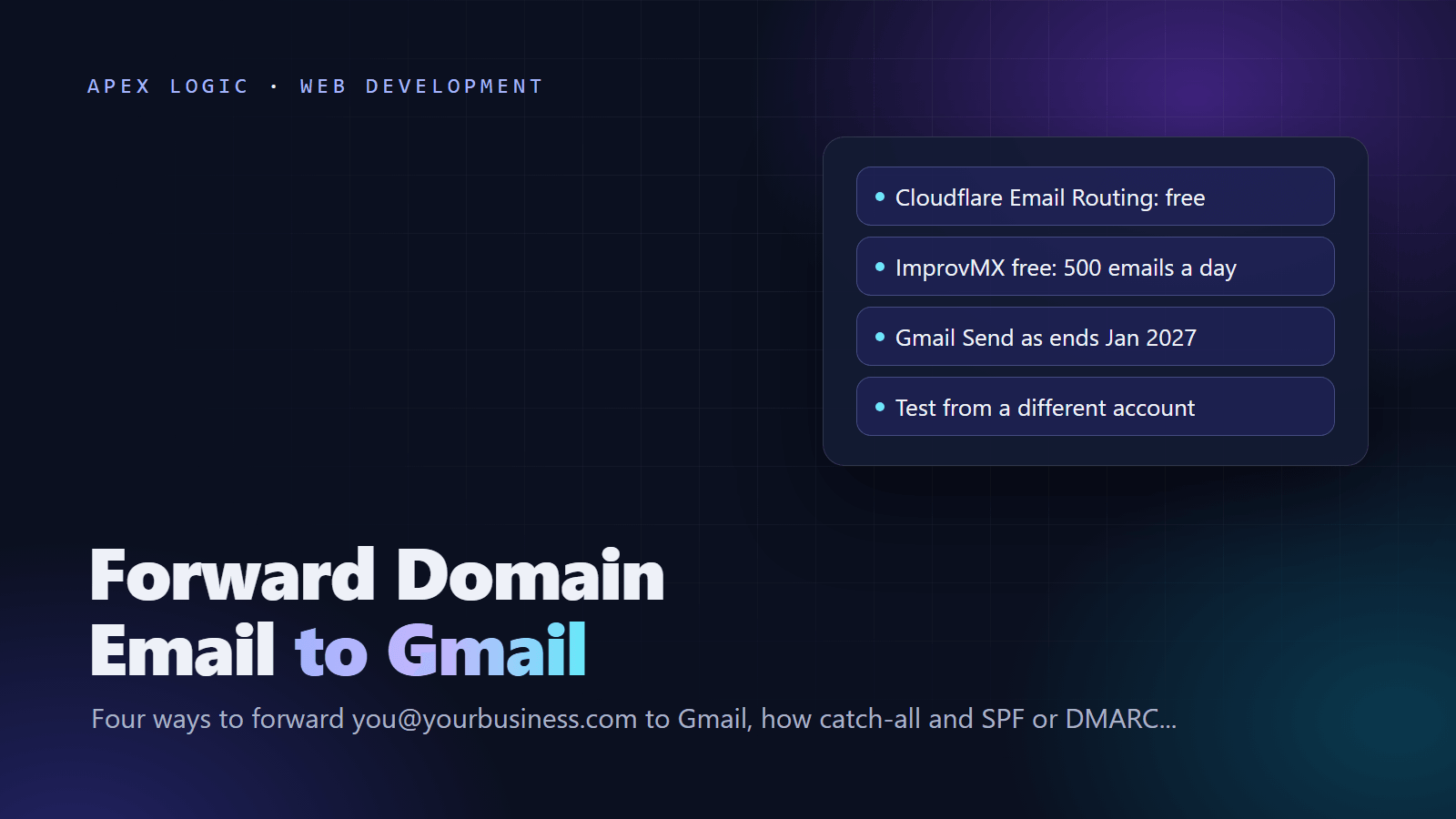
Updated 16 October 2026. Includes Google's notice that Gmail ends "Send as" for non-Google addresses, POP fetching and Gmailify in January 2027.
To forward email from your own domain to Gmail, point your domain's MX records at a forwarding service, create an address or catch-all that forwards to your Gmail address, verify it, and test from a different account. There are four common ways: Cloudflare Email Routing, your registrar's or web host's forwarding, a forwarding service such as ImprovMX, or your own mail server, such as mailcow.
Receiving is the easy half. Replying as you@yourbusiness.com from Gmail uses the "Send mail as" setting with an SMTP server, and Google's Gmail Help says that feature ends for non-Google addresses in January 2027, with new setups possibly restricted before then. Forwarding into Gmail is not affected.
The four ways at a glance
Prices and limits are as of 16 October 2026.
| Method | Cost | Catch-all | Send as your domain | Best for |
|---|---|---|---|---|
| Cloudflare Email Routing | Free, unlimited inbound | Yes | No | Domains already on Cloudflare DNS |
| Registrar or host forwarding | Usually included | Namecheap and cPanel yes, Porkbun no | No, unless you also have a mailbox | A few addresses, DNS stays put |
| ImprovMX | Free plan, paid from $50 a year | Yes, on by default | Yes, SMTP on paid plans | Many domains, logs, sending |
| Your own server (mailcow) | Server cost plus your time | Yes | Yes, real mailboxes | Teams that already run servers |
Before you start
- Find your DNS provider. MX records live wherever your DNS is hosted: registrar, web host or Cloudflare.
- Check for existing mailboxes. A domain has one set of MX records, so pointing them at a forwarder stops delivery to any provider you use today.
- Keep one SPF record. RFC 7208 allows only one per domain, so merge every
include:into a single TXT record. - Start with named addresses such as hello@ and sales@. They are easier to filter than a catch-all.
Method 1: Cloudflare Email Routing
Cloudflare Email Routing is free: as of 16 October 2026, Cloudflare lists inbound email as unlimited on both its Workers Free and Workers Paid plans. Your domain must use Cloudflare DNS.
- In the dashboard, go to Compute > Email Service > Email Routing and select Onboard Domain. Cloudflare adds the MX, SPF and DKIM records.
- Under Destination Addresses, add your Gmail address and click the link in the verification email. Rules stay disabled until you do.
- Under Routing Rules, select Create routing rule, enter the local part (for example
hello), choose Send to an email and pick your Gmail address. - Optional: enable the Catch-all rule, and turn on subaddressing in Settings so hello+orders@ matches hello@.
Limits from Cloudflare's docs, as of 16 October 2026: 200 routing rules per domain, 200 destination addresses per account, 25 MiB per message, and one destination per rule. Cloudflare rejects mail that fails both SPF and DKIM or fails the sender's DMARC policy, and it does not send bounce notices back to senders. Email Routing only receives, so replies go out from your Gmail address.
Method 2: Your registrar's or web host's forwarding
Many registrars and hosts include forwarding. Three examples, as of 16 October 2026:
- Namecheap (BasicDNS, PremiumDNS or FreeDNS): in Advanced DNS, set Mail Settings to Email Forwarding, then add forwards under Domain > Redirect Email > Add Forwarder. You get up to 100 addresses and an optional catch-all to one destination. New forwards can take about an hour.
- Porkbun: in Domain Management, click the envelope icon and create forwards under Porkbun Email Forwarding. Up to 20 per domain are free, one forward can reach several recipients, and there is no catch-all.
- cPanel hosting, if your host runs your mail: use Email > Forwarders, and Email > Default Address for a catch-all. cPanel's docs warn that a forwarded default address may receive a large amount of spam.
Forwarding alone does not send mail, and Namecheap says its free forwarding cannot be combined with another email service on the same domain. If your provider does not say whether it rewrites the sender (SRS), test carefully.
Method 3: A forwarding service such as ImprovMX
A dedicated forwarder works with any DNS provider and adds logs and controls. ImprovMX is one example; as of 16 October 2026 its pricing page lists:
- Free: 1 domain, 25 aliases, 500 forwarded emails a day, no SMTP sending.
- Light, $50 a year: up to 5 domains, 150,000 forwards and 750 SMTP sends a month.
- Premium, $9 a month: up to 30 domains, 150,000 forwards and 12,000 SMTP sends a month.
Add your domain in ImprovMX, delete the old MX records, and add these at your DNS provider:
Type  Host  Value                                 Priority
MX    @     mx1.improvmx.com                      10
MX    @     mx2.improvmx.com                      20
TXT   @     v=spf1 include:spf.improvmx.com ~all
ImprovMX creates a catch-all alias (*) by default; keep it only if you want every address forwarded. It rewrites the envelope sender for SPF and ARC-signs forwarded mail. When you hit a plan limit, it pauses forwarding for the domain until the limit resets, which a spammed catch-all can trigger.
Method 4: Your own mail server, such as mailcow
On your own server, forwarding is just an alias. In mailcow, add an alias such as hello@yourbusiness.com whose destination is your Gmail address; mailcow's documentation writes a catch-all alias as @yourbusiness.com. You also get real mailboxes you can send from.
The cost is that you are now the forwarder, so deliverability is your job:
- Rewrite the envelope sender (SRS), as Google's forwarding guidance recommends, so forwarded mail passes SPF.
- Add ARC signing. Rspamd, the spam filter in mailcow, has an ARC module.
- Filter spam before forwarding. Google warns that forwarded spam makes future mail from your domain more likely to be marked as spam.
- Meet Google's sender requirements, including valid forward and reverse DNS and TLS.
Catch-all email forwarding: pros and cons
A catch-all forwards mail sent to any address at your domain, including typos such as ifno@ for info@.
- Pros: you never lose mail sent to a misspelled or retired address, and you can invent addresses on the spot, such as storename@yourbusiness.com, to see who leaks them.
- Cons: spammers guess common names and random strings, and a catch-all accepts every one. That spam can hurt your forwarder's reputation with Gmail and use up capped plans, and typos in forms go unnoticed.
A sensible default: use named addresses and plus addressing (hello+shop@), and add a catch-all only if you need one. If an address attracts spam, give it a rule that discards mail, which Cloudflare calls Drop.
Why forwarding breaks SPF and DMARC, and how SRS and ARC help
Google's forwarding guidance says forwarded messages often fail SPF. Here is why:
- SPF checks whether the server handing over a message may send for the envelope sender's domain. After forwarding, that server is your forwarder, so the original sender's SPF fails.
- SRS, the Sender Rewriting Scheme, rewrites the envelope sender to the forwarder's domain, so SPF passes. Cloudflare and ImprovMX both do this, and the visible From address does not change.
- DMARC passes only when SPF or DKIM passes for the domain in the From header. After SRS, SPF passes for the forwarder's domain instead, so DMARC depends on the sender's DKIM signature surviving. Editing the subject, body or signed headers breaks it.
- ARC, the Authenticated Received Chain in RFC 8617, lets the forwarder record and sign the results it saw, so the receiver can trust a forwarded message when SPF or DKIM no longer line up. Cloudflare notes that Google supports ARC.
So pick a forwarder that does SRS and ARC and never edits messages; Gmail runs its own checks on forwarded mail. For the records to publish for mail you send, see our SPF, DKIM and DMARC guide.
Reply as your domain with Gmail's "Send mail as"
To reply as you@yourbusiness.com inside Gmail, add the address under "Send mail as" with an SMTP server allowed to send for your domain. Read the change notice below before you rely on it.
- In Gmail on a computer, open Settings > See all settings > Accounts and Import.
- Under Send mail as, click Add another email address, enter your name and address, then click Next Step.
- Enter the SMTP server, port, username and password. Google lists SSL on port 465 or TLS on port 587 as common pairs; ImprovMX's paid plans use
smtp.improvmx.comon port 587 with TLS. - Click Add Account, then confirm with the link Gmail sends to the address. If it is missing, check spam for send-as-noreply@google.com.
- To send from it by default, click Make default and set a reply-to address; otherwise replies go to your Gmail address.
Add your SMTP provider's SPF include and DKIM record to your DNS. Avoid smtp.gmail.com for your domain address: the message is then authenticated as Gmail, not your domain, and can fail your DMARC check.
What Google is changing, and when
As of 16 October 2026, Gmail Help says:
- Send as for third-party addresses ends in January 2027, on the web and in the mobile apps. Other Gmail addresses and Google Workspace aliases are not affected. Q3 to Q4 2026 is a transition period in which Gmail may restrict new setups.
- POP fetching and Gmailify end too. Google's FAQ says that after the first quarter of 2026 the feature no longer supports new users, and existing users can keep it until January 2027.
- Forwarding keeps working. Auto-forwarding into Gmail is independent of Send as.
A custom-domain address on a free Gmail account is not a Google address, so plan for Send as to stop. ImprovMX's guide reads the change the same way.
What to use instead
- Keep Gmail as the inbox, send from a mail app. Google recommends a desktop client with IMAP and SMTP, such as Thunderbird or Apple Mail, reading Gmail and sending through your SMTP service.
- Use Gmail with your custom domain through Google Workspace. Its Send as is not affected, but it is paid per user; see Google Workspace pricing.
- Get a real mailbox at your host, a mail provider or your own server. The Gmail mobile apps can still add non-Google accounts.
Test from a different email account
- Give DNS time: usually 5 to 15 minutes on Cloudflare DNS, while ImprovMX allows 24 to 48 hours.
- Send the test from another account, not the Gmail address you forward to. Gmail drops the copy of a message it already sent, as ImprovMX explains, and Cloudflare, Namecheap and Porkbun warn about this too.
- Check the inbox and spam. Mark real mail as Not spam so Gmail learns.
- Open the message, click More > Show original, and read the SPF, DKIM and DMARC results and any ARC headers.
- Test a random address if you use a catch-all, and a large attachment if you expect them (Cloudflare's limit is 25 MiB).
- If you set up sending, mail an outside account and confirm SPF, DKIM and DMARC pass for your domain.
To check your records from a terminal:
dig MX yourbusiness.com +short
dig TXT yourbusiness.com +short
dig TXT _dmarc.yourbusiness.com +short
Once mail reaches one inbox, our AI email inbox assistant can tag and route it and draft replies for a person to send, and a support chatbot can answer routine questions first. Our website launch checklist covers the other DNS tasks for a new site. If you want domain email set up as part of a website build, get in touch.
Forwarding domain email to Gmail: FAQ
Can I forward my domain email to Gmail for free?
Yes. As of 16 October 2026, Cloudflare Email Routing is free if your domain uses Cloudflare DNS, Namecheap includes up to 100 forwards, Porkbun up to 20 per domain, and ImprovMX's free plan covers 1 domain, 25 aliases and 500 emails a day. Free options only receive and forward, so sending as your domain needs a paid SMTP service or a mailbox.
Can I still reply from my domain address in Gmail?
For now, if Gmail lets you add it. As of 16 October 2026, Google's timeline says Send as for third-party, non-Google addresses keeps working through a Q3 to Q4 2026 transition, when new setups may be restricted, and ends in January 2027. For a lasting setup, use a mail app with SMTP, Google Workspace, or a real mailbox for your domain.
Is a catch-all email address a good idea?
Usually not as the default. With a catch-all, typos still reach you, but so does spam sent to guessed names and random strings. That spam lands in Gmail, can count against capped plans and can hurt your forwarder's reputation. Start with named addresses and plus addressing, and add a catch-all only if you need one.
Why are my forwarded emails going to spam?
Forwarding changes which server delivers the message, so the sender's SPF fails unless your forwarder rewrites the envelope sender (SRS). DMARC then relies on the sender's DKIM signature, which breaks if anything edits the message. Choose a forwarder that does SRS and ARC and leaves messages untouched, mark good mail as Not spam, and check Show original.
Is Gmail ending POP and Gmailify?
Yes. As of 16 October 2026, Gmail Help says Gmail will stop fetching mail from other accounts by POP and stop applying Gmailify features to them. After the first quarter of 2026 the feature no longer supports new users, and existing users can keep it until January 2027. Google suggests auto-forwarding from your other provider or using the Gmail mobile app.
Sources
- Gmail Help: third-party account changes
- Gmail Help: Gmailify and POP changes
- Gmail Help: send from another address
- Gmail Help: forwarding best practices
- Google: email sender guidelines
- Gmail Help: full email headers
- Google Workspace pricing
- Cloudflare: route emails
- Cloudflare: routing rules and addresses
- Cloudflare: Email Service limits
- Cloudflare: Email Service pricing
- Cloudflare: postmaster reference
- ImprovMX: pricing
- ImprovMX: DNS setup
- ImprovMX: catch-all aliases
- ImprovMX: SRS
- ImprovMX: ARC
- ImprovMX: Gmail SMTP
- ImprovMX: Send as alternatives
- ImprovMX: testing from Gmail
- Namecheap: free email forwarding
- Porkbun: email forwarding
- cPanel: Forwarders
- cPanel: Default Address
- mailcow: sender and receiver model
- mailcow: documentation
- Rspamd: ARC module
- RFC 8617: ARC
- RFC 7208: SPF
Loading comments...