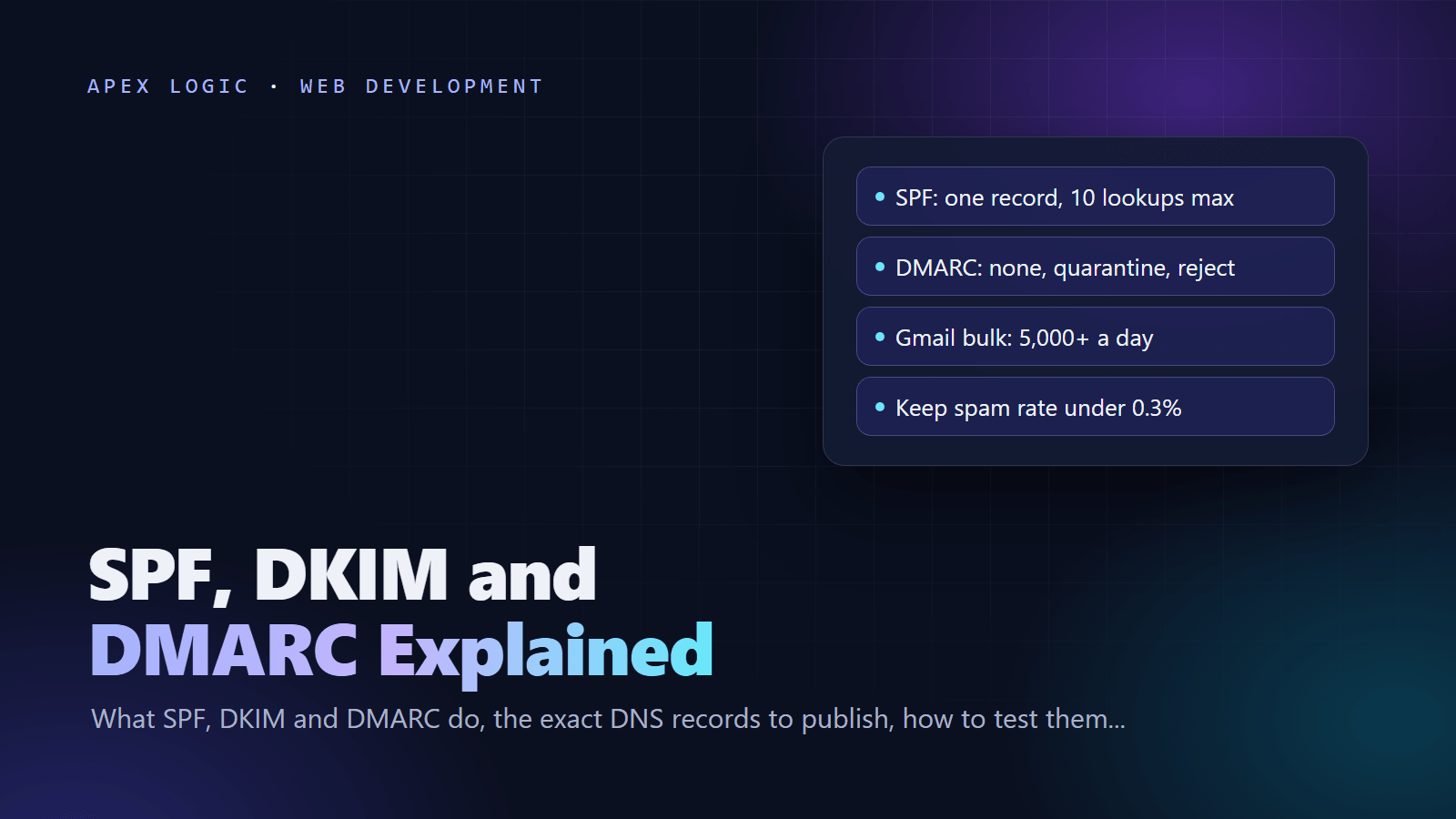
Updated 16 October 2026. Reflects RFC 9989, the DMARC standard published in May 2026, and the Gmail, Yahoo and Outlook.com sender rules as of this date.
SPF, DKIM and DMARC are three DNS records that prove your email really comes from your domain. SPF lists the servers allowed to send for you. DKIM signs each message with a key that receivers check against your DNS. DMARC links both checks to the address people see in the From line, tells receivers what to do when a message fails, and sends you reports.
Without them, invoices, quotes and form notifications are far more likely to land in spam or bounce. As of 16 October 2026, Gmail and Yahoo require SPF or DKIM from every sender, and all three, plus alignment and one-click unsubscribe, from bulk senders. The fix is three records and a few weeks of monitoring. Below are the records, the tests and a safe rollout.
Why are my emails going to spam?
For most businesses, the cause is on this short list:
- Authentication fails. A sending service is missing from SPF, DKIM is not set up, or there is no DMARC record.
- The From domain does not align. Your email platform signs with its own domain instead of yours, so DMARC fails even when SPF or DKIM passes.
- Your website sends as the visitor. A contact form that puts the customer's Gmail address in From fails DMARC. Send from your own domain and put the visitor in Reply-To, as check 11 of our website launch checklist says.
- Recipients report you. Gmail wants user-reported spam below 0.3%, and ideally below 0.1%, in Postmaster Tools.
- Your server misses the basics. Gmail and Yahoo expect valid forward and reverse DNS for sending IPs, and Gmail expects TLS.
How the three records work together
| Record | What it proves | Where it lives | Usually breaks when |
|---|---|---|---|
| SPF | The sending server may send for the envelope sender (Return-Path) domain | TXT record on the domain | Mail is forwarded, or a sender is missing |
| DKIM | The domain signed the message and nobody changed it | TXT or CNAME at selector._domainkey | A mailing list edits the subject or adds a footer |
| DMARC | The visible From domain matches a passing SPF or DKIM domain | TXT record at _dmarc | Neither check passes with an aligned domain |
DMARC passes when SPF or DKIM passes for the same organizational domain as the From address. That match is called alignment. Forwarding usually breaks SPF but not DKIM, so DKIM is the record to get right.
Example DNS records
SPF record examples
Publish exactly one TXT record at the root of the domain (host @). Google's record when Google Workspace is your only sender:
v=spf1 include:_spf.google.com ~allMicrosoft's record when Microsoft 365 is your only sender:
v=spf1 include:spf.protection.outlook.com -allSeveral senders share one record. This hypothetical example covers Google Workspace, a web server at 203.0.113.10 and an email platform; use the include value your platform documents:
v=spf1 include:_spf.google.com ip4:203.0.113.10 include:spf.mail-platform.example ~allA domain that never sends email should publish v=spf1 -all. On the last term, Google recommends ~all (soft fail), while Microsoft recommends -all (hard fail) when DKIM and DMARC are in place. With DKIM and DMARC set up, either is a sound choice. Never use +all, which authorizes every server on the internet.
DKIM record examples
Your provider generates the key pair, and you publish the public half. In Google Workspace, choose a 2048-bit key in the Admin console if your DNS host supports it. The default selector is google:
Host:  google._domainkey
Type:  TXT
Value: v=DKIM1; k=rsa; p=MIIBIjANBgkqhkiG9w0BAQEFAAOCAQ8AMIIBCgKCAQEA...
Microsoft 365 uses two CNAME records instead, at selector1._domainkey and selector2._domainkey, with targets shown in the Microsoft Defender portal. Every other platform that sends as your domain needs its own DKIM setup. Gmail requires keys of at least 1024 bits for mail to personal accounts, and Google says DKIM can take up to 48 hours to start working.
DMARC record examples
Publish one TXT record at host _dmarc. The three rollout stages look like this:
Host: _dmarc
Stage 1: v=DMARC1; p=none; rua=mailto:dmarc@example.com
Stage 2: v=DMARC1; p=quarantine; rua=mailto:dmarc@example.com
Stage 3: v=DMARC1; p=reject; rua=mailto:dmarc@example.com
The rua address receives aggregate reports, usually daily. If it sits on another domain, such as a reporting service, that domain must publish an authorization record, as RFC 9990 describes; most services handle this for you. Leave alignment at the default, relaxed, which Yahoo accepts.
How to check your records
First, look up what DNS actually returns. On Mac or Linux use dig; on Windows use nslookup:
dig +short TXT example.com
dig +short TXT _dmarc.example.com
dig +short TXT google._domainkey.example.com
nslookup -type=TXT _dmarc.example.com- Read a real message. Send an email to a Gmail account, open it, click More and choose Show original. Look for PASS next to SPF, DKIM and DMARC, with your domain alongside.
- Use Google's Check MX. This free Google Admin Toolbox tool checks MX and SPF records, and DKIM when you enter a selector.
- Watch Postmaster Tools. After you verify your domain, the Compliance status dashboard shows whether you meet Gmail's sender requirements, and the Spam rate dashboard shows complaints.
- Test every sender. Send one message from each system that uses your domain: mailboxes, website forms, CRM, invoicing, helpdesk and newsletter tool. Workflow tools count too; see n8n vs Zapier vs Make if yours send email.
A safe DMARC rollout: none, quarantine, reject
- Prepare. List every service that sends as your domain, set up SPF and DKIM for each, then wait 48 hours, as Google advises.
- Monitor at p=none. Publish stage 1, read the reports or load them into a DMARC reporting tool, and fix every legitimate source that fails. Google suggests at least a week; RFC 9989 suggests at least a month.
- Quarantine. When your real mail passes, publish p=quarantine. Failing mail now goes to spam. Keep reading reports for a similar period.
- Reject. After a quiet stretch at quarantine, publish p=reject. Receivers now refuse mail that fails DMARC, including spoofed mail.
- Maintain. Add each new sending tool to SPF and DKIM before it goes live, and review reports monthly.
A note on pct. Google's setup guide still suggests easing in with the pct tag, for example applying quarantine to 10% of failing mail. RFC 9989 removed pct and added t=y, a test flag that asks receivers to apply one level less than your policy. Receivers adopt the new standard at different speeds, so plan as if each step applies to all failing mail.
Common SPF and DMARC mistakes
- Two SPF records. A domain may have only one. With two, SPF returns a permanent error. Merge them.
- Too many SPF lookups. SPF allows 10 DNS lookups. Each include, a, mx, ptr, exists and redirect counts, including includes nested inside your providers' records; ip4, ip6 and all do not. Remove old services, move bulk mail to a subdomain such as news.example.com with its own record, or replace an include with the vendor's published IP ranges if they are stable.
- Forwarding breaks SPF. The forwarding server is not in your SPF record, so SPF fails at the final inbox. DKIM survives if the forwarder leaves the message unchanged.
- Using ptr. RFC 7208 says the ptr mechanism should not be published. Use ip4, ip6 or include.
- Jumping straight to reject. A forgotten invoicing tool or website form starts bouncing. Monitor first.
- Leaving parked domains open. Domains you never send from should publish v=spf1 -all and a DMARC record with p=reject, so nobody can use them for phishing. Add this to your security baseline.
How forwarding services use SRS and ARC
Forwarding is where good mail most often fails, for example when info@ on your domain forwards to a personal Gmail inbox. Forwarders use two fixes:
- SRS (Sender Rewriting Scheme) rewrites the envelope sender to an address on the forwarder's domain, so SPF is checked against a server that is allowed to send. Google asks forwarders to do this: change the envelope sender to reference the forwarding domain. SRS fixes SPF, but the new domain does not align with your From address, so DMARC still relies on DKIM.
- ARC (Authenticated Received Chain), defined in experimental RFC 8617, lets each server that handles a message record and sign the authentication results it saw. Gmail uses ARC to check the earlier authentication status of forwarded mail, and Yahoo asks anyone who forwards email to implement it.
When you choose a forwarding service, ask whether it does both. Our guide to forwarding domain email to Gmail covers the setup.
What Gmail and Yahoo require from bulk senders
As of 16 October 2026, Gmail counts you as a bulk sender once you send close to 5,000 or more messages to personal Gmail accounts in 24 hours, with subdomains counted together, and the status is permanent. Yahoo does not publish a number. Their bulk rules:
| Requirement | Gmail | Yahoo |
|---|---|---|
| Authentication | SPF and DKIM | SPF and DKIM |
| DMARC | Required, p=none allowed | Required, p=none allowed, must pass |
| Alignment | From domain aligned with the SPF or DKIM domain | From domain aligned with the SPF or DKIM domain, relaxed is fine |
| Unsubscribe | One-click (RFC 8058) for marketing and subscribed mail, plus a visible link | One-click List-Unsubscribe header, plus a visible link |
| Honor unsubscribes | Within 48 hours | Within 2 days |
| Spam complaint rate | Below 0.3%, aim for below 0.1% | Below 0.3% |
| Infrastructure | Valid forward and reverse DNS, TLS, RFC 5322 format | Valid forward and reverse DNS, RFC 5321 and 5322 |
Every sender, bulk or not, needs SPF or DKIM, valid reverse DNS and a spam rate below 0.3% at both providers. Gmail's FAQ says enforcement has been ramping up since November 2025, including temporary and permanent rejections. Microsoft's Outlook.com applies similar rules to domains that send 5,000 or more messages to its consumer services, and rejects failures with error 550 5.7.515.
For marketing mail, one-click unsubscribe means two headers, and RFC 8058 says your DKIM signature must cover both. Most email platforms add them; confirm with Show original:
List-Unsubscribe: <https://example.com/unsubscribe/opaque-id>
List-Unsubscribe-Post: List-Unsubscribe=One-Click
If your quotes or form emails keep landing in spam, we can audit every service that sends as your domain and give you the exact records to publish, on a fixed quote. Contact us, or see our AI email inbox assistant for the replies that come back.
Email authentication FAQ
Do I need DMARC if I only send a few emails a day?
Gmail and Yahoo require DMARC only from bulk senders, but you should publish it anyway. It costs nothing, it lets receivers reject phishing that spoofs your domain once you reach p=reject, and its reports show every service sending as you. Start at p=none with a reporting address. Small senders still need SPF or DKIM, valid reverse DNS and low complaint rates to reach Gmail and Yahoo inboxes.
How long does SPF, DKIM and DMARC setup take?
Adding the records takes minutes, and they take effect as DNS caches expire, though Google says DKIM can take up to 48 hours to start working. The slow part is DMARC monitoring. RFC 9989 suggests at least a month at p=none and a similar period at p=quarantine before p=reject, so plan on two to three months to reach full enforcement.
Will DMARC p=reject break email forwarding?
Usually not, if DKIM is set up. Forwarded mail often fails SPF because the forwarding server is not in your record, but DKIM survives when the forwarder leaves the message unchanged, and DMARC needs only one aligned pass. Mailing lists that edit subjects or add footers can break DKIM. ARC helps there, because receivers such as Gmail can see the results the list recorded before it changed the message.
Why does SPF pass but DMARC fail?
SPF checks the envelope sender, not the From address people see. If your email platform uses its own bounce domain, SPF passes for the platform's domain, which does not align with yours, so DMARC fails unless DKIM passes with your domain. Fix it in the platform's settings by turning on DKIM signing with your domain, plus a custom return path if the platform offers one.
What changed in DMARC in 2026?
In May 2026 the IETF published RFC 9989, which replaces RFC 7489 as the DMARC standard, with reporting moved to RFC 9990 and RFC 9991. Records still start with v=DMARC1, so existing records keep working. The pct tag is gone, a t=y test flag takes its place, and the np tag, now part of the core standard, sets the policy for subdomains that do not exist. Review your record if it relies on pct.
Sources
- Gmail Help: Email sender guidelines
- Gmail Help: Email sender guidelines FAQ
- Gmail Help: Best practices for forwarding email to Gmail
- Gmail Help: Check if your Gmail message is authenticated
- Gmail Help: Trace an email with its full header
- Gmail Help: Postmaster Tools dashboards
- Google Workspace Help: Set up SPF
- Google Workspace Help: Set up DKIM
- Google Workspace Help: Set up DMARC
- Google Workspace Help: Recommended DMARC rollout
- Google Admin Toolbox: Check MX
- Yahoo Sender Hub: Sender requirements and recommendations
- Microsoft Support: Fix NDR error 550 5.7.515 in Outlook.com
- Microsoft Learn: Set up SPF for Microsoft 365
- Microsoft Learn: Set up DKIM for Microsoft 365
- RFC 7208: Sender Policy Framework (SPF)
- RFC 6376: DomainKeys Identified Mail (DKIM) Signatures
- RFC 9989: DMARC
- RFC 9990: DMARC Aggregate Reporting
- RFC 8617: The Authenticated Received Chain (ARC) Protocol
- RFC 8058: One-click unsubscribe headers
Loading comments...