Updated 16 October 2026. Revised for the 200-day limit on public TLS certificates that took effect on 15 March 2026, and checked against current Google Search guidance.
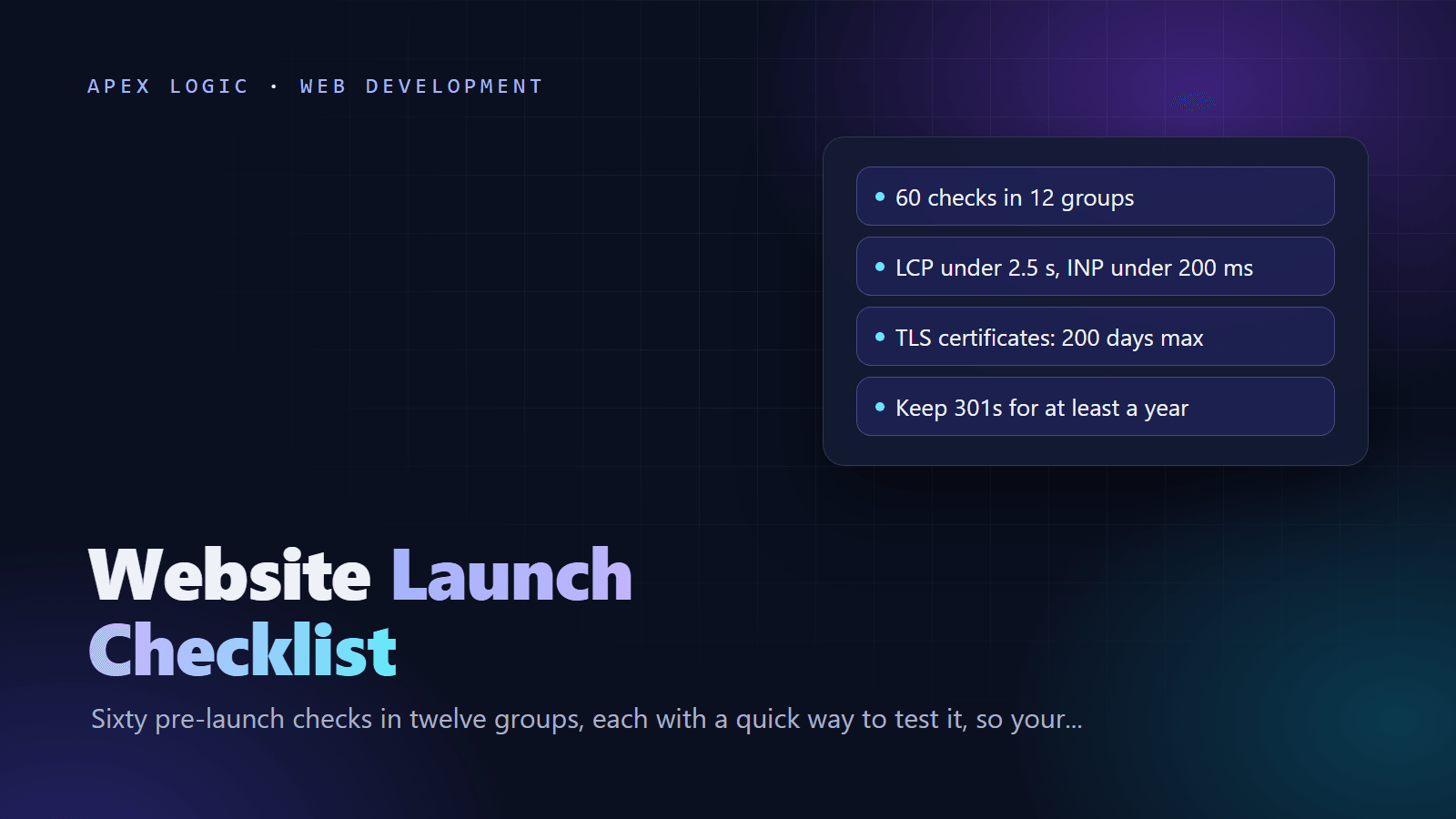
A website launch checklist is the set of tests you run before and just after a new site goes live, so customers and search engines meet a working site on day one. This one has 60 checks in 12 groups: content and copy, design and mobile, forms and email, performance, SEO basics, analytics and consent, security, legal pages, accessibility, backups and monitoring, launch day, and the first week. Each check fits on one line, with a quick way to test it.
Run groups 1 to 10 on your staging site and fix what fails, then run groups 11 and 12 on the live domain. Give each line an owner, and tick it only after someone has tested it. Short on time? Start with checks 11, 21, 26, 31 and 48: forms reach a real inbox, the staging noindex is gone, analytics records visits, HTTPS works and a backup restores. Those failures cost leads, rankings or data you cannot get back.
1. Content and copy
- 1. Final copy on every page. Check: search the CMS and code for "lorem", "TODO", "test" and "example.com".
- 2. Names, prices and dates are right. Check: a second person reads every service, pricing and contact page against your source documents.
- 3. Contact details match everywhere. Check: compare the footer, contact page, Google Business Profile and email signatures side by side.
- 4. Every button leads somewhere useful. Check: click each call to action and confirm the page or form it opens.
- 5. No broken links or missing images. Check: run a site crawler or link checker on staging and fix every 404.
2. Design and mobile
- 6. Layout works on phone, tablet and desktop. Check: use real devices plus browser dev tools at 360, 768 and 1280 pixels wide.
- 7. No sideways scrolling on mobile. Check: on a phone, try to swipe left on every page template.
- 8. Buttons are easy to tap. Check: tap targets are at least 24 by 24 CSS pixels, the WCAG 2.2 AA minimum, with space between them.
- 9. Major browsers render it correctly. Check: open key pages and the main form in Chrome, Safari on iPhone, Firefox and Edge.
- 10. Favicon and share previews look right. Check: the tab shows a square icon (Google recommends larger than 48 by 48 pixels), and a pasted link shows the right title and image.
3. Forms and email
- 11. Every form reaches a real inbox. Check: submit each form with test data; the email should come from your own domain, with the visitor in Reply-To, and land in the inbox.
- 12. Visitors see a clear confirmation. Check: the thank-you message appears, and any promised auto-reply arrives on a phone.
- 13. Spam protection is on. Check: a honeypot field or CAPTCHA is in place, and a test submission with the hidden field filled is blocked.
- 14. Form emails pass SPF, DKIM and DMARC. Check: send one to a Gmail address, choose Show original and look for PASS on all three. Our SPF, DKIM and DMARC guide has the records.
- 15. Leads land where your team works. Check: the test entry appears in the CRM, database or sheet, visible only to staff who need it.
4. Performance
- 16. Core Web Vitals pass on key templates. Check: run PageSpeed Insights on the home page, a service page and a post. Google's targets are LCP within 2.5 seconds, INP under 200 milliseconds and CLS under 0.1 (see our Core Web Vitals guide).
- 17. Images are compressed and sized. Check: large images use WebP or AVIF at display size, and images below the fold load lazily.
- 18. Caching and compression are on. Check: response headers show Cache-Control on static files and gzip or Brotli on HTML, CSS and JavaScript.
- 19. Third-party scripts are trimmed. Check: list every tag in the browser's Network tab and remove widgets, pixels and tests nobody uses.
- 20. The site survives a traffic spike. Check: static files go through a CDN, and a short load test on the busiest page passes. If pages drag, read how to speed up a slow website.
5. SEO basics
- 21. The staging noindex and password are gone. Check: view source for a robots noindex meta tag, and check response headers for X-Robots-Tag.
- 22. robots.txt allows crawling. Check: open /robots.txt; there is no leftover "Disallow: /" and it lists your sitemap.
- 23. Every page has a unique title and meta description. Check: crawl the site and sort by missing or duplicate titles.
- 24. The XML sitemap lists only live, canonical URLs. Check: every URL in it returns 200, uses https and matches the page's canonical tag.
- 25. Old URLs redirect with 301s. Check: test every row of your redirect map. Google advises keeping redirects for at least a year. The next steps are in our SEO checklist for a new website.
6. Analytics and consent
- 26. Analytics loads on every page. Check: open the realtime report and browse the site from your phone.
- 27. Key actions are tracked. Check: send a test lead, tap a phone link and place a test order, then confirm each event appears.
- 28. Search Console and Bing Webmaster Tools are verified. Check: add a Domain property in Search Console with a DNS TXT record, then import it into Bing Webmaster Tools.
- 29. Consent choices are respected. Check: in a private window, decline cookies and confirm in the Network tab that non-essential tags stay off. If you use Google tags, set up consent mode.
- 30. Internal traffic is filtered and retention is set. Check: exclude office IP addresses, and in GA4 choose 14 months of data retention, the longer of the two options.
7. Security
- 31. HTTPS works everywhere and renews itself. Check: http redirects to https, no page shows mixed-content warnings, and certificate renewal is automated.
- 32. Security headers are set. Check: scan the site with Mozilla's HTTP Observatory and add the headers in the snippets below.
- 33. Admin access is locked down. Check: named accounts only, strong passwords, two-factor login, and no test or shared accounts left.
- 34. Software is up to date. Check: CMS core, plugins, themes and packages run current versions, and unused plugins are deleted.
- 35. Secrets stay out of the code. Check: API keys live in environment variables; search the repository and built JavaScript for "key", "secret" and "token".
Automate renewal, because certificates now expire faster. Under the CA/Browser Forum Baseline Requirements, public TLS certificates issued since 15 March 2026 last at most 200 days, falling to 100 days on 15 March 2027 and 47 days on 15 March 2029 (as of 16 October 2026). More in how to secure a web application.
8. Legal pages
This is a practical list, not legal advice.
- 36. A privacy policy that matches reality. Check: list every form field, cookie and third-party tool, and confirm the policy covers each one.
- 37. A cookie notice where your visitors' laws require one. Check: compare the cookies in your browser's storage panel with the notice.
- 38. Terms of service or sale. Check: refunds, delivery, cancellation and payment terms are written down and linked at checkout.
- 39. Company details are easy to find. Check: legal name, address and contact details sit in the footer or on the About page; some countries require an imprint page.
- 40. You own or license every asset. Check: licenses for photos, fonts and icons are on file, and the domain, hosting and code accounts are in the business's name.
9. Accessibility
- 41. Text contrast is high enough. Check: normal text has a contrast ratio of at least 4.5:1, the WCAG 2.2 AA level; test it with a contrast checker.
- 42. Images have useful alt text. Check: informative images describe what matters, and decorative images have an empty alt attribute.
- 43. Everything works with a keyboard. Check: press Tab through each page; focus stays visible, and menus, dialogs and forms all work.
- 44. Headings and form labels are correct. Check: one H1 per page, headings in order, every field labeled, and error messages that say how to fix the problem.
- 45. Media has captions and nothing flashes. Check: play each video with the sound off, and confirm moving content can be paused.
The W3C's free Easy Checks walk through these tests step by step. If you sell online to consumers in the EU, also check whether the European Accessibility Act applies to you: it took effect on 28 June 2025 and covers e-commerce services. Our web accessibility basics guide goes further.
10. Backups and monitoring
- 46. Files and database back up daily. Check: the schedule exists and the newest backup carries today's date.
- 47. One copy lives off the server. Check: backups are copied to separate storage with another provider or in another region.
- 48. You have restored a backup once. Check: restore last night's backup to a test server and log in.
- 49. Uptime and certificate alerts are on. Check: a monitor tests the home page and one form page every few minutes and alerts two people.
- 50. The domain renews itself. Check: auto-renew is on, the payment card is current, and registrar lock and two-factor login are enabled.
11. Launch-day steps
- 51. DNS TTL was lowered in advance. Check: the records you will change show a TTL of 300 seconds at least 24 hours before the switch.
- 52. Content is frozen and backed up. Check: no edits on the old site after the final export, and the backup time is written down.
- 53. Every address ends at one HTTPS URL. Check: http, https, www and non-www each reach the same final URL in a single 301 hop.
- 54. The live site works end to end. Check: submit every form, place a real low-value order or booking, and read the confirmation emails.
- 55. Search engines know the site exists. Check: submit the sitemap in Search Console and Bing Webmaster Tools, then inspect the home page and click Request indexing.
12. First-week checks
- 56. Pages are getting indexed. Check: the Page indexing and Sitemaps reports in Search Console show no unexpected errors.
- 57. 404s and server errors are fixed. Check: review server logs and Search Console for missing pages, and redirect old URLs people still use.
- 58. Leads arrive and get answered. Check: form emails in your inbox match the form events in analytics, day by day.
- 59. Analytics numbers make sense. Check: no doubled page views, plausible traffic sources, and conversions that match the CRM.
- 60. Backups and monitors ran cleanly. Check: read the week's backup log and uptime report, then book a monthly review.
Copy-paste snippets for launch day
A production robots.txt that allows crawling and lists the sitemap:
User-agent: *
Disallow: /admin/
Sitemap: https://www.example.com/sitemap.xml
The staging tag to delete before launch:
<meta name="robots" content="noindex">A redirect map for your developer:
old_url,new_url,status
/services.php,/services,301
/about-us.html,/about,301
Baseline security headers for nginx, based on the OWASP HTTP Headers Cheat Sheet. Keep includeSubDomains only if every subdomain serves HTTPS, and build a Content-Security-Policy separately:
add_header Strict-Transport-Security "max-age=63072000; includeSubDomains" always;
add_header X-Content-Type-Options "nosniff" always;
add_header Referrer-Policy "strict-origin-when-cross-origin" always;
add_header Permissions-Policy "geolocation=(), camera=(), microphone=()" always;
add_header X-Frame-Options "DENY" always;
Two terminal checks, for redirect hops and DNS:
curl -sIL http://example.com | grep -iE "^(HTTP|location)"
dig +short www.example.com
If you would rather hand this list to someone, our web development team can run it on your staging site and give you a fixed quote for whatever needs fixing. Get in touch once you have a launch date.
Website launch FAQ
How far ahead should I start the launch checklist?
Start one to two weeks before your planned date. That leaves time to fix what fails, lower your DNS TTL a day early and re-test. Keep group 11 for launch day and group 12 for the working week after it. If an important check fails late, move the date rather than skip the check.
What is the best day to launch a website?
Launch early in the week, in the morning for your main market, when your developer, host and team are all available. Avoid Fridays, public holidays and the day before a big campaign. A quiet window gives you hours to fix a broken form or a redirect loop before many people see it, so save the announcement for a day or two later.
How long does it take for a new website to appear on Google?
Google's Search Console help says indexing a requested page typically takes a day or so, and can take a week or two, with no guarantee. Submit your sitemap, request indexing for your main pages, and link to the site from your business profiles. Ranking for competitive searches takes longer than indexing.
Do I need a cookie banner on a new website?
It depends on where your visitors are and what your site sets. In the EU, cookies that are not strictly necessary, such as most analytics and advertising cookies, generally need consent before they load, and the UK and other countries have their own rules. A site with only essential cookies may not need a banner at all. List every cookie and script first, then decide. This is not legal advice, so ask a lawyer if you sell into several countries.
What should I check in the first week after launch?
Each day, look at five things: the Page indexing report in Search Console, server logs for 404 errors, form submissions against analytics events, uptime alerts and backup logs. Add missing redirects as soon as you spot them, because old links from other sites and bookmarks keep arriving. After the first week, move these checks into a monthly review with one named owner.
Sources
- Google: Understanding Core Web Vitals
- Google: Block search indexing with noindex
- Google: Robots.txt introduction
- Google: Build and submit a sitemap
- Google: Site moves and migrations
- Google: Define a favicon for search results
- Search Console Help: Add a website property
- Search Console Help: URL Inspection tool
- Bing Webmaster Blog: Import sites from Search Console
- Google Analytics Help: Data retention
- Google for Developers: Consent mode overview
- Gmail Help: Trace an email with its full header
- CA/Browser Forum: TLS Baseline Requirements
- Mozilla: HTTP Observatory
- OWASP: HTTP Headers Cheat Sheet
- W3C: WCAG 2.2
- W3C: Understanding Target Size (Minimum)
- W3C WAI: Easy Checks
- European Commission: European Accessibility Act
- CCPC: European Accessibility Act becomes law in Ireland on 28 June 2025
Loading comments...