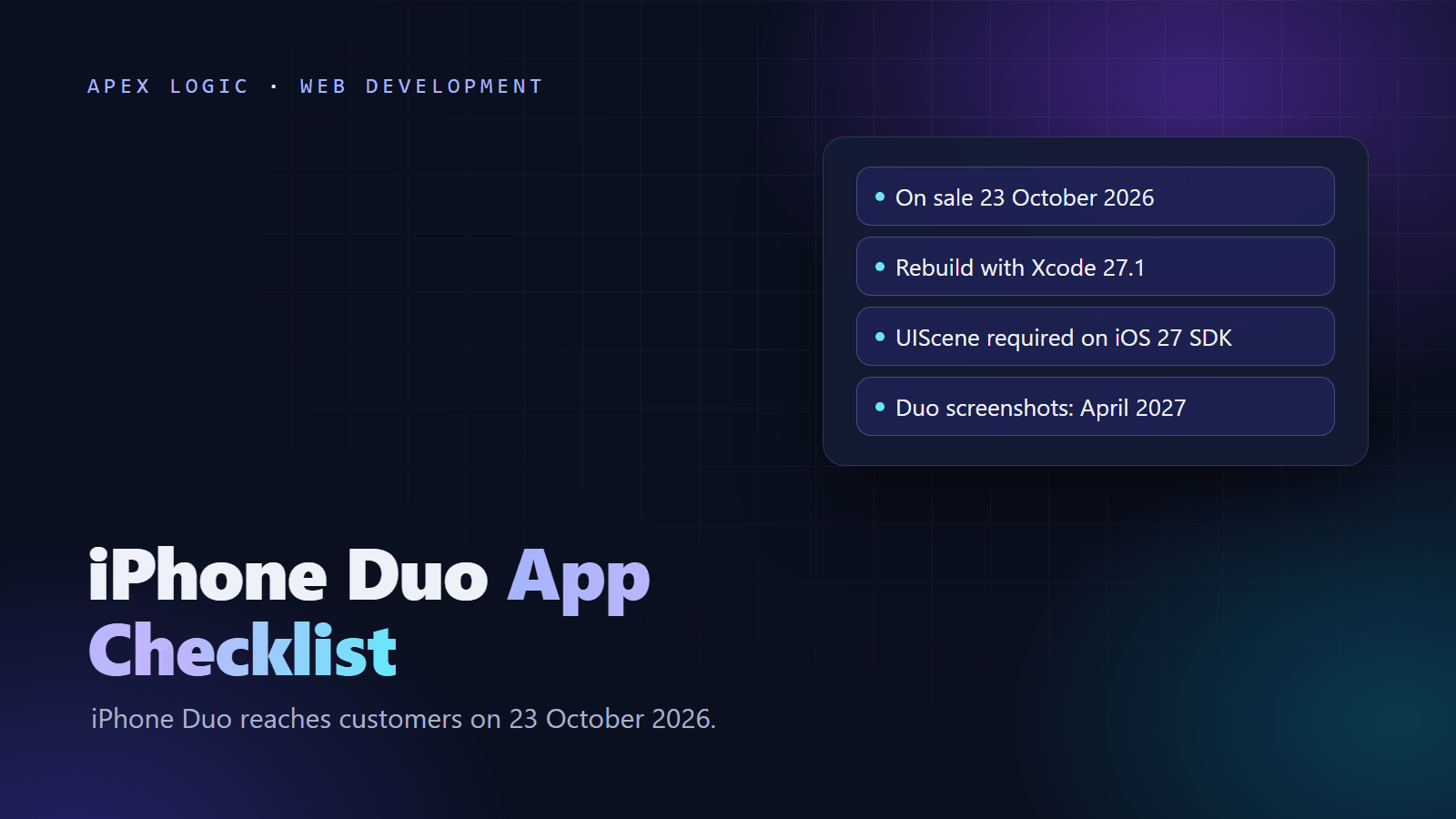
Updated 22 October 2026. iPhone Duo reaches customers on 23 October 2026, so this checklist covers what Apple requires, what Xcode 27.1 changes and what to fix before iPhone Duo screenshots become mandatory in April 2027.
Your existing app will run on iPhone Duo, but it will not use the screen well until you rebuild it. Apple says apps built with the iOS 26 SDK or earlier sit in the center of the 7.6-inch inner display with empty space around them. To fill both displays, rebuild with Xcode 27.1, released on 15 October 2026, adopt the UIScene life cycle that the iOS 27 SDK requires, and fix code that sizes layouts from the screen or the device orientation.
Two dates drive the plan. App Store Connect already accepts iPhone Duo optimized apps. Starting April 2027, iOS apps uploaded to App Store Connect must be built with the iOS 27 SDK or later, and Apple says submitted apps and games must include iPhone Duo screenshots. The checklist below covers native, React Native, Expo and Flutter apps.
iPhone Duo app checklist at a glance
| # | Task | Why it matters |
|---|---|---|
| 1 | Install Xcode 27.1 | It adds the iPhone Duo SDK and simulator |
| 2 | Adopt the UIScene life cycle | UIKit apps built with the iOS 27 SDK fail to launch without it |
| 3 | Update your framework | React Native 0.88, Expo SDK 58 and Flutter 3.41 or later support scenes |
| 4 | Run the iPhone Duo skill in Xcode | It flags most resizing problems and suggests fixes |
| 5 | Stop sizing from UIScreen.main | Your window changes size when the phone folds |
| 6 | Remove orientation, idiom and screen size checks | They no longer describe the shape of your app |
| 7 | Use system toolbars and tab bars | Only system bars move to the side position |
| 8 | Keep content out of the fold and camera areas | Both can cover your views |
| 9 | Test every pose | Closed, open, partly folded and rotated |
| 10 | Upload iPhone Duo screenshots | A badge now, required from April 2027 |
What changes for apps on iPhone Duo?
iPhone Duo is Apple's foldable iPhone, with a 5.4-inch outer display, a 7.6-inch inner display and a front camera on each. Apple's newsroom lists a US starting price of $1,999 as of 22 October 2026, availability in more than 70 countries and regions from 23 October, and iOS 27.1 out of the box. Three things change for your app:
- Its size changes mid-session. Unfold the phone and the app moves to the inner display; fold it and the app returns to the outer one. Split View also lets two apps share the inner display.
- Bars move to the side. On the outer display, and on the inner display held sideways, the system shows navigation bars, toolbars and tab bars vertically along one edge. Only the inner display in portrait keeps horizontal bars.
- Some areas are reserved. The fold divides the inner display when the phone is partly open, the outer camera always covers a corner, and the inner camera covers part of the screen while it is active.
Which Xcode version should you build with?
How your app looks depends on the SDK in your build, not on the iOS version running on the phone:
| Built with | On iPhone Duo | Work needed |
|---|---|---|
| iOS 26 SDK or earlier | Centered at a familiar iPhone size with empty space around it; placed beside the status bar and camera when closed | None to run, but uploads need the iOS 27 SDK from April 2027 |
| iOS 27 SDK (Xcode 27.0) | Fills most of the inner display but stays clear of the status bar on the right edge | UIScene migration and layout fixes |
| iOS 27.1 SDK or later (Xcode 27.1) | Uses the full display, with toolbars and tab bars shown vertically below the status bar | All of the above, plus a check that content adapts to vertical bars |
For most apps the target is Xcode 27.1, which App Store Connect has accepted since 15 October 2026 and which includes the iPhone Duo simulator. Xcode 26 is a fair stopgap during a code freeze, but the scene migration and the screenshots are due in April 2027 either way.
Step 1: Adopt the UIScene life cycle first
This change can stop an app from opening at all. Apple's technote TN3187 says that from the major release after iOS 26, apps built with the latest SDK must use the scene-based life cycle or they will not launch. SwiftUI apps built on the App structure already use scenes. UIKit apps, including cross-platform shells, must migrate if Info.plist has no UIApplicationSceneManifest entry or the app delegate does not implement application(_:configurationForConnecting:options:).
The migration has three parts: add a scene manifest, create a scene delegate that builds the window from its UIWindowScene, and move UI life cycle code out of the app delegate. For example, applicationDidBecomeActive becomes sceneDidBecomeActive, and URL handling moves to scene(_:openURLContexts:). Process-level work, such as registering for push notifications, stays in the app delegate.
<key>UIApplicationSceneManifest</key>
<dict>
  <key>UIApplicationSupportsMultipleScenes</key>
  <false/>
  <key>UISceneConfigurations</key>
  <dict>
    <key>UIWindowSceneSessionRoleApplication</key>
    <array>
      <dict>
        <key>UISceneConfigurationName</key>
        <string>Default Configuration</string>
        <key>UISceneDelegateClassName</key>
        <string>$(PRODUCT_MODULE_NAME).SceneDelegate</string>
      </dict>
    </array>
  </dict>
</dict>
A minimal scene delegate looks like this (illustrative: replace RootViewController and DeepLinks with your own types):
import UIKit

final class SceneDelegate: UIResponder, UIWindowSceneDelegate {
    var window: UIWindow?

    func scene(_ scene: UIScene, willConnectTo session: UISceneSession,
               options connectionOptions: UIScene.ConnectionOptions) {
        guard let windowScene = scene as? UIWindowScene else { return }
        let window = UIWindow(windowScene: windowScene)
        window.rootViewController = RootViewController()
        window.makeKeyAndVisible()
        self.window = window
        if let url = connectionOptions.urlContexts.first?.url { DeepLinks.open(url) }
    }

    func scene(_ scene: UIScene, openURLContexts URLContexts: Set<UIOpenURLContext>) {
        if let url = URLContexts.first?.url { DeepLinks.open(url) }
    }
}
Watch the cold start case: a link that launches the app arrives in the connection options, not in openURLContexts, so handle both.
Step 2: Update your framework
| Stack | Version | What to do |
|---|---|---|
| React Native | 0.88 (release post 19 October 2026) | Move the entry point to a SceneDelegate, forward URL and user activity callbacks to RCTLinkingManager and add the scene manifest. Only a single scene is supported. |
| Expo | SDK 58 (15 October 2026) | Upgrade; prebuild generates SceneDelegate.swift and the manifest. Manual steps only if you edit AppDelegate.swift or maintain the ios folder by hand. |
| Flutter | 3.41 or later (3.47 is current) | Run a build; an unmodified AppDelegate migrates to UIScene automatically. A custom AppDelegate or add-to-app needs manual steps. |
In React Native, size changes reach useWindowDimensions(), so code that reads Dimensions.get() once at startup will miss a fold; the 0.88 community template's SceneDelegate.swift is the best reference for an upgrade. In Expo, run npx expo install expo@^58.0.0 --fix and then npx expo-doctor@latest; Expo says SDK 58 apps are ready for iPhone Duo on day one.
Step 3: Fix layouts that break on a foldable
In Xcode, ask the coding assistant to get your app ready for iPhone Duo; Apple says this skill finds most, not all, of the patterns below and suggests fixes. Other agents can use it after xcrun agent skills export, and our guide to AI coding assistants for teams covers reviewing what they change. A plain text search finds most risky code too (illustrative, adjust the folder):
grep -rnF -e "UIScreen.main" -e "UIDevice.current.orientation" -e "statusBarOrientation" -e "userInterfaceIdiom" ios/- Size from the view or window. Replace
UIScreen.main.boundswithview.boundsor the window's bounds, useGeometryReaderoronGeometryChangein SwiftUI, and take the display scale from the trait collection. - Re-read sizes when they change. Do size-dependent layout in
viewDidLayoutSubviewsorlayoutSubviews, and useviewWillTransition(to:with:)for work that must run on a resize. - Stop using orientation for layout. Compare the width and height you actually have instead of reading the device or interface orientation.
- Do not treat regular width as iPad. An iPhone app on iPhone Duo can get any combination of size classes. Remove idiom checks used for layout and hard-coded screen heights.
- Check full-bleed media. Aspect-fill hero images and video can lose important content on the wide inner display.
Step 4: Let the system handle bars, the fold and cameras
The system only moves bars it owns. NavigationStack or NavigationSplitView with toolbar items in SwiftUI, or toolbar items on a view controller inside a navigation controller in UIKit, get the side position automatically; custom bars stay where you drew them. Apple's guidance:
- Give each toolbar item an icon and a title. Title-only items and custom views are not shown vertically.
- Put Back or Close at the top of the vertical bar, then the main action such as Done, and set visibility priorities so the least used items overflow first.
- In custom views, read
toolbarVerticalEdgein SwiftUI or theverticalBarEdgetrait in UIKit to know when bars are vertical.
System alerts, menus, sheets and split views also move around the fold and cameras on their own. In custom views, read the reserved regions with reservedRegions(kind:options:layoutDirectionBehavior:) on a SwiftUI GeometryProxy or reservedRegions(kind:options:) on a UIView. The new ArrangementView in SwiftUI and UIArrangementViewController in UIKit place two views side by side, stacked or around the fold. Camera apps should choose cameras by the direction they face.
Cross-platform apps need extra care. Expo recommends Expo Router's Stack and NativeTabs, which use system bars. Flutter draws its own widgets, including Cupertino navigation and tab bars, so they will not move to the side by themselves, and we did not find official Flutter guidance for iPhone Duo as of 22 October 2026. Test a Flutter app's bars on the outer display before you ship an Xcode 27.1 build. For the wider framework choice, see React Native vs Flutter.
Step 5: Test every pose
Apple lists three test tools: the iOS resizable simulator in Device Hub, iPhone Mirroring on macOS 27 with the window dragged to extreme sizes, and the iPhone Duo simulator in Xcode 27.1, which Apple calls the best way to test the full experience. Test each main screen closed, open, partly folded and rotated, plus every sheet, deep links and notification taps after the scene migration, and Split View next to another app. Platform work like this returns every year; our app maintenance cost guide shows how to budget for it.
Step 6: Upload iPhone Duo screenshots
App Store Connect accepts up to 10 screenshots per size, as .jpeg, .jpg or .png files without transparency.
| iPhone Duo display | Portrait | Horizontal |
|---|---|---|
| Outer display | 1398 x 2034 px | 2034 x 1398 px |
| Inner display | 2007 x 2853 px | 2853 x 2007 px |
- Badge now: submitting iPhone Duo screenshots adds a badge to your product page saying the app is optimized for iPhone Duo.
- Required from April 2027: Apple's developer news says all submitted apps and games will need them, while the screenshot specifications page words it as apps built with the iOS 27.1 SDK or later. Plan for them either way.
- Preview first: the preview tool and Asset Library added to App Store Connect on 5 October 2026 show how your assets will look, and Apple suggests a featuring nomination saying your app supports every pose.
For the rest of the release process, see how to publish an app on the App Store and Google Play. If an older app needs changes on every screen, our guide on rewriting or refactoring helps you decide how far to go, and our mobile app cost guide puts the budget in context.
If you want a second pair of hands, Apex Logic can review your iOS app against this checklist and quote the scene migration and iPhone Duo fixes at a fixed price, with all the code staying yours. Tell us about your app or see our development services.
iPhone Duo app FAQ
Will my existing iPhone app work on iPhone Duo?
Yes. Apple says all apps run on iPhone Duo. An app built with the iOS 26 SDK or earlier opens in the center of the inner display at a familiar iPhone size, with empty space around it. It works, but it does not use the large screen. Rebuilding with Xcode 27.1 lets the app fill both displays.
Is updating my app for iPhone Duo mandatory?
Not today. From April 2027, iOS apps uploaded to App Store Connect must be built with the iOS 27 SDK or later, and Apple says submitted apps and games will need iPhone Duo screenshots. Because the iOS 27 SDK also requires the UIScene life cycle, every UIKit-based app needs at least the scene migration before its first update after that date.
What screenshot sizes does iPhone Duo need?
The outer display takes 1398 x 2034 pixels in portrait or 2034 x 1398 pixels held sideways, and the inner display takes 2007 x 2853 or 2853 x 2007 pixels. You can upload up to 10 screenshots per size as .jpeg, .jpg or .png files without transparency, and submitting them adds the iPhone Duo badge to your product page.
What happens if I build with Xcode 27 without adopting UIScene?
The app will not launch. Apple's technote TN3187 says the scene-based life cycle is required for UIKit apps built with the SDK that follows iOS 26, and the React Native 0.88 release post describes the same failure for Xcode 27 builds. Add the scene manifest and a scene delegate first, then move window setup and URL handling out of your app delegate.
Do React Native, Expo and Flutter apps support iPhone Duo?
They can. React Native 0.88 adds SceneDelegate entry points and updates window dimensions when the app resizes. Expo SDK 58 generates the scene delegate during prebuild and says its apps are ready on day one. Flutter migrates an unmodified AppDelegate to UIScene from version 3.41, but it draws its own navigation and tab bars, so test those on the outer display.
Sources
- Apple Developer: Prepare and submit your apps for iPhone Duo
- Apple Developer: Three steps to make your app shine on iPhone Duo
- Apple Documentation: Preparing your app for iPhone Duo
- Human Interface Guidelines: Designing for iPhone Duo
- App Store Connect: Screenshot specifications
- App Store Connect release notes
- Apple Developer: App Store submissions now open for the latest OS releases
- Apple Developer: Releases
- Apple Newsroom: iPhone Duo announcement
- TN3187: Migrating to the UIKit scene-based life cycle
- React Native 0.88 release post
- Expo SDK 58 changelog
- Flutter: UIScene adoption



Loading comments...