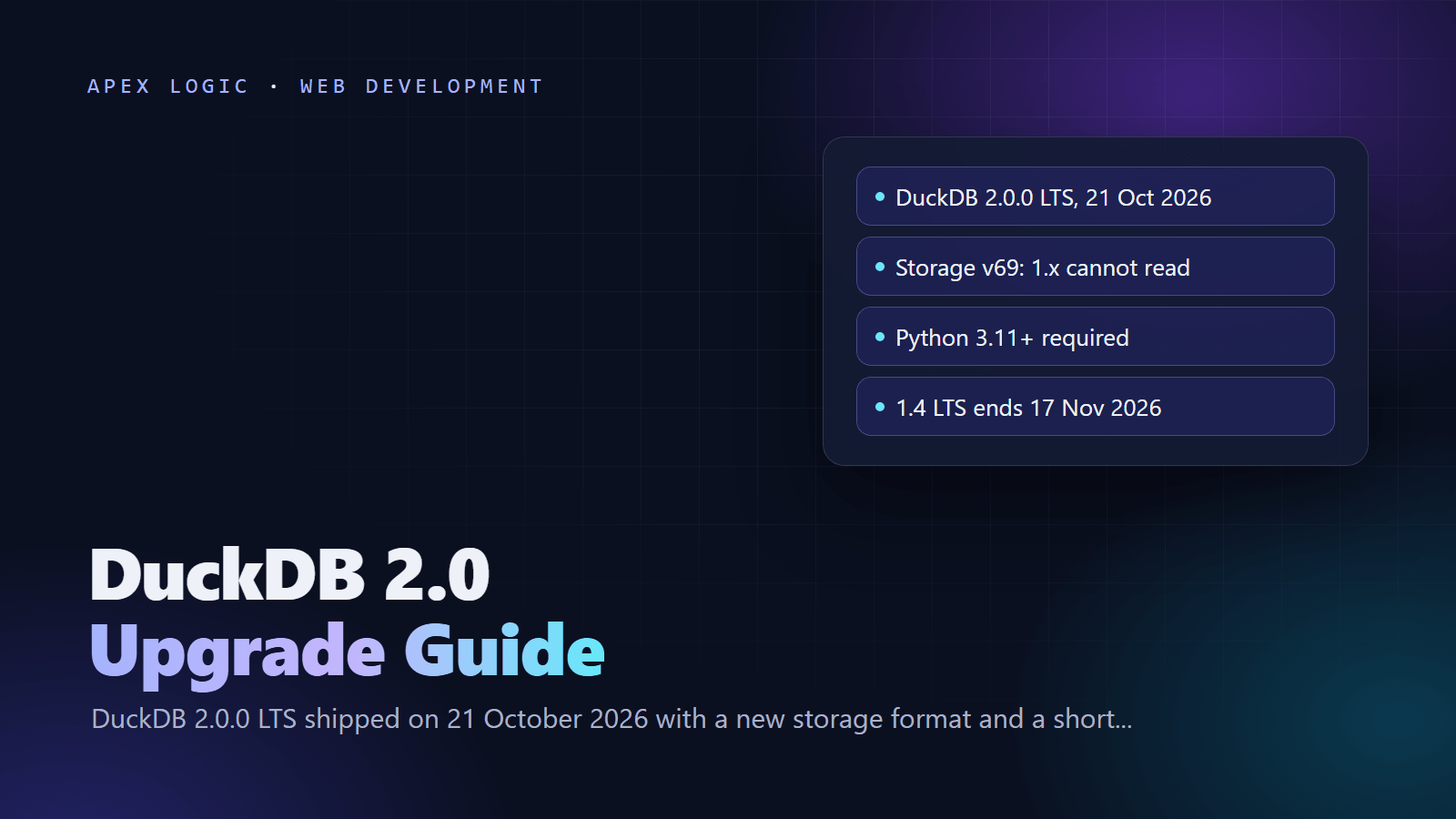
Updated 23 October 2026. DuckDB 2.0.0 LTS, codenamed Cinnamon Teal, was released on 21 October 2026; this guide goes through each breaking change in the official migration guide with its fix, and sets out a safe upgrade order.
DuckDB 2.0 is a long-term support release that keeps most queries working, but we count 12 changes in the official migration guide that can break an upgrade. The biggest three: new database files use storage version 69, which DuckDB 1.x cannot open; the old x -> x + 1 lambda syntax is disabled by default; and the Python client requires Python 3.11 or newer and removes several methods. The safe path is to pin your current version, test 2.0.0 on a copy of your workload, then move every process that shares a database file at the same time.
Timing matters too. DuckDB 2.0 is supported until at least October 2027, DuckDB 1.4 LTS reaches end of life on 17 November 2026, and DuckDB 1.5 is supported until March 2027. The DuckDB team suggests that mission-critical workloads wait for the first 2.0 patch release, which it expects in November.
DuckDB 2.0 at a glance
| Question | Answer, as of 23 October 2026 |
|---|---|
| Release | DuckDB 2.0.0 LTS "Cinnamon Teal", 21 October 2026 |
| Python package | duckdb 2.0.0 on PyPI, requires Python 3.11 or newer |
| Other clients | CLI and Python first; R, Rust and some extensions follow within days |
| Storage format | New files use version 69, which no 1.x release can read |
| Existing files | 2.0 reads and writes them and keeps their version, so 1.x can still open them |
| Lambda syntax | x -> x + 1 is off by default; use lambda x: x + 1 |
| Support | 2.0 until at least October 2027; 1.5 until March 2027; 1.4 ends 17 November 2026 |
| Next release | First 2.0 patch release expected in November 2026 |
Should I upgrade to DuckDB 2.0 now?
| Your situation | Suggested move |
|---|---|
| Notebooks, scripts, one process per file | Upgrade after a quick test, fixing lambdas and Python calls as you meet them |
| Several processes share one .duckdb file | Upgrade them together, or have 2.0 write an explicit older storage version |
| Mission-critical pipeline | Test on a shadow system now; switch after the November patch release |
| Still on DuckDB 1.4 | Move before 17 November 2026, to 1.5 (supported to March 2027) or to 2.0 |
| Python 3.10 or older | pip keeps installing 1.x; upgrade Python first if you want 2.0 |
| Intel Mac with community extensions | Community extensions are no longer built for osx_amd64, and DuckDB 2.1 drops the platform |
If DuckDB sits behind dashboards or the automated reports your team reads every week, treat the upgrade like any other production change: test, schedule and keep a way back.
How do I pin DuckDB before testing?
An unpinned pip install duckdb on Python 3.11 or newer now installs 2.0.0, so the first job is to stop surprise upgrades in production. Pin the version you run today in requirements.txt or your lock file:
pip install "duckdb==1.5.6"
# or accept any 1.x release
pip install "duckdb<2"
On Python 3.10, DuckDB's Python migration page confirms that pip keeps installing a 1.x release, so a Python upgrade and a DuckDB upgrade will arrive together. Plan them as one change.
The 12 breaking changes in DuckDB 2.0 and how to fix them
1. New storage format: "Trying to read a database file with version number 69"
Every new database file created by 2.0.0 uses storage version 69 by default. DuckDB 1.5.6 cannot open it and stops with:
IO Error: Trying to read a database file with version number 69, but we can only read versions between 64 and 68.
The database file was created with a newer version of DuckDB.
DuckDB 1.5.5 and earlier report version number 999 instead of 69. Existing files are safer: 2.0 reads and writes them without changing their storage version. If older processes must read files that 2.0 creates, set the version explicitly: -storage-version v1.5.6 in the CLI, the STORAGE_VERSION option of ATTACH in SQL, or a config option in Python:
import duckdb

con = duckdb.connect("shared.duckdb", config={"storage_compatibility_version": "v1.5.0"})
Once every reader runs 2.0, move a file to the new format by exporting it with the old version and importing it with the new one:
/older/duckdb mydata.old.db -c "EXPORT DATABASE 'tmp'"
/newer/duckdb mydata.new.db -c "IMPORT DATABASE 'tmp'"
2. Single-arrow lambdas are disabled
The single-arrow lambda, deprecated since DuckDB 1.3, is now off by default. Rewrite lambdas in the Python style:
-- disabled by default in 2.0
SELECT list_transform([1, 2, 3], x -> x + 1);
-- works in 2.0
SELECT list_transform([1, 2, 3], lambda x: x + 1);
As a temporary bridge, SET lambda_syntax = 'enable_single_arrow'; restores the old form for the session. DuckDB 2.1 will remove both the setting and the old syntax, so update lambdas in SQL files, dbt models and query strings inside Python code now.
3. The ~ regular expression operator now matches partially
Following PostgreSQL, 'abc' ~ 'b' now returns true, where 1.x returned false because the whole string had to match. The negated operator changes the same way. This raises no error; it quietly changes results, so test every filter that uses these operators. The deprecated setting SET regex_match_operator_semantics = 'full'; restores full matching.
4. The factorial operator binds more tightly
The postfix factorial operator now binds before multiplication, so two times three followed by the factorial operator returns 12, not 720 as in 1.x. Wrap the expression you mean in parentheses, or call the factorial() function so the intent is clear.
5. X'...' and B'...' literals change type
Hex and bit string literals now produce BLOB and BITSTRING values instead of VARCHAR strings. If you compare them with text columns or join them into strings, add an explicit cast.
Changes 3 to 5 come from the new PEG-based SQL parser, which replaces the PostgreSQL-derived one. DuckDB says queries that parsed before should still parse; if one fails, it asks you to file an issue. Meanwhile, you can switch back to the old parser:
INSTALL AND LOAD legacy_parser;
SET enable_legacy_parser = true;
6. Integer division by zero now raises an error
1 // 0 and 1 % 0 used to return NULL. In 2.0 they fail with:
Invalid Input Error: Division by zero in expression (1 // 0). Use TRY(...) to return NULL for this expression, or SET error_on_division_by_zero=false to return NULL for all divisions by zero.Wrap a single expression in TRY(), or set error_on_division_by_zero to false for the old behavior everywhere. Regular division, 1 / 0, still returns infinity.
7. MERGE INTO with duplicate matches raises an error
If one target row matches several source rows, MERGE INTO now fails instead of quietly using one of them. Deduplicate the source first, or make the ON condition unique.
8. Untyped NULL columns keep the NULL type
CREATE TABLE t AS SELECT NULL AS x now creates a column of type NULL that rejects later non-NULL values. Cast it, for example NULL::VARCHAR AS x, or use SET legacy_disable_null_type = true; while you fix the scripts.
9. preserve_identifier_case is now text
The setting changed from BOOLEAN to VARCHAR with the values 'preserve_case' (the default), 'lowercase' and 'uppercase'. Old true and false values still work and map to 'preserve_case' and 'lowercase', so only code that reads the value back as a boolean needs a change.
10. S3 credentials in URL parameters are ignored
A path such as s3://bucket/file.csv?s3_access_key_id=... no longer passes credentials: the question mark and everything after it become part of the object key. Move credentials into a DuckDB secret:
CREATE SECRET my_secret (
    TYPE s3,
    KEY_ID 'my_secret_key',
    SECRET 'my_secret_value',
    REGION 'my_region'
);
If you need the old behavior for a short time, load httpfs and run SET s3_enable_deprecated_url_parameters = true;.
11. Removed and deprecated settings
custom_profiling_settingsis gone; usetracked_metrics.enable_http_loggingandhttp_logging_outputare gone; useCALL enable_logging('HTTP').profiling_modeis deprecated and has no effect; usePRAGMA enable_profiling.
12. Python client: Python 3.11 and API changes
The Python package requires Python 3.11 or newer, and free-threaded CPython builds are not supported. The API changes most likely to break code:
fetch_arrow_table(),fetch_record_batch(),arrow()andpl()are gone fromexecute()results. Use a relation instead, such ascon.sql(query).to_arrow_table().rel.fetchone(),rel.fetchmany(),rel.execute()andrel.fetch_df_chunk()are gone. Usecon.execute(query)for a fetch loop,rel.iter_rows()to iterate, orrel.materialize()to keep rows.- Calling one connection from several threads now raises
ResourceInUseException. Give each thread its owncon.cursor(). - Any failed statement inside a transaction now aborts it, and further statements raise
TransactionExceptionuntilcon.rollback(). write_csv()andwrite_parquet()withoverwrite=Falsenow raiseIOExceptionwhen the file exists.- Arrow output now arrives in batches of 131,072 rows instead of 1,000,000; pass
batch_sizeif you depend on the old size.
import duckdb

con = duckdb.connect("analytics.duckdb")

# DuckDB 1.x: con.execute("SELECT * FROM sales").fetch_arrow_table()
table = con.sql("SELECT * FROM sales").to_arrow_table()

# DuckDB 2.0: one cursor per thread
def count_sales():
    cur = con.cursor()
    return cur.execute("SELECT count(*) FROM sales").fetchone()
What else changed for extension and custom-build users?
Building DuckDB now needs a C++17 compiler, and release builds use Clang on Linux and macOS. The ICU library is gone from the core build: the icu extension now implements time zones, calendars and collations itself, and DuckDB says query behavior is unchanged. The amalgamation build is deprecated. The new C API v2 is not yet stable, so pin extension builds that use it. On Intel Macs, community extensions are no longer built, and DuckDB 2.1 will stop supporting the platform.
How to upgrade to DuckDB 2.0 safely: 6 steps
- Inventory. List every process, job, notebook and service that opens each .duckdb file, with its DuckDB and Python versions.
- Pin. Lock the current version everywhere so nothing upgrades by accident.
- Shadow test. DuckDB recommends a shadow system that tracks your workload on 2.0.0. Compare results, especially filters with
~, divisions and MERGE statements, which change without an error. - Fix code. Rewrite single-arrow lambdas, Python API calls and S3 URLs. Use the legacy settings only as short bridges.
- Roll out together. Upgrade every process that touches a shared file in one change, or keep 2.0 writing an older storage version until the last 1.x reader is gone.
- Convert and monitor. Move files to the new format with EXPORT and IMPORT once everything runs 2.0, and apply the November patch release when it ships.
Good table design still matters more than engine version; our database design best practices apply to analytics files too. DuckDB is an analytics engine rather than your app's main transactional store, so if you are choosing that as well, see PostgreSQL vs MongoDB. And if your reporting still lives in spreadsheets, our guide on when Google Sheets as a database breaks explains when to move.
If you want help testing a DuckDB upgrade or building the data pipeline around it, our automation team can scope it with you, or you can contact us. The AI data analyst page shows how plain-English questions can sit on top of a database like this.
DuckDB 2.0 FAQ
Can DuckDB 1.5 read a DuckDB 2.0 database file?
Not if DuckDB 2.0 created the file with default settings. New files use storage version 69, and DuckDB 1.5.6 can only read versions 64 to 68, so it stops with an IO Error. Files created by older versions stay readable after 2.0 writes to them, because 2.0 keeps their storage version. To create files that 1.5 can still read, set storage_compatibility_version to v1.5.0 or pass an explicit storage version.
Does DuckDB 2.0 still open my existing database files?
Yes. DuckDB 2.0 can read and write database files created by earlier versions, and it keeps their storage version when it writes, so older DuckDB versions can still open them afterward. Only files that 2.0 creates from scratch use the new version 69 format by default. To move an existing file to the new format, export it with the old version and import it with 2.0.
Why does pip still install DuckDB 1.x?
DuckDB 2.0 requires Python 3.11 or newer, and free-threaded CPython builds are not supported. On Python 3.10, pip install duckdb installs a 1.x release because the 2.0.0 package on PyPI declares that Python requirement. Check your interpreter with python --version. If you need 2.0, upgrade Python first, recreate your virtual environment, and test both changes together, since the Python API also changed.
How do I fix single-arrow lambda errors in DuckDB 2.0?
Rewrite each lambda from the arrow form, x -> x + 1, to the Python-style form, lambda x: x + 1, inside functions such as list_transform and list_filter. If you cannot change every query at once, run SET lambda_syntax = 'enable_single_arrow' for the session as a bridge. Do not rely on it for long, because DuckDB 2.1 will remove the setting and the old syntax entirely.
When does DuckDB 1.4 support end?
DuckDB 1.4 LTS reaches end of life on 17 November 2026, after DuckDB extended its support. DuckDB 1.5 is supported until March 2027, which the team says effectively makes it an LTS release too, and DuckDB 2.0 LTS is supported until at least October 2027. If you are on 1.4, moving to 1.5.6 is the smallest step; moving to 2.0 means handling the breaking changes above.
Should I wait for the first DuckDB 2.0 patch release?
For mission-critical workloads, the DuckDB team suggests waiting for the first patch release, which it expects in November 2026. For everything else, testing now is cheap: pin production to your current version, run 2.0.0 on a shadow copy of the workload, and fix the code changes. When the patch release lands, you can switch with less risk because the migration work is already done.
Sources
- DuckDB: Announcing DuckDB 2.0.0 LTS "Cinnamon Teal" (21 October 2026)
- DuckDB docs: Migrating to DuckDB 2.0
- DuckDB docs: Migrating Python Code to DuckDB 2.0
- DuckDB docs: Storage Versions and Format
- DuckDB docs: Lambda Functions (deprecated syntax)
- DuckDB docs: Secrets Manager
- DuckDB: Release Calendar and LTS support
- PyPI: duckdb 2.0.0
Loading comments...