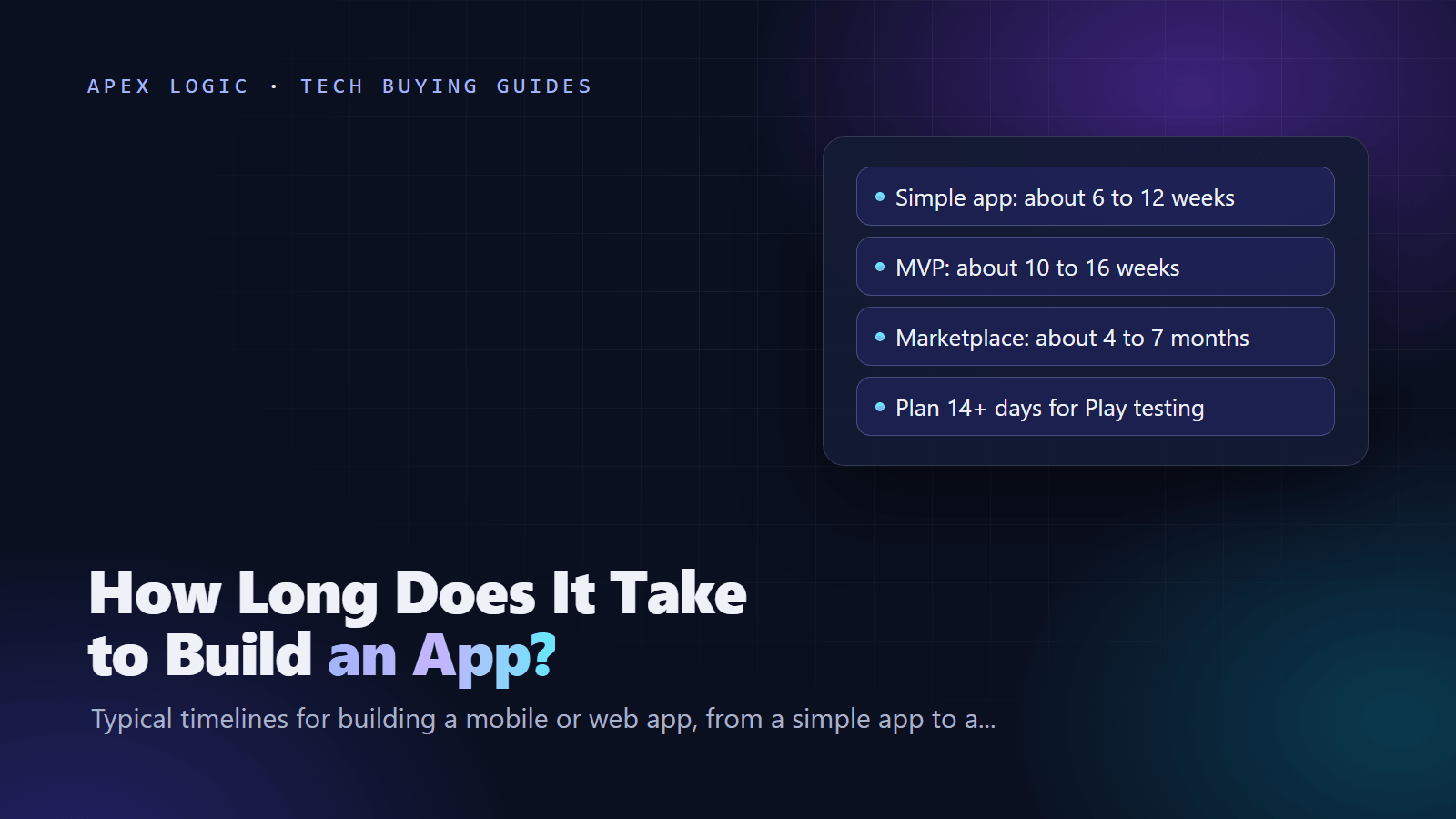
How long does it take to build an app? With a small, experienced team, a simple app typically takes 6 to 12 weeks from kickoff to launch, an MVP 10 to 16 weeks, a two-sided marketplace 4 to 7 months, and a complex app 6 to 12 months or more. These are planning estimates, not statistics, and they rest on the assumptions listed under the table below.
Coding is only part of the calendar. Discovery and design come first, testing and store review come last, and a new Google Play personal account needs at least 14 days of closed testing before it can publish. Web apps skip store review, so they usually launch sooner. Below: the timeline by app type, each phase, what slows projects down, how to speed up safely, and a realistic week-by-week plan.
App development timeline by app type
Typical calendar time from kickoff to public launch, as of August 2026.
| App type | What it usually includes | Typical timeline | Build phase alone |
|---|---|---|---|
| Simple app | 5 to 10 screens, sign-in, one main feature such as content or bookings, no payments | 6 to 12 weeks | 3 to 6 weeks |
| MVP | One core workflow end to end, accounts, payments or subscriptions, a basic admin panel, analytics | 10 to 16 weeks | 4 to 10 weeks |
| Marketplace | Two user types, listings, search, payments with payouts, messaging, reviews, moderation | 4 to 7 months | 3 to 5 months |
| Complex app | Realtime features, offline sync, many integrations, several roles, health or finance compliance | 6 to 12 months or more | 4 to 9 months or more |
Assumptions behind these ranges: a team of two to four people (developers, a part-time designer and QA), one cross-platform codebase for iOS and Android or one web app, a managed backend, a single decision-maker on the client side, and feedback within one or two working days. Change any of these and the ranges move. Two separate native apps, a custom backend or approvals by committee can each add weeks.
The MVP build column matches the 4 to 10 weeks in our guide on how to build an MVP. Time and cost move together, so our mobile app cost guide uses similar bands.
App development phases, step by step
| Phase | Typical length | What you get |
|---|---|---|
| 1. Discovery and scoping | 1 to 3 weeks | Feature list, user flows, technical choices, estimate |
| 2. UX and UI design | 2 to 6 weeks, overlapping the build | Wireframes, visual design, clickable prototype |
| 3. Build | 3 weeks to 9 months or more | Working app in test builds, demoed every sprint |
| 4. Testing | 1 to 4 weeks at the end, plus testing during the build | A release candidate tested on real devices |
| 5. Store review and release | A few days to 2 weeks, plus 14 or more days of closed testing on a new personal Google Play account | Live app in the stores |
| 6. Launch and stabilization | 1 to 4 weeks | Monitoring, quick fixes, a stable version 1 |
1. Discovery and scoping
Agree on the problem, the users and the one workflow that must work on day one. The output is a prioritized feature list, user flows, technical choices and an estimate. Skipping discovery rarely saves time. It moves the open questions into the build, where they cost more.
2. UX and UI design
Wireframes come first, then visual design for the key screens, often as a clickable prototype. Design can overlap the build: developers start on sign-in, the data model and the backend while later screens are still being designed.
3. Build
Work happens in one- or two-week sprints with a demo at the end of each: the app screens, the backend, integrations such as payments and maps, and an admin panel. A managed backend removes weeks of server work for many MVPs. Our Firebase vs Supabase comparison explains the trade-offs.
4. Testing
Test on real devices and slow networks, not just simulators. Apple's TestFlight lets you invite up to 10,000 external testers, but the first build you add to an external group goes to App Review, and each build can be tested for up to 90 days. Google Play offers internal, closed and open testing tracks.
5. Store review and release
As of August 2026, Apple says that on average 90% of App Store submissions are reviewed in less than 24 hours, and that incomplete submissions take longer. You can request an expedited review for a critical bug fix or a launch tied to an event.
Google says processing can take from a few hours up to seven days, or longer in exceptional cases, and recommends a buffer of at least a week between submitting and going live. Personal developer accounts created after 13 November 2023 must first run a closed test with at least 12 testers opted in for 14 days in a row, then apply for production access, which Google says usually takes seven days or less to review. That can add about three weeks to a first Android launch. Our guide to publishing on the App Store and Google Play walks through every form.
6. Launch and stabilization
Expect a few quick updates in the first weeks as real users find edge cases. Keep the team available until crash reports and support tickets settle.
What makes app projects slow
- Scope that keeps growing. Every small addition needs design, build and testing time.
- Slow feedback. A week waiting for an approval is a week lost, often more once the team switches context.
- Store accounts opened late. Organizations need a D-U-N-S Number. Apple says to allow up to 5 business days to get one from D&B, then up to 2 business days before you can enroll, while Google's Play Console Help says it can take up to 30 days. As of August 2026, Apple's program costs $99 per membership year and Google Play has a US$25 one-time registration fee.
- Third-party integrations. Payment providers, banks and many APIs have their own onboarding, test accounts and approval steps.
- Content that is not ready. Copy, product data, legal pages, privacy answers and store screenshots all take client time.
- Rejections. Apple says over 40% of unresolved issues relate to guideline 2.1, App Completeness, which covers crashes, placeholder content and incomplete information.
- Platform deadlines mid-project. Since 28 April 2026, App Store uploads must be built with the iOS 26 SDK or later, and from 31 August 2026 Google Play requires new apps and updates to target Android 16 (API level 36). Long projects can need an upgrade sprint.
- Part-time or changing teams. Handovers cost days each time.
How to shorten the timeline safely
- Cut scope, not quality. Launch one core workflow, measure it, then add features.
- Build once for iOS and Android. A cross-platform framework saves a second codebase; see our React Native vs Flutter comparison.
- Buy the commodity parts. Use a managed backend and ready-made services for sign-in, payments, email and analytics.
- Open developer accounts in week one, and start the Google Play closed test as soon as you have a stable build.
- Overlap design and backend work once the first user flows are approved.
- Name one decision-maker who answers within one or two working days.
- Fix the scope and agree how changes work before the build starts. Our comparison of fixed price vs time and materials explains the options.
- Automate builds and test continuously, so the final testing phase finds fewer surprises.
What not to cut: testing on real devices, security reviews, store compliance forms and analytics. Skipping them moves the delay to launch week, when it hurts most.
What a realistic app plan looks like
Example, with assumptions: a hypothetical booking app for a small chain of fitness studios. Members browse classes, book and pay on iOS and Android, and staff manage schedules and refunds in a web admin. The team is two developers, a part-time designer and part-time QA, using one cross-platform codebase, a managed backend and a standard payment provider. The client replies within two working days. Target: about 14 weeks.
| Weeks | Team work | What the client provides |
|---|---|---|
| 1 to 2 | Discovery workshop, user flows, feature list, estimate; open Apple and Google developer accounts | Scope decisions, company details for store accounts |
| 2 to 4 | Wireframes, then visual design of key screens; backend data model | Design feedback within two days |
| 3 to 10 | Four two-week sprints: sign-in, class schedule, booking, payments, admin, notifications | Payment provider test account, content, sprint feedback |
| 9 to 11 | Device testing, TestFlight beta, Google Play closed test with real members | Testers, store screenshots, privacy answers |
| 11 to 12 | Fixes, store listings, submission to both stores | Approval of listings and launch date |
| 12 to 14 | Review, release, monitoring, first fixes | Support contact, launch announcement |
Testing runs alongside the last sprint. If the studio published from a new personal Google Play account, the mandatory 14-day test would have to start by week 9; starting it after the build would add two to three weeks. The last two weeks are buffer for review questions and launch fixes. Plans without buffer are the ones that slip.
Web app vs mobile app timelines
A web app usually launches sooner than the same product on iOS and Android: there is no store review, one codebase covers every device, and fixes go live as soon as you deploy. You still need hosting, a domain, legal pages, browser testing and analytics. For many MVPs, a responsive web app or progressive web app is a fast first step, with store apps added once the idea is proven. Our PWA vs native app guide covers when that works.
If you have an app idea and want a realistic plan, send us a short brief. We work on fixed quotes, and you own 100% of the code.
App development timeline FAQ
How long does it take to build an MVP app?
Typically 10 to 16 weeks from kickoff to launch for a focused MVP with one core workflow, accounts and payments, assuming a small, experienced team and fast feedback. The build itself is often 4 to 10 weeks. Discovery, design, testing and store review make up the rest. Treat these as planning estimates and keep buffer for review questions and launch fixes.
Can you build an app in a month?
A clickable prototype or a very small web app, yes. A store-ready mobile app with sign-in, a backend and payments rarely fits in four weeks once you count design, testing and review. A new Google Play personal account alone needs 14 days of closed testing with at least 12 testers before it can apply for production access.
How long does App Store review take?
As of August 2026, Apple says that on average 90% of submissions are reviewed in less than 24 hours. Incomplete submissions take longer, and a rejection adds a fix-and-resubmit cycle. For a critical bug fix or a launch tied to an event, you can request an expedited review. Keep a few days of buffer for a first submission anyway.
How long does Google Play review take?
Google says processing can take from a few hours up to seven days, or longer in exceptional cases, and recommends at least a week of buffer between submitting and going live. New personal developer accounts must also finish a 14-day closed test and then apply for production access, which Google says usually takes seven days or less to review.
Why do app projects take longer than planned?
Most delays come from scope that grows during the build, slow feedback, third-party integrations, content that is not ready and store accounts opened too late. Technical surprises happen too, but the process causes are the ones you can prevent up front: a fixed scope, one decision-maker who answers quickly and a demo at the end of every sprint.
Is a web app faster to build than a mobile app?
Usually, yes. A web app has one codebase, no store review and instant updates, so the same features often launch sooner than on iOS and Android. A mobile app is still worth it when you need push notifications, device features or store discovery. Many teams launch on the web first and add store apps once the product is proven.
Sources
- App Review (Apple Developer)
- TestFlight overview (App Store Connect Help)
- Apple Developer Program enrollment
- D-U-N-S Number (Apple Developer Account Help)
- Upcoming SDK minimum requirements (Apple Developer News, 3 February 2026)
- Control when app changes are reviewed and published (Play Console Help)
- App testing requirements for new personal developer accounts (Play Console Help)
- Get started with Play Console (Play Console Help)
- Required information to create a Play Console developer account (Play Console Help)
- Target API level requirement (Android Developers)

Loading comments...