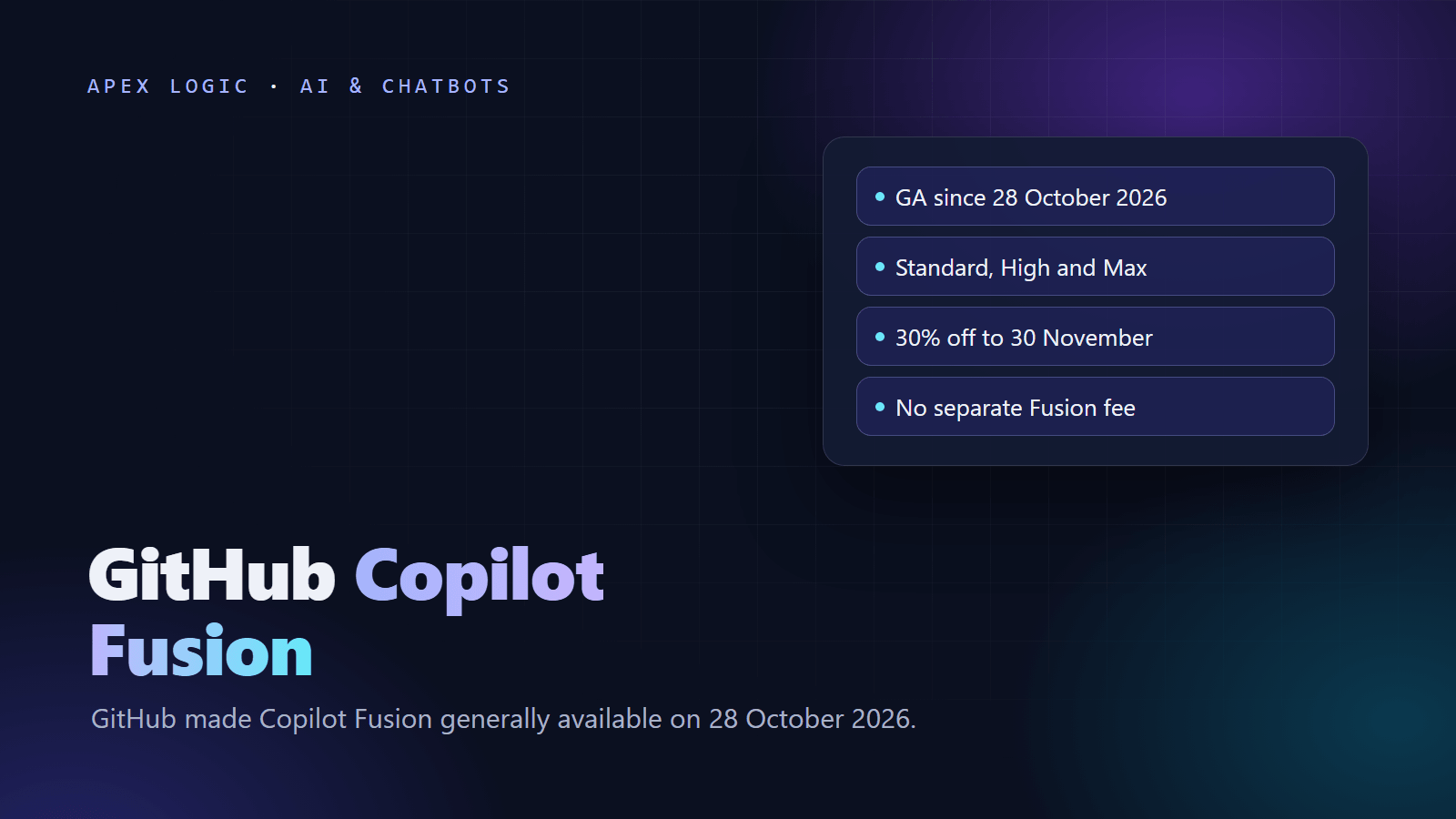
Updated 29 October 2026. GitHub made Copilot Fusion generally available at GitHub Universe on 28 October, so this guide covers the effort levels, which plans get them, how billing works and how to turn it on.
GitHub Copilot Fusion is a model router: instead of picking one model, you pick Copilot Fusion and an effort level, and Copilot chooses one or more models and a working pattern for each prompt. GitHub made it generally available on 28 October 2026 in Visual Studio Code, JetBrains IDEs, GitHub Copilot CLI and the GitHub Copilot app. To use it, update your client, open the model picker, select Copilot Fusion and choose Standard, High or Max.
There is no separate fee for Fusion. You pay for each model it calls at that model's normal rate in AI credits, and paid plans get 30% off those model costs when they use Fusion, through 30 November 2026. As of 29 October 2026, Fusion Standard works on every Copilot plan, while Fusion High and Fusion Max need Copilot Pro+, Max, Business or Enterprise.
Copilot Fusion at a glance
From GitHub's changelog and the Copilot Fusion docs, checked on 29 October 2026:
| Question | Answer |
|---|---|
| Status | Generally available since 28 October 2026, rolling out gradually |
| Where it works | VS Code, JetBrains IDEs, Copilot CLI and the GitHub Copilot app, with more clients promised |
| Effort levels | Standard, High and Max, plus Fast, which is used only in VS Code inline chat |
| Working patterns | Single, Cascade and Critique, chosen prompt by prompt |
| Plans | Standard on all plans; High and Max on Pro+, Max, Business and Enterprise |
| Price | No Fusion fee; each model is billed at its own rate in AI credits (1 credit = $0.01) |
| Discount | 30% off model costs with Fusion on paid plans, through 30 November 2026 |
| Admin control | Uses only models your policies allow; admins can make Fusion the default |
What is GitHub Copilot Fusion?
Copilot Fusion is a runtime router and orchestrator. For each prompt, it weighs how much reasoning, code generation, debugging and tool use the task needs, checks live model health, then picks the most efficient pattern that meets the quality bar for your effort level. You get one final answer: drafts stay hidden, but you can follow each step and see which model is working. GitHub says Fusion combines its Project HydraFusion research with Copilot's automatic model selection, and its chief product officer Mario Rodriguez told VentureBeat that it is an orchestration engine, not a model.
Single, Cascade and Critique: the three patterns
- Single: one model handles the whole task, the normal path for everyday prompts.
- Cascade: an efficient model drafts a solution, then a judge accepts it or hands the task to a stronger model.
- Critique: one model drafts, several models review the draft in parallel, and the first model revises it using their feedback.
Fusion chooses the pattern per prompt, so one session can mix all three. Cascade and Critique take longer, and review steps are only added when a task warrants them. The main conversation stays on one model where possible, to keep the prompt cache warm.
Copilot Fusion effort levels: Standard vs High vs Max
| Effort level | What it favors | Use it for |
|---|---|---|
| Fusion Standard | A balance of cost, quality and speed, with one model chosen per task | Everyday questions, small edits, explanations |
| Fusion High | Several models working together, for moderate token savings | Well-defined but tricky work, such as a stubborn bug or a change across several files |
| Fusion Max | The most capable models, while still weighing token efficiency | Tasks that need the deepest reasoning and the most thorough analysis |
| Fusion Fast | Fast models only | Not selectable; used only in VS Code inline chat |
A simple rule: start on Standard, move a task to High when Standard gets it wrong twice, and keep Max for design questions or bugs that cross many files. High and Max can call several models per task, so they can use more credits for the same prompt.
Which Copilot plans include Fusion?
Prices and access as of 29 October 2026, from GitHub's plans page, its enterprise billing docs and the Fusion availability table:
| Plan | Price | AI credits included | Fusion levels |
|---|---|---|---|
| Copilot Free | $0 | Limited chat and agent use | Standard |
| Copilot Pro | $10 a month | $15 a month ($10 base plus $5 flex) | Standard |
| Copilot Pro+ | $39 a month | $70 a month ($39 base plus $31 flex) | Standard, High, Max |
| Copilot Max | $100 a month | $200 a month ($100 base plus $100 flex) | Standard, High, Max |
| Copilot Business | $19 per user a month | 1,900 pooled credits per user a month | Standard, High, Max |
| Copilot Enterprise | $39 per user a month | 3,900 pooled credits per user a month | Standard, High, Max |
The Fusion docs also list a Student plan with Standard only. If none of the models Fusion relies on are available to you, for example because an admin turned them off, Fusion does not appear in the model picker.
How to turn on Copilot Fusion
GitHub's instructions are short: update your client, open the model picker, select Copilot Fusion and choose an effort level. Per client:
- VS Code: update VS Code and its Copilot extension, open Chat, pick Copilot Fusion in the model picker, then Standard, High or Max.
- JetBrains IDEs: install the latest GitHub Copilot plugin, then pick Standard, High or Max in the model picker. Here Fusion replaces the old Auto option, according to GitHub's JetBrains release notes.
- Copilot CLI: run
/modeland choose Copilot Fusion. The CLI reference also lists/limits set max-ai-credits VALUE, a soft cap on AI credits per response. - GitHub Copilot app: update the app, then choose Copilot Fusion in its model picker.
# Copilot CLI: open the model picker, then cap credits per response
/model
/limits set max-ai-credits 50
The value 50 is an example: at $0.01 per credit, it caps a response at about $0.50. If you enabled Auto, HydraFusion or HydraFusion Max in the research preview, GitHub moves you to the matching Fusion level. Fusion is rolling out gradually, so if it is missing, update again later and ask your admin whether your model policies allow the models it uses.
Can Copilot Fusion use local models?
Yes, in public preview and at Standard effort only. The docs list MAI Code 1.1 Flash, on Windows computers that meet GitHub's requirements, and Qwen3.8 Flash Next, installed through a provider such as Ollama on Windows, macOS or Linux, which Copilot CLI calls qwen3.8-flash-next-local. Turn on "Local model auto routing" in the Copilot app's Experimental settings, or start Copilot CLI with --experimental or run /experimental on.
How much does Copilot Fusion cost?
Fusion has no charge of its own. GitHub bills each model call that Fusion makes at that model's standard per-token rate, converted to AI credits at 1 credit = $0.01, and code completions and next edit suggestions are not billed in credits. Some rates from GitHub's models and pricing page, per million tokens, as of 29 October 2026:
| Model | Input | Cached input | Output |
|---|---|---|---|
| Claude Opus 5.5 | $4.00 | $0.20 | $20.00 |
| Claude Sonnet 5.5 | $2.00 | $0.10 | $10.00 |
| GPT-6 Astra (up to 272K input tokens) | $10.00 | $1.00 | $50.00 |
| GPT-6.1 Terra (up to 272K input tokens) | $1.00 | $0.05 | $5.00 |
| GPT-6 Luna (up to 272K input tokens) | $0.10 | $0.01 | $0.50 |
GitHub does not say which models Fusion will pick, and the pool changes over time; VentureBeat reported that it includes Claude Opus 5.5, Claude Sonnet 5.5, GPT-6 Astra and GPT-6 Sol. Hover over the effort level name under a response to see the models it used.
Example (illustrative). Suppose Fusion Standard answers a prompt with Claude Sonnet 5.5, reading 100,000 cached tokens and 10,000 new input tokens and writing 4,000 output tokens, with cache writes ignored. That is $0.01 + $0.02 + $0.04 = $0.07, or 7 AI credits, and about 4.9 credits after the 30% Fusion discount. A Max Critique round with two reviewer models would add their tokens too. Our LLM API costs guide shows how to turn rates like these into a monthly budget.
Is Copilot Fusion cheaper than Claude Code or picking a model yourself?
GitHub says Fusion Max scored 60 on the Artificial Analysis Coding Agent Index, within two points of Claude Code running Claude Opus 5.5 at Max effort, at roughly half the API cost per task. VentureBeat put that at $5.59 against $11.42 per task, and noted that Fusion scored lower on FrontierCode, 51 against Claude Code's 56. GitHub's claims of up to 77% savings and 40% less time come from its own tests. These are API-cost benchmarks, not subscription prices. For the models themselves, see our Gemini 4 vs GPT-6 vs Claude comparison and Claude Haiku 5.5 vs GPT-6 Luna.
Copilot Fusion vs Auto vs choosing a model
- Fusion vs Auto: Fusion builds on Copilot's automatic model selection, earlier Auto users were moved to Fusion levels, and in JetBrains IDEs Fusion replaces the Auto option.
- Fusion vs a fixed model: pin one model when you need repeatable output, such as a prompt that runs in CI, or when a client contract names an approved model.
- Fusion vs subagents: Fusion runs separately from subagents and does not start them.
- Context window: Fusion has none of its own; the figure it shows is based on the smallest limit among its models.
What should admins check before rolling out Fusion?
- Model policies: Fusion only uses models that your enterprise and organization policies allow. Admins can set each model's policy for Fusion separately and turn a model off for Fusion without turning it off for everyone.
- Defaults: admins can make Fusion, at any effort level, the default model through enterprise managed settings.
- Budgets: on Business and Enterprise, paid usage past the included credits is on by default, according to GitHub's usage-based billing docs. Disable the "AI credits paid usage" policy or set budgets for a hard stop.
- Review before merge: if Fusion discards a draft, file edits that the draft already made are not undone, so review changes before you commit.
GitHub Enterprise now includes Copilot
GitHub also changed enterprise pricing on 28 October 2026. GitHub Enterprise Cloud customers who work with a GitHub or Microsoft account team can get Copilot with no seat charge, with AI usage metered from the first request against the enterprise budget. Users without an Enterprise license can get Copilot Standalone at $10 per user a month. Self-serve access opens in stages, Copilot Business and Enterprise stay on sale, and at a zero budget completions keep working while Chat, code review and cloud agents stop, according to the enterprise changelog.
The Next Web reported GitHub's Octoverse figure that more than 40% of pull requests started with an agent draft by September 2026. Our guide to AI coding assistants for teams covers the review process that keeps this safe, and our Claude Code Review guide shows one way to automate the first pass.
If you want the same idea inside your own product, routing each job to the cheapest model that can handle it, our AI solutions page explains how we scope that kind of work, and you can ask us for a fixed quote.
Copilot Fusion FAQ
Is GitHub Copilot Fusion free?
Fusion has no separate fee, and Fusion Standard is available on every Copilot plan, including Copilot Free. You still pay for the models it calls at their standard rates in AI credits, with 30% off model costs on paid plans through 30 November 2026. As of 29 October 2026, Fusion High and Fusion Max need Copilot Pro+, Max, Business or Enterprise.
How do I turn on Copilot Fusion in VS Code?
Update VS Code and its Copilot extension, open Chat, select Copilot Fusion in the model picker and choose Standard, High or Max. GitHub is rolling Fusion out gradually, so it can take time to appear. If it never shows up, ask your admin whether your organization's policies allow the models Fusion uses, because Fusion is hidden when none of them are available.
What is the difference between Fusion High and Fusion Max?
Both can call several models for one task. High orchestrates models for moderate token savings and suits well-defined work, such as a tricky bug or a change across several files. Max favors the most capable models while still weighing token efficiency, for the hardest reasoning. Max can cost more per task, so set a per-response credit cap in Copilot CLI before you lean on it.
Does Copilot Fusion replace Auto model selection?
Largely, yes. GitHub built Fusion on Copilot's automatic model selection, moved users who had enabled Auto, HydraFusion or HydraFusion Max to the matching Fusion effort levels, and made Fusion replace the Auto option in JetBrains IDEs. You can still pick a single model in the model picker when you need repeatable results or your company approves only certain models.
Can I see which models Copilot Fusion used?
Yes. While Fusion works, you can follow each step and the model in use, and after the response you can hover over the effort level name under it to see every model that took part. Drafts are not shown, only the final answer. Admins can also see which models Fusion selects from and switch models off for Fusion through policies.
Is Copilot Fusion better than Claude Code?
It depends on the task. On the Artificial Analysis Coding Agent Index, GitHub reports Fusion Max within two points of Claude Code running Opus 5.5 at Max effort, at about half the API cost per task, but VentureBeat noted that Fusion scored lower on FrontierCode. Test both on your own repositories and compare the cost per finished, reviewed task.
Sources
- GitHub Changelog: Copilot Fusion (28 October 2026)
- GitHub Docs: About Copilot Fusion
- GitHub Blog: Universe 2026 announcements
- GitHub Changelog: Copilot in JetBrains, Universe releases
- GitHub Changelog: GitHub Enterprise now includes Copilot
- GitHub Docs: Changes to GitHub Enterprise and Copilot
- GitHub Docs: Models and pricing
- GitHub Docs: Usage-based billing
- GitHub: Copilot plans
- GitHub Docs: Copilot CLI command reference
- VentureBeat: Copilot Fusion at half the per-task cost (28 October 2026)
- The Next Web: GitHub launches Copilot Fusion (28 October 2026)

Loading comments...