Updated 10 November 2026. Google made Gemini Omni 1.2 Flash generally available on 5 November; prices, limits and code below were checked on 10 November 2026.
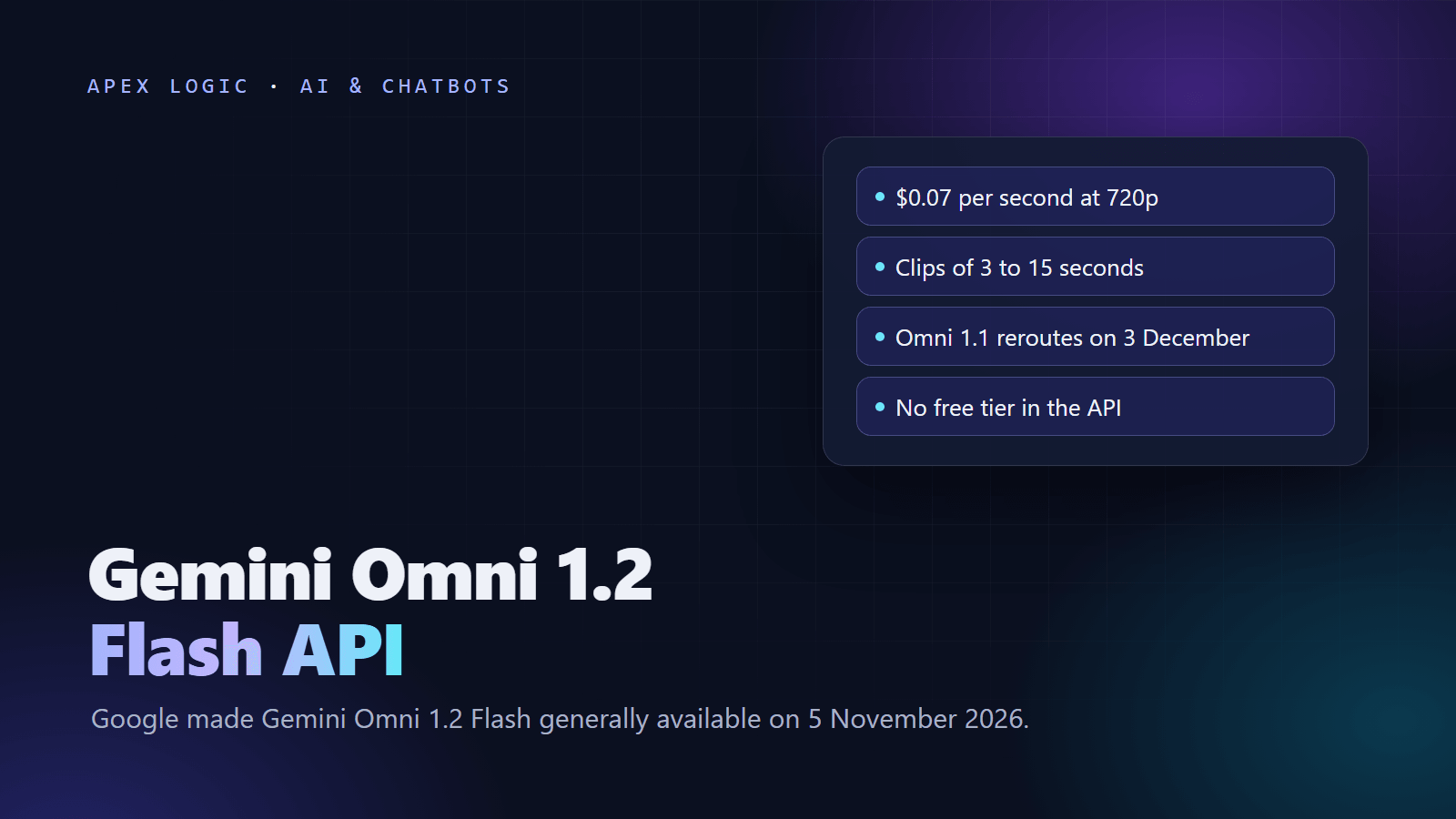
Gemini Omni 1.2 Flash is Google's video generation and editing model, and its API costs about $0.07 per second of 720p video. Google released it on 5 November 2026 with the model id gemini-omni-1.2-flash, generally available on the paid tier of the Gemini API and on Google Cloud. It makes clips of 3 to 15 seconds with native audio, edits them over several turns, and keeps products, faces and brand colors consistent from reference images. The price is 30% below Omni 1.1 Flash.
As of 10 November 2026, a 10-second 720p clip costs about $0.70 and a 15-second clip about $1.04. A 360p draft costs about $0.023 per second, and upscaled 1080p and 4K cost about $0.104 and $0.209. There is no free tier for this model. From 3 December 2026, calls to gemini-omni-1.1-flash route to 1.2 and bill at 1.2 rates. Below: the price table, Python code to generate and edit, rate limits and the limits to plan around.
Gemini Omni 1.2 Flash at a glance
From Google's announcement, the Omni developer docs and the Gemini API pricing page, checked on 10 November 2026:
| Question | Answer as of 10 November 2026 |
|---|---|
| What it is | Video generation and editing model with native audio |
| Released | 5 November 2026, generally available |
| Model id | gemini-omni-1.2-flash |
| Where | Gemini API paid tier, Google Cloud; rolling out in Flow, Google Vids, the Gemini app and Google Ads |
| Price | About $0.07 per second at 720p, billed as video output tokens at $12.00 per 1M |
| Free tier | Not available |
| Clip length | 3 to 15 seconds in whole seconds, default 10; extend to 30 |
| Resolution | 360p, 720p (default), 1080p and 4k (upscaled) |
| Aspect ratio | 16:9 (default) or 9:16 |
| Inputs | Text, images and video; no audio input |
| Watermark | SynthID on every output |
| Rate limits | Tier 1: 8 requests a minute, 40 a day |
| Omni 1.1 Flash | Routes to 1.2 from 3 December 2026 |
How much does Gemini Omni 1.2 Flash cost?
Google bills by token. Input costs $1.50 per 1M tokens for text, images and video. Output costs $9.00 per 1M for text, including thinking tokens, and $12.00 per 1M for video. A second of 720p video is 5,792 tokens, which is where the $0.07 figure comes from. Google lists these per-second rates:
| Resolution | Tokens per second | Per second | 5 s clip | 10 s clip | 15 s clip |
|---|---|---|---|---|---|
| 360p | 1,931 | $0.023 | $0.12 | $0.23 | $0.35 |
| 720p | 5,792 | $0.07 | $0.35 | $0.70 | $1.04 |
| 1080p, upscaled | 8,688 | $0.104 | $0.52 | $1.04 | $1.56 |
| 4K, upscaled | 17,376 | $0.209 | $1.04 | $2.09 | $3.13 |
Clip prices are our arithmetic from Google's token rates, before input tokens for prompts and reference images. For comparison, Omni 1.1 Flash charges $17.50 per 1M video tokens, about $0.10 per second, and stops at 10 seconds. On the paid tier, Google's pricing page says your data is not used to improve its products.
Worked example: ad variants for a small store
Example with assumptions: 80 ad variants a month. Each gets three 5-second drafts at 360p to settle the prompt, then one 15-second final at 1080p. Drafts: 3 x $0.116 = $0.35. Final: $1.56. That is about $1.91 per variant, or about $153 a month plus input tokens. At 320 requests a month, it fits Tier 1's limit of 40 requests a day. Google suggests the same habit: draft at 360p or 720p, fix details with a follow-up edit instead of starting over, and only then go to 1080p or 4K.
If you already use Gemini models for text, our Gemini 4 Argon pricing guide covers the other side of the bill, and the API costs guide shows how to track spend per request.
How to use the Gemini Omni 1.2 Flash API in Python
- Create a Gemini API key in Google AI Studio and link an active billing account. The model is not available on the free tier.
- Set
GEMINI_API_KEY. The SDK also readsGOOGLE_API_KEY, which wins if both are set. - Install the SDK with
pip install -U google-genai. The Interactions API needs version 2.3.0 or later.
import base64
from google import genai

client = genai.Client()

interaction = client.interactions.create(
    model="gemini-omni-1.2-flash",
    input="A ceramic coffee mug on a wooden cafe table, steam rising, slow push-in, soft morning light, quiet cafe sounds",
    response_format={
        "type": "video",
        "resolution": "360p",
        "duration": "5s",
        "aspect_ratio": "9:16",
    },
)

with open("mug-draft.mp4", "wb") as f:
    f.write(base64.b64decode(interaction.output_video.data))

print(interaction.id)
duration takes whole seconds from "3s" to "15s" and overrides any length in the prompt; longer values return an invalid argument error. output_video is an SDK convenience. With plain REST, the video arrives as base64 data inside the model_output step of the steps array:
curl -X POST "https://generativelanguage.googleapis.com/v1beta/interactions" \
  -H "Content-Type: application/json" \
  -H "x-goog-api-key: $GEMINI_API_KEY" \
  -d '{"model": "gemini-omni-1.2-flash", "input": "A paper boat drifting down a rain gutter, close-up, soft rain sounds", "response_format": {"type": "video", "duration": "5s", "resolution": "360p"}}'
Large files: use URI delivery
Google recommends "delivery": "uri" for videos over 4 MB, which usually means anything above 720p. You get a Google-hosted file to poll until it is ACTIVE:
import time
from google import genai

client = genai.Client()

interaction = client.interactions.create(
    model="gemini-omni-1.2-flash",
    input="A ceramic coffee mug on a wooden cafe table, steam rising, slow orbit, warm evening light",
    response_format={"type": "video", "resolution": "1080p", "duration": "15s", "delivery": "uri"},
)

video = interaction.output_video
file_name = video.uri.split("/")[-1]

while True:
    info = client.files.get(name="files/" + file_name)
    if info.state.name == "ACTIVE":
        break
    if info.state.name == "FAILED":
        raise RuntimeError("Video generation failed")
    time.sleep(5)

client.files.download(file=video.uri, destination="mug-final.mp4")
How to edit a video in conversation
Continuing the first example, pass previous_interaction_id and describe the change. The model keeps what you did not mention, so you do not re-upload the clip:
edit = client.interactions.create(
    model="gemini-omni-1.2-flash",
    previous_interaction_id=interaction.id,
    input="Change the mug to deep green. Keep everything else the same.",
    response_format={"type": "video", "resolution": "360p"},
)
Google's tips: keep edit prompts short and end with "Keep everything else the same." The previous_interaction_id carries only the conversation history, so send your settings again on each turn. Clips you edit must be 15 seconds or less, and voice editing is not supported.
Stored interactions matter for privacy. By default the Interactions API keeps them for 55 days on the paid tier, and you can shorten that to 7, 14 or 28 days in AI Studio. Setting store=false skips storage but blocks later edits through previous_interaction_id. Put this in your AI use policy.
Can Gemini Omni make videos longer than 15 seconds?
Yes, by extension. Each turn adds 3 to 10 seconds, 10 by default, up to 30 seconds in total, and only at the end of the clip. The model looks at the last 10 seconds, so mention again any character or object that appeared earlier, or pass it as a reference image.
How to turn product photos into video
Send an image with your prompt to animate a product shot. You can use up to 6 reference images, up to 3 per character for 2 characters, plus short reference videos of 3 seconds or less for new clips. First and last frame interpolation works for clips of 3 to 10 seconds. This illustrative example spins one product photo:
import base64
from google import genai

client = genai.Client()

with open("sneaker.jpg", "rb") as f:
    image_b64 = base64.b64encode(f.read()).decode("utf-8")

interaction = client.interactions.create(
    model="gemini-omni-1.2-flash",
    input=[
        {"type": "image", "data": image_b64, "mime_type": "image/jpeg"},
        {"type": "text", "text": "Slow turntable shot of this sneaker on a white studio floor, in a single unbroken scene. Keep the logo and colors exactly as in the photo."},
    ],
    response_format={"type": "video", "duration": "8s"},
)

with open("sneaker-spin.mp4", "wb") as f:
    f.write(base64.b64decode(interaction.output_video.data))
By default the model may cut between a few shots, so ask for "a single unbroken scene" when you need one.
Gemini Omni 1.2 Flash rate limits
| Usage tier | How you qualify | Requests per minute | Requests per day |
|---|---|---|---|
| Free | Active project | Not supported | Not supported |
| Tier 1 | Linked active billing account | 8 | 40 |
| Tier 2 | $100 paid and 3 days since first payment | 16 | 200 |
| Tier 3 | $1,000 paid and 30 days since first payment | 40 | 2,000 |
There is also a spend limit per 10 minutes: $10 on Tier 1 and $200 on Tiers 2 and 3. Going over returns 429 RESOURCE_EXHAUSTED. A new account can make only 40 clips a day, so plan launch batches around that.
Limits to know before you build
- No audio inputs or audio references, no voice editing, and no YouTube videos as sources.
- No system instructions, temperature,
top_p, stop sequences or negative prompt field; write "Do not..." in the prompt instead. - Editing or extending uploaded videos is not available in the EEA, Switzerland and the UK; editing clips the model made is.
- Images with minors cannot be uploaded or edited in those regions, and some recognizable people are blocked everywhere.
- Provisioned throughput is not supported on the Gemini API; Google offers Provisioned Throughput on Google Cloud.
- English is fully supported; other languages have not been evaluated.
- Google says it is still improving fast sports action, rapid script changes and complex physics.
Where else is Omni 1.2 Flash available?
Google is rolling it out in Flow for directing scenes and edits, in Google Vids with 15-second clips at no additional cost for a Google account or Workspace subscription, and in Google Ads. In the Gemini app, 15-second videos are rolling out to Google AI Ultra subscribers. Businesses can use it in the Google Cloud console and API.
What happens to Gemini Omni 1.1 Flash on 3 December?
Nothing breaks. From 3 December 2026, every API request to gemini-omni-1.1-flash routes to gemini-omni-1.2-flash with no code change and bills at the lower 1.2 rates. Clips can change, so re-test saved prompts on 1.2 before then and switch the model id yourself.
What can a business build with it?
Hypothetical examples: a store turns each new product photo into a short vertical clip after an AI product description generator writes the listing; an agency makes ad variants per audience by editing one approved clip. Our AI automation ideas list and product description guide cover the steps around the video.
We build pipelines like this on fixed quotes, and you own 100% of the code. If you want the costs worked out for your catalog first, tell us what you sell, or see our automation services.
Gemini Omni 1.2 Flash FAQ
How much does a Gemini Omni 1.2 Flash video cost?
As of 10 November 2026, Google bills video output at $12.00 per 1M tokens, which works out to about $0.07 per second at 720p. A 10-second 720p clip is about $0.70 and a 15-second clip about $1.04. A 360p draft costs about $0.023 per second, while upscaled 1080p and 4K cost about $0.104 and $0.209 per second, plus input tokens.
Is there a free tier for Gemini Omni 1.2 Flash?
No. Google's pricing page lists the free tier as not available for Gemini Omni 1.2 Flash, and its rate limits page marks the free tier as not supported. You need a project with an active billing account, which puts you on Tier 1 with 8 requests a minute and 40 a day. Google Vids offers 15-second clips at no additional cost.
How long can Gemini Omni 1.2 Flash videos be?
A single generation runs from 3 to 15 seconds in whole seconds, with 10 seconds as the default. Asking for more than 15 seconds returns an invalid argument error. You can then extend a clip by 3 to 10 seconds per turn, up to 30 seconds in total, but extension only adds to the end of the video.
What happens to Gemini Omni 1.1 Flash?
Gemini Omni 1.1 Flash stays available during a four-week transition. From 3 December 2026, all API requests to gemini-omni-1.1-flash automatically route to gemini-omni-1.2-flash and bill at the lower 1.2 rates, with no code change required. Because the model changes underneath, test your saved prompts on 1.2 before that date.
Do Gemini Omni videos have a watermark?
Yes. Every video Gemini Omni 1.2 Flash generates carries a SynthID watermark that viewers cannot see but software can detect to check where the video came from. Google also applies content safety filters to prompts and outputs, and these filters vary by region. Check your ad platform's rules on labeling AI-generated video before you publish.
Can I edit my own videos with Gemini Omni 1.2 Flash?
Yes, outside some regions. You can upload a video through the Files API and edit it if it is 15 seconds or less, or extend it in steps up to 30 seconds in total. Editing and extending uploaded videos is not available in the European Economic Area, Switzerland or the UK, although editing clips the model generated works in all available regions.
Loading comments...