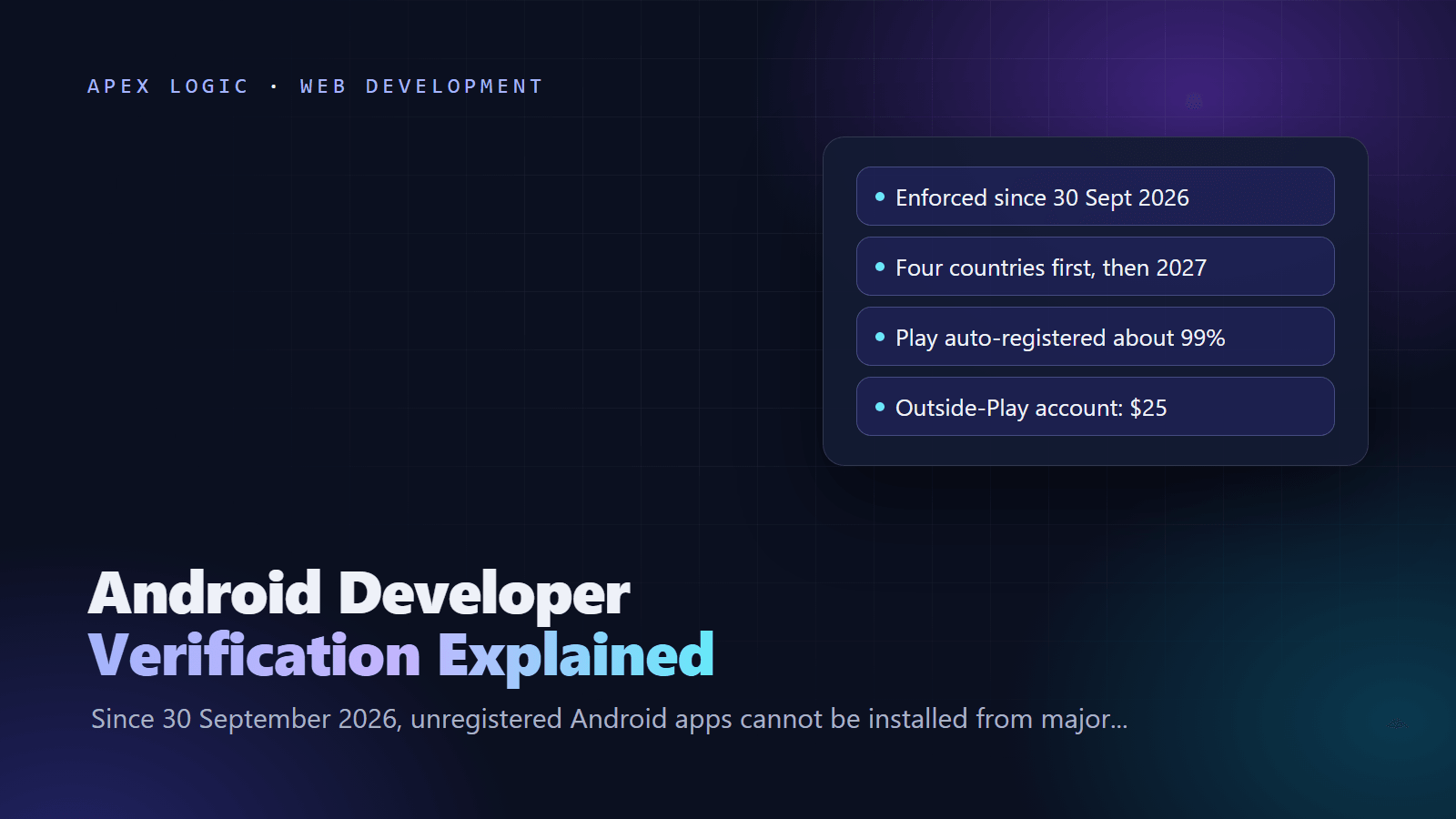
Updated 22 October 2026. Android developer verification has been enforced in four countries since 30 September 2026, so this guide explains who must register, the steps in Play Console and the Android Developer Console, and what to prepare before the 2027 global rollout.
Android developer verification links every Android app to a verified developer, a registered package name and the signing keys it ships with. Since 30 September 2026, apps that are not registered cannot be installed or updated from seven participating app stores, including Google Play and Samsung Galaxy Store, on certified devices running Android 7 or later in Brazil, Indonesia, Singapore and Thailand. Google plans to extend the requirement to all apps on certified devices worldwide in 2027.
Your to-do list depends on where your app is distributed. If it is only on Google Play, you are probably done: Google registered about 99 percent of Play apps automatically. Check anyway, because Google's help page says Play packages not registered by 30 September 2026 are removed from Play. If you ship APKs anywhere else, such as your website, another store, client devices or an open source platform, register those package names and every signing key now. Where the rules apply, users can still install unregistered apps, but only through ADB or a deliberately slow advanced flow.
Android developer verification at a glance
Fees are as of 22 October 2026.
| Your situation | What to do | Where | Cost |
|---|---|---|---|
| App only on Google Play, registered automatically | Confirm the status | Play Console Home page | Nothing beyond the $25 Play registration fee |
| Play app that was not registered automatically | Register it with a signed APK as proof of key ownership | Play Console, Android developer verification page | None |
| Same app on Play and outside Play with another key | Add the extra key to the package | Play Console | None |
| Apps distributed only outside Play | Open a full distribution account, verify identity, register packages | Android Developer Console | $25 |
| Student or hobbyist sharing with up to 20 devices | Use a limited distribution account | Android Developer Console | Free, no ID |
| Internal apps on managed company devices | Not required, but Google recommends registering | Either console | As above |
What changed on 30 September 2026?
- Where: certified devices on Android 7 or later in Brazil, Indonesia, Singapore and Thailand. The checks arrive through Google Play services, not a new Android version.
- Which stores: Google Play, HONOR App Market, OPPO App Market, Samsung Galaxy Store, Transsion Palm Store, vivo V-Appstore and Xiaomi GetApps.
- What is blocked: installs and updates from those stores of apps whose package name and key are not registered to a verified developer.
- What is not covered yet: other stores and direct APK downloads. Enforcement also applies only to phones and tablets for now.
- Google Play: every Play package, across all form factors, had to be registered by 30 September 2026 under Play's Console Requirements policy.
- Next: a global rollout in 2027. As of 22 October 2026, Google has not named a date.
Google's stated reason is malware: in March 2026 it said it found over 90 times more malware from sideloaded sources than on Google Play. Notebookcheck described the first phase as an identity check at seven stores in four countries rather than a ban on sideloading, which is the right way to read it for now.
Key dates
| Date | What happened |
|---|---|
| 30 March 2026 | Verification opened to all developers in Play Console and the new Android Developer Console |
| July 2026 | The Android Developer ID Status API launched for checking whether a package name is registered |
| August 2026 | Limited distribution accounts, the Android Developer Console API and the advanced flow launched |
| 30 September 2026 | Enforcement in four countries and the deadline to register all Play packages |
| 2027 | Planned global rollout to all apps on certified devices |
7 steps to get your apps registered
1. List every app, channel and signing key
For each package name, note where it is distributed (Play, other stores, website downloads, device management, client devices) and which key signs each build. With Play App Signing, Google signs your Play builds, and builds you ship elsewhere are often signed with a different key, so one app can have two keys to register. Get each SHA-256 fingerprint with the standard tools:
# From your keystore
keytool -list -v -keystore release.jks -alias release

# From a built APK
apksigner verify --print-certs app-release.apk
If a signing key is lost, Google's FAQ says you cannot register that package. You would need a new package name, which Android treats as a different app. Make sure keys and store accounts belong to the business, not to a former contractor; our guide to protecting your IP when outsourcing covers how.
2. Check your status in Play Console
Registration status appears as a notice above the app list on the Play Console Home page, and the Android developer verification page shows each app and key. Your identity status is under Settings, then Developer account. Most Play developers need no new identity check, because the verification Play already required counts. Android Studio Panda 4 and later also shows registration status when you generate a signed bundle or APK.
3. Register Play apps that were missed
Google lets the key with more than 50 percent of known installs register a package name or, when no key has a majority, every key with at least 50 installs. Below that, the first developer to register gets it. If your key is eligible but the app was missed, register it manually:
- On the Android developer verification page, choose Add key and pick your app's certificate from the eligible keys.
- Start the APK upload and copy the snippet Play Console shows.
- Save it as
adi-registration.propertiesin the app's assets folder, usuallyapp/src/main/assets/. - Build a release APK signed with the matching private key and upload it. It does not need to be your real app build.
- Wait for the confirmation email, then recheck the status.
If a third-party store holds your signing key, upload your build there, download the APK it signs and upload that file instead. If your key is not eligible, you must submit a request, which Google may refuse; its advice is to move to a new package name unless you truly need to share one.
4. Outside Play only: open an Android Developer Console account
- Full distribution, $25 as of 22 October 2026: unlimited apps and installs. Individuals need a government photo ID, proof of address, and an email address and phone number confirmed by one-time code. Organizations also need a D-U-N-S number, a website verified in Google Search Console and an official document such as a certificate of incorporation. Google warns that a D-U-N-S number can take up to 28 days; with everything ready, the form takes about 10 minutes.
- Limited distribution, free: share an app with up to 20 devices without ID. You can upgrade to full distribution later, but not go back.
Then, on the Packages page, enter each package name, add your key's SHA-256 fingerprint and, for an existing package, pass the same signed APK challenge described above. The status moves from In review to Registered, and Google emails you.
5. Register every key you ship with
A package can hold several keys. Add the key for direct downloads, any key a third-party store re-signs with and the key for enterprise builds. For open source apps that a platform re-signs, register the platform's fingerprint taken from the APK it publishes.
6. Automate the check
The Android Developer ID Status API tells you whether a package, or a package and key pair, is registered. Enable it in a Google Cloud project and create an API key, then call it (replace the package name and key):
curl "https://androiddeveloperidstatus.googleapis.com/v1/packages/com.example.app/packageRegistrationStatus:check" -H "X-Goog-Api-Key: YOUR_API_KEY"The state comes back as REGISTERED or NOT_REGISTERED. Add a certificateFingerprint parameter and you can also get REGISTERED_WITH_ANOTHER_CERTIFICATE_FINGERPRINT, the result worth failing a release on. The quota is 1,000 checks a day per project, and the separate Android Developer Console API can register packages and keys from CI.
7. Plan for your users and for 2027
If you distribute outside Play in the four launch countries, update your install instructions now. Then register every package before 2027, including Wear OS and TV apps, which Google recommends registering even though enforcement starts with phones and tablets. Apps installed through an organization's managed store on managed devices do not need verification, but Google recommends registering them so they still install from other sources or on unmanaged phones. If you mainly ship outside the stores, a web app may avoid the problem entirely; see PWA vs native app.
What users see when an app is not registered
Where the rules apply, ADB keeps working as before, with no waiting period, so developers and testers are not affected. Everyone else needs the advanced flow, which Google built to resist scams that pressure people into installing malware:
- Turn on developer options.
- Confirm that nobody is coaching you through the steps.
- Restart the phone and re-authenticate.
- Wait out a one-time, 24-hour protective period, then confirm with a fingerprint, face or PIN.
- Allow unverified installs for 7 days or indefinitely. Each install still shows a warning with an Install anyway option.
If a user later turns the advanced flow off, updates to unregistered apps fail. That is not a realistic distribution plan for a business app, so registration is the practical answer.
Who should own the registration?
Registration links a package name to the developer identity that registered it, so it belongs in an account owned by the business that owns the app. If an agency or freelancer built your app, ask for the registration in your own Play Console or Android Developer Console account, with your keys, and keep a record of every fingerprint. Our checklist for hiring a development agency includes the ownership questions to ask, and our guide to publishing on the App Store and Google Play covers setting up the store accounts.
If you would like help, we can audit your Android apps, keys and channels, register them and add the status check to your release pipeline as a fixed-quote job. Contact us or see our development services. Platform rules like this one belong in the yearly budget described in our app maintenance cost guide.
Android developer verification FAQ
Is Google banning sideloading on Android?
No. Unregistered apps can still be installed with ADB, and on the phone through the advanced flow, which adds a one-time 24-hour wait and a biometric or PIN confirmation. What changed on 30 September 2026 is that seven participating stores, including Google Play, will not install or update unregistered apps on certified devices in Brazil, Indonesia, Singapore and Thailand. Google plans to cover all apps worldwide in 2027.
Do I need to do anything if my app is only on Google Play?
Probably not, but check. Google registered about 99 percent of Play apps automatically, using the identity you already verified in Play Console. Open the Play Console Home page and the Android developer verification page to confirm each app shows as registered. Google's help page says Play packages not registered by 30 September 2026 are removed from Play, so fix any missing app straight away.
How much does Android developer verification cost?
As of 22 October 2026, Play developers pay nothing beyond Google Play's one-time $25 registration fee. Developers who distribute only outside Play pay $25 for a full distribution account in the Android Developer Console. Limited distribution accounts for students and hobbyists, which allow sharing with up to 20 devices, are free and need no government ID. Organizations should also allow time to get a free D-U-N-S number.
What if I lost my app's signing key?
Then you cannot register that package name, because registration requires proof that you hold the private key, and Google's FAQ says so directly. The practical route is a new package name signed with a new key, which Android treats as a different app, so plan how existing users will move to it. Keep signing keys in a secure, backed-up place that the business controls.
Does verification apply to enterprise and internal apps?
Apps installed through your organization's managed store on managed devices do not need verification, because Google treats them as vetted by your IT admin. Google still recommends registering them, so the app installs smoothly if someone downloads it from another source or onto an unmanaged phone. Before the 2027 global rollout, that advice matters most for apps your staff install themselves.
When will Android developer verification apply worldwide?
Google says it will expand verification to all apps on certified Android devices in 2027, but as of 22 October 2026 it has not published a date or the next list of countries. Treat 2027 as the deadline for every package you distribute, register your apps now while there is no pressure, and watch Google's developer verification page for the updated timeline.
Sources
- Android Developers: Android developer verification
- Android Developers: Developer verification FAQ
- Android Developers: Register on Google Play Console
- Android Developers: Register on the Android Developer Console
- Android Developers: Full distribution accounts
- Android Developers: Check registration status
- Android Developers: Register an open source app
- Play Console Help: Registering Play package names
- Play Console Help: Registering Android package names
- Android Developers Blog: June 2026 developer verification update
- Android Developers Blog: Rolling out to all developers
- Notebookcheck: The rules take effect in four countries
Loading comments...