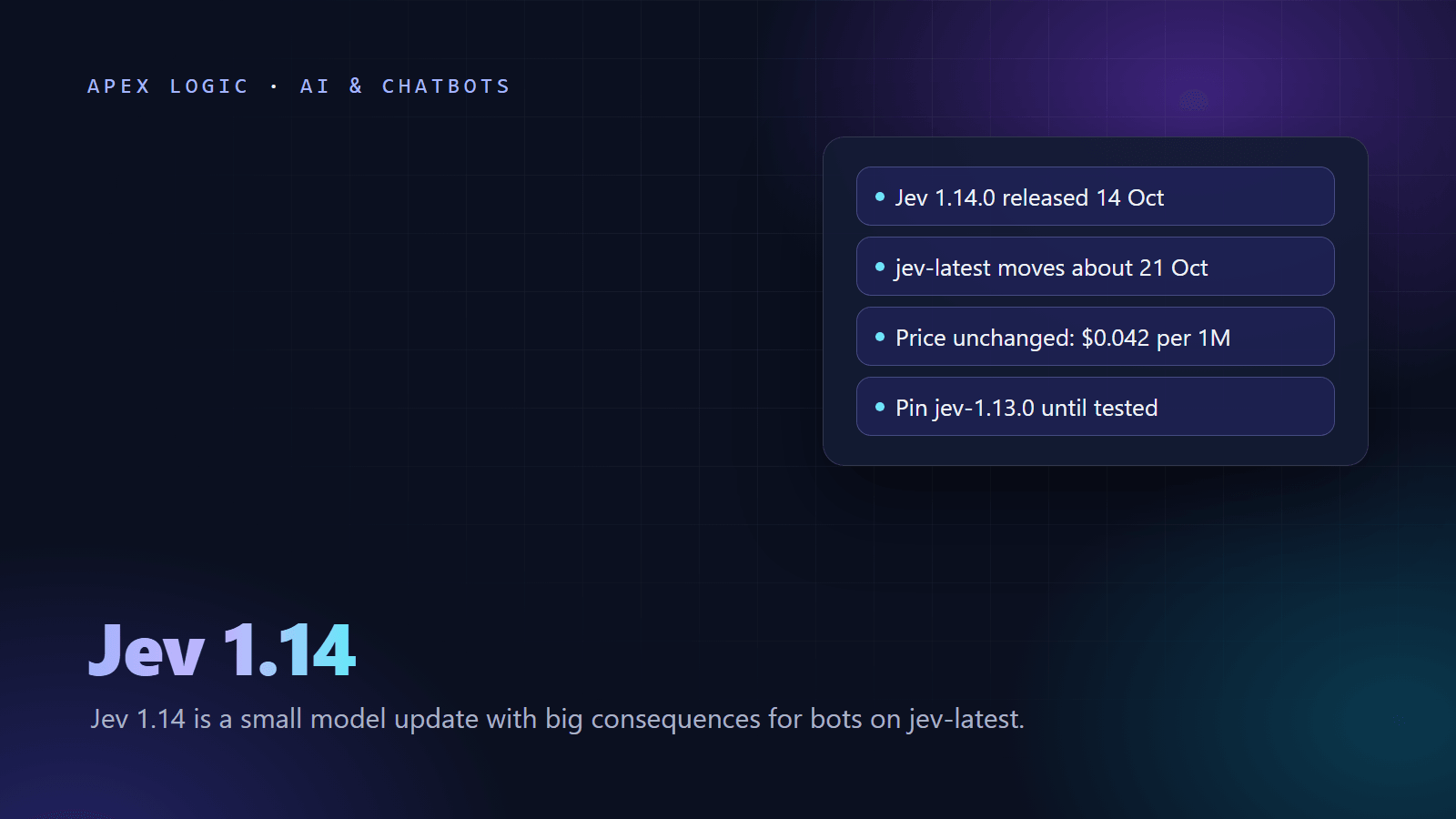
Updated 18 October 2026. Covers the Jev 1.14.0 release of 14 October and the jev-latest alias, which still pointed to 1.13.0 on 18 October and is due to move about 21 October.
Jev 1.14 (model ID jev-1.14.0) is a small quality update to TypeSafe AI's decision model, released on 14 October 2026 under the jev-preview alias. TypeSafe says most answers should be a little better, with the largest gain expected in languages other than English, and it published no accuracy figures. The release also adds three experimental "danger zone" features behind request headers: image input, a new box question type and long context up to 262k tokens. As of 18 October 2026 the price is unchanged at $0.042 per 1M input tokens, with output free.
For anyone running a Jev trading bot, the date matters more than the features. TypeSafe said jev-latest would move to jev-1.14.0 one week after release, so about 21 October. Code that sends jev-latest, or relies on the SDK default, will then get answers from a different model with no code change. If your bot acts on confidence thresholds, pin jev-1.13.0 now, test 1.14.0 side by side, and switch on a day you choose. This page is general information about software, not financial advice.
Jev 1.14 at a glance
| Item | Detail, as of 18 October 2026 |
|---|---|
| Release | 14 October 2026, model ID jev-1.14.0 |
| Aliases | jev-preview points to 1.14.0; jev-latest points to 1.13.0 and is due to move about 21 October |
| Quality | Small gains across the board, largest in multilingual use; no figures published |
| Price | $0.042 per 1M input tokens for both 1.14 and 1.13; output tokens are free |
| Context | 64k tokens per request and 32k per question; 262k with the long-context header |
| Experimental | Images (1.13.0 and 1.14.0), box questions (1.14.0 only), long context (both) |
| Retirement notice | 60 days before 1.13.0 is formally deprecated, 30 days for 1.14.0 |
| SDKs | Python typesafe-sdk 0.7.5 and JavaScript @typesafe-ai/sdk 0.7.0, both released 14 October |
What changed in Jev 1.14?
The model change itself is deliberately small. TypeSafe describes 1.14.0 as subtle improvements to everything rather than a flashy release, and expects the biggest gain in non-English text. That matters if your bot reads headlines or filings in other languages. TypeSafe's models page still says English is where accuracy is best, so test on your own content either way.
TypeSafe published no benchmark scores for 1.14. Its launch post shows internal measurements that compare only open-weight models, and it warns that these are best guesses that may favor its own models. Its advice is to trust your own experiments and evals over its chart, which is exactly what the checklist below does. The post also adds an opt-in that lets you share queries to help TypeSafe find weak spots; it says it still will not train on them.
Two things did not change: the price per token and the default context limits. TypeSafe's list of known weaknesses also still covers jev-1.13 only, last reviewed on 2 October, so assume the same limits apply to 1.14 until it says otherwise: Jev is not a calculator, does not count reliably, reads dates as text and can lean toward the first option in a choice.
The three danger zone features
| Feature | Header to send | Models | Notes |
|---|---|---|---|
| Images | TypeSafe-Danger-Zone-Images: true | 1.13.0 and 1.14.0 | PNG or JPEG, up to 16 MiB per image, 280 to 1,568 pixels per side, 32 MiB per request |
| Box questions | The same images header | 1.14.0 only (jev-preview or jev-1.14.0) | Returns one bounding box as top, bottom, left and right fractions, plus a confidence |
| Long context | TypeSafe-Danger-Zone-Long-Context: true | 1.13.0 and 1.14.0 | 262k tokens per request and per question; same price, but slower and less accurate |
TypeSafe says it cannot yet vouch for these features in production, and its docs warn that the request format, answers and limits can change between releases. A Box question always returns a box, even when the target is missing, so TypeSafe suggests pairing it with a yes or no question that asks whether the target is there at all.
What the new features mean for trading bots
- Chart images: earlier articles in this series said Jev reads text only. Image input now exists, but as an experiment, and TypeSafe notes that all models do worse on images than on text. For a live bot, keep computing indicators in code and sending labels.
- Long context: do not use it to stuff price history into the state. Accuracy falls as unrelated content grows, and the most careful bot in our review of Jev trading bots on GitHub keeps its state under 400 tokens.
- Multilingual gains: worth testing if you triage news in more than one language.
- Box: built for finding objects in photos. Most trading bots have no use for it.
What the jev-latest move means for a running bot
An alias is a name that points to a versioned model. TypeSafe's docs say plainly that an alias moves when a new release ships, so its answers can change without any change to your code. These setups will switch to 1.14.0 when the alias moves:
- Requests that send
"model": "jev-latest", the name TypeSafe's own examples use. - Python code that never sets a model. The SDK's default is
jev-latest, unless theTYPESAFE_DEFAULT_MODELenvironment variable says otherwise. - JavaScript code built from the quick start, which sets
defaultModel: "jev-latest". - Calls through AI gateways that use alias names, such as OpenRouter's
~typesafe/jev-latestshown in TypeSafe's SDK docs.
What changes for those bots is not the format of the answers, which stays typed, but the numbers inside them. Probabilities and confidence can shift, so the share of decisions that clear your threshold can change, and with it the number of trades. If paper results change around 21 October, the cause may be the model, not the market. Backtest caches keyed on an alias also end up mixing two models, which is why our Jev backtesting guide keys its cache on a pinned version.
How to pin a Jev version
Send the versioned ID instead of an alias. Every response includes a model field with the versioned ID that answered, so check it and log it:
from typesafe_sdk import Choice, TypeSafeClient

PINNED_MODEL = "jev-1.13.0"  # move to "jev-1.14.0" only after your tests pass

client = TypeSafeClient(model=PINNED_MODEL)  # reads TYPESAFE_API_KEY


def check_model(response):
    if response.model == PINNED_MODEL:
        return
    raise RuntimeError("Unexpected model " + response.model + ", expected " + PINNED_MODEL)


response = client.system_one(
    state={"trend_1h": "up, moderate", "volatility": "normal", "spread": "normal"},
    questions={
        "action": Choice(
            instructions="Which action best fits a short-term trend-following strategy in this state?",
            criteria={"buy": "Open or add to a long position", "sell": "Reduce or close the long position",
                      "hold": "Do nothing this round"},
        ),
    },
)
check_model(response)
action = response.choices["action"]
print(response.model, action.choice, round(action.confidence, 2), action.probabilities)
Other ways to pin, all documented by TypeSafe:
- HTTP API: put
"model": "jev-1.13.0"in the JSON body you send toPOST https://api.typesafe.ai/v1/systemone. - Environment: set
TYPESAFE_DEFAULT_MODEL=jev-1.13.0for Python code that never names a model. - JavaScript SDK: create the client with
defaultModel: "jev-1.13.0". - Per call: pass
model=tosystem_oneto override the client default for one request.
To see what your account can call, client.models.list() (or GET /v1/models) returns names with descriptions and release dates. It currently lists the aliases, and versioned IDs work whether or not they appear in the list.
Jev 1.14 upgrade checklist
- Find every model setting: code, environment variables, config files, gateway model names and SDK defaults.
- Pin
jev-1.13.0before about 21 October wherever thresholds were tuned on it. - Log
response.modelwith every decision, so each trade can be traced to a version. - Upgrade the SDKs in a branch. Python
typesafe-sdk0.7.5 now compresses request bodies with zstd by default, and TypeSafe warns that non-official APIs may not support that at once; if you call Jev through a gateway, test it or passcompression=Falseto the client. JavaScript SDK 0.7.0 requires Node.js 22 or newer. - Build a replay set of logged states from your bot, with the outcomes you track.
- Run the replay through both versions and compare them, as shown below.
- Re-check your thresholds on the 1.14.0 answers before you trust them.
- Paper trade 1.14.0 in shadow mode for a few weeks: log what it would have done next to what the pinned version did.
- Switch the pin on a day you choose, and keep 1.13.0 as the rollback while it lasts.
- Leave the danger zone headers off in production.
There is no rush to leave 1.13.0. TypeSafe says it will stay available for a while, promises 60 days' warning before it is formally deprecated, and plans to publish a deprecation policy first.
How to re-check confidence thresholds after a model update
A confidence threshold belongs to a model version. Jev's confidence is calculated from its probabilities: for a choice with n options, it is the top probability minus 1/n, divided by 1 minus 1/n. If a new version spreads its probabilities a little differently, the same threshold can let through more trades or fewer, even when the top answer rarely changes. Replay the same states through both versions and compare four things:
- Agreement: how often both versions pick the same option.
- Coverage: the share of states that clear your threshold on each version.
- Calibration: on states with known outcomes, whether answers in each probability bucket come true as often as they claim. Our Jev confidence scores guide shows the bucket table and the Brier score.
- Option order: reorder the options and confirm the answer holds, since TypeSafe lists option order as a known weakness.
import pandas as pd
from typesafe_sdk import Choice, TypeSafeClient

THRESHOLD = 0.6  # the threshold you tuned on jev-1.13.0
QUESTIONS = {
    "action": Choice(
        instructions="Which action best fits a short-term trend-following strategy in this state?",
        criteria={"buy": "Open or add to a long position", "sell": "Reduce or close the long position",
                  "hold": "Do nothing this round"},
    ),
}

logged = pd.read_json("decision_log.jsonl", lines=True)  # one past decision per line, with a "state" column
sample = logged.sample(n=min(500, len(logged)), random_state=7)

rows = []
with TypeSafeClient() as client:
    for i, state in enumerate(sample["state"]):
        for model in ("jev-1.13.0", "jev-1.14.0"):
            r = client.system_one(state=state, questions=QUESTIONS, model=model)
            a = r.choices["action"]
            rows.append({"i": i, "model": r.model, "choice": a.choice, "confidence": a.confidence})

wide = pd.DataFrame(rows).pivot(index="i", columns="model")
print("same choice:", round((wide["choice"]["jev-1.13.0"] == wide["choice"]["jev-1.14.0"]).mean(), 3))
for model in ("jev-1.13.0", "jev-1.14.0"):
    conf = wide["confidence"][model]
    print(model, "median confidence:", round(conf.median(), 3), "share above threshold:", round((conf >= THRESHOLD).mean(), 3))
The test is cheap. At $0.042 per 1M input tokens, 500 states of about 400 tokens each through two versions is 400,000 tokens, under 2 cents. If coverage moves, pick a new threshold on the first half of your data that restores the precision you had, confirm it on the second half, and write the bar down before you look. The Jev trading bot guide shows where thresholds sit in the decision loop.
Should you switch to Jev 1.14 now?
- Switch after testing if your bot reads non-English text, or your replay shows equal or better calibration at the same coverage.
- Stay pinned to 1.13.0 for now if your thresholds are tuned and you cannot test this week. You will get at least 60 days' notice before it goes.
- Prototype only with images, Box and long context.
For the bigger picture, Jev AI for trading explains what the model can and cannot do, and Microsoft-Decision-1 vs Jev vs OpenAI compares Jev with the newer decision APIs. Ready to run a bot? Build a Jev paper trading bot with Alpaca. If you would like help with a replay test or with setting thresholds on your own data, talk to us.
Jev 1.14 FAQ
What is new in Jev 1.14?
Jev 1.14.0, released on 14 October 2026, brings small quality improvements, with the largest gain expected in multilingual use, though TypeSafe published no figures. It also adds three experimental features behind request headers: image input, a box question type for bounding boxes and long context up to 262k tokens. TypeSafe says these are not ready for production. The price stays at $0.042 per 1M input tokens.
When does jev-latest switch to Jev 1.14?
TypeSafe's release post said jev-latest would move to jev-1.14.0 one week after the 14 October release, so about 21 October 2026. On 18 October its models page still showed jev-latest pointing to jev-1.13.0. Check the model field in your responses to see which version actually answered each request, and log it with every decision.
How do I pin a Jev model version?
Send a versioned ID such as jev-1.13.0 or jev-1.14.0 in the model field instead of an alias. In the Python SDK, pass it when you create the client or on each call, or set the TYPESAFE_DEFAULT_MODEL environment variable. Then log the model field of every response and stop the bot if it ever shows a version you did not expect.
Does Jev 1.14 cost more than Jev 1.13?
No. As of 18 October 2026, TypeSafe lists both versions at $42 per billion input tokens, which is $0.042 per million, and output tokens are free. Long context costs the same per token as any other request. Your bill depends only on how many input tokens you send, so keeping trading states short keeps it low.
Can Jev 1.14 read chart images?
Only as an experiment. Image input works on both 1.13.0 and 1.14.0 when you send the TypeSafe-Danger-Zone-Images header set to true, with PNG or JPEG files. TypeSafe says image support is not yet ready for production and that models do worse on images than on text. For a trading bot, compute indicators in code and send Jev labeled values instead.
How long will jev-1.13.0 stay available?
TypeSafe says jev-1.13.0 will stay available for a while. It promises 60 days' warning before 1.13.0 is formally deprecated, and 30 days' warning for 1.14.0, and plans to publish a deprecation policy before then. Pinning 1.13.0 today buys you time to test 1.14.0 properly instead of switching in a hurry.
Sources
- TypeSafe blog: Jev 1.14, for the builders and dreamers
- TypeSafe docs: Models, aliases, pricing and context
- TypeSafe docs: Images
- TypeSafe docs: Box
- TypeSafe docs: Confidence
- TypeSafe docs: Jev 1.13 jaggedness
- TypeSafe docs: Python SDK basic usage
- TypeSafe docs: Python SDK changelog
- TypeSafe docs: JavaScript SDK changelog
- TypeSafe docs: Quick start

Loading comments...