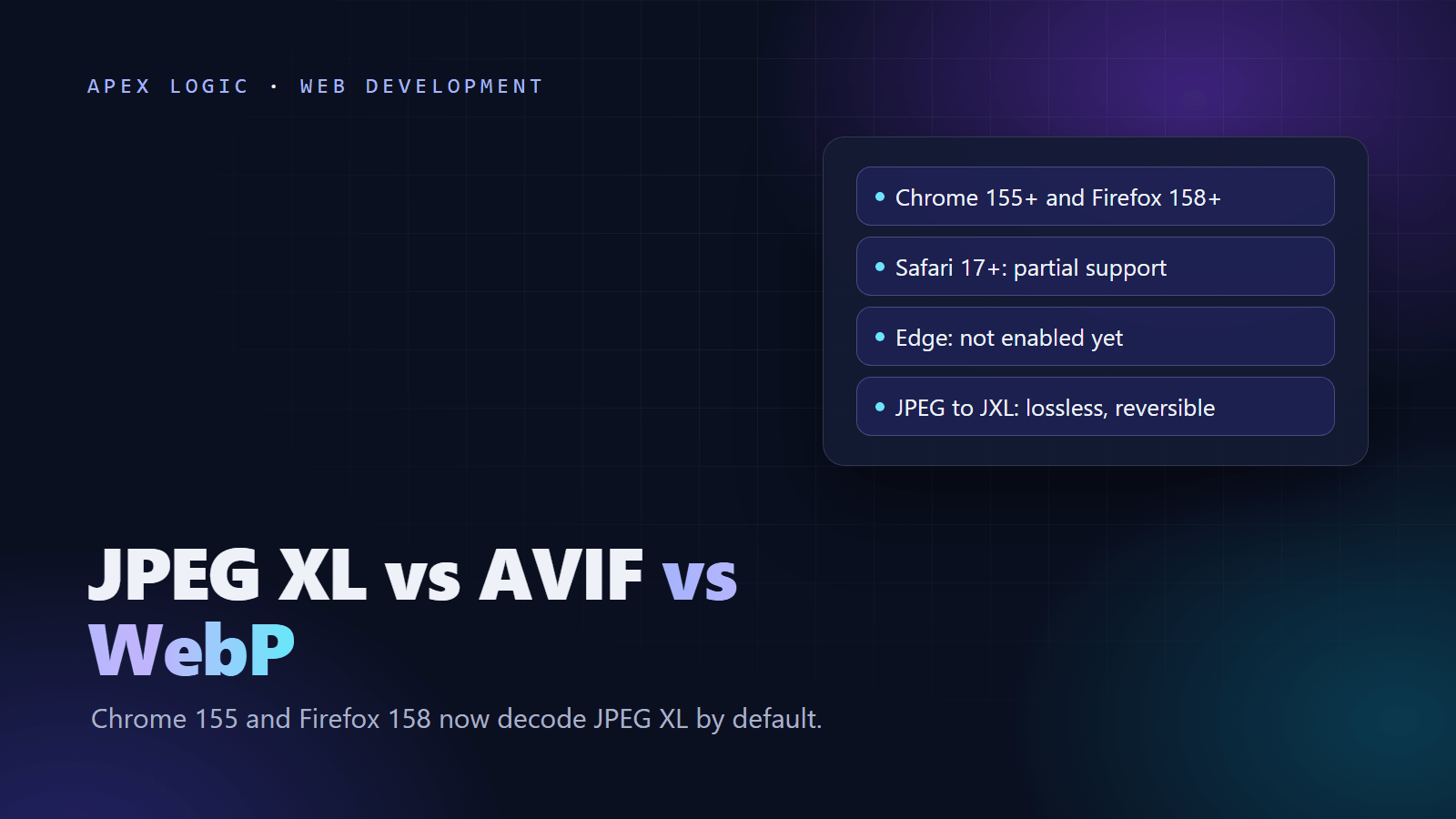
Updated 18 October 2026. Chrome 155 and Firefox 158 now decode JPEG XL by default, so this page compares JPEG XL with AVIF and WebP and shows how to ship it with a safe fallback.
As of 18 October 2026, JPEG XL works by default in Chrome 155 and later, stable since 6 October 2026, and in Firefox 158 and later, released on 13 October 2026. Safari has had partial support since version 17. Microsoft Edge has the decoder from Chromium but has not switched it on, and Samsung Internet does not support it. Can I use (caniuse.com) puts JPEG XL at about 60 percent of global browser usage when Safari's partial support is counted, against about 96 percent for AVIF and 97 percent for WebP.
So which format should your site use? For most lossy photos, AVIF is still the best default: in Jake Archibald's October 2026 tests it usually made smaller files and decoded faster. JPEG XL wins for lossless images and for shrinking the JPEGs you already have, by about 9 to 20 percent in the same tests, without changing a single pixel. WebP stays the safe fallback. Whatever you pick, serve JPEG XL only inside a <picture> element with AVIF, WebP or JPEG behind it.
JPEG XL vs AVIF vs WebP at a glance
Browser versions and usage figures are from Can I use and MDN as of 18 October 2026. Compression results are from Jake Archibald's tests unless a row says otherwise.
| Feature | JPEG XL | AVIF | WebP |
|---|---|---|---|
| Chrome | 155 and later | 85 and later | 32 and later |
| Firefox | 158 and later | 93 and later | 65 and later |
| Safari | 17 and later, partial | 16.4 and later (iOS 16) | 16 and later (iOS 14) |
| Edge | Not enabled | 121 and later | 18 and later |
| Global usage | About 60%, counting partial | About 96% | About 97% |
| Lossy photos | Often 15 to 25% larger than AVIF | Usually the smallest | 25 to 35% smaller than JPEG (MDN) |
| Lossless | Best of the three | Notably larger | About 26% smaller than PNG (MDN) |
| Transparency | Yes, larger files in tests | Yes, smallest in tests | Yes |
| HDR | Yes, but no browser handles its gain maps | Yes, including gain maps | No, 8-bit color |
| Progressive loading | Chrome and Firefox, not Safari | Chrome only in tests | No |
| Lossless recompression of existing JPEGs | Yes, and reversible | No | No |
| MIME type | image/jxl | image/avif | image/webp |
What changed in October 2026
- Chrome 155, 6 October 2026. Chrome now decodes JPEG XL (
image/jxl) with jxl-rs, a memory-safe decoder written in Rust, on desktop and Android. Can I use shows the history: behind a flag in Chrome 91 to 109, removed in 110, back behind a flag from 145 and on by default in 155. - Chrome's advice. The Chrome team recommends trying both AVIF and JPEG XL, and expects JPEG XL to help most with high-fidelity or lossless photos and with progressive decoding. heise reported that Google cites 30 to 50 percent better compression than JPEG.
- Firefox 158, 13 October 2026. Mozilla's release notes say Firefox now supports JPEG XL and that it generally compresses better than WebP, JPEG, PNG and GIF.
- Edge. A change merged into MDN's browser compatibility data on 13 October 2026 says the support is in Chromium but disabled in Edge, and Can I use lists Edge 155 as not supported.
- Safari. Partial support since Safari 17 on macOS and iOS, without progressive rendering.
JPEG XL vs AVIF: what the tests show
Jake Archibald published a detailed comparison on 15 October 2026 using current encoders. The short version:
- Lossy photos: AVIF usually produced smaller files. At default effort the best JPEG XL result was typically 15 to 25 percent larger; the gap narrowed at maximum effort.
- Lossless: JPEG XL was the clear winner.
- Screenshots and illustrations: lossy AVIF was much smaller, so lossless is rarely needed.
- Transparency: AVIF was much smaller; libjxl output was 31 to 44 percent larger at default effort.
- Decode speed: AVIF was generally 2 to 3 times faster at medium quality, though at very high quality Chrome sometimes decoded JPEG XL faster.
- HDR: AVIF supports gain maps; JPEG XL does too, but no browser handles them yet.
- Existing JPEGs: converting them losslessly to JPEG XL saved about 9 to 20 percent.
His current default is AVIF with 4:4:4 chroma at the highest effort you can afford, trying JPEG XL when an AVIF file comes out unusually large. Both encoders are improving quickly, so test on your own images.
JPEG XL vs WebP
WebP has the widest support of the three and remains a solid fallback, but it is limited to 8-bit color with no HDR. If you serve only WebP and JPEG today, AVIF is the bigger step up for everyday lossy photos, and JPEG XL the better one for lossless images, HDR work and existing JPEG libraries you want to shrink without re-encoding.
Which image format should your website use?
| Image type | First choice | Fallback | Why |
|---|---|---|---|
| Product photos and hero images | AVIF | WebP, then JPEG | Smallest lossy files in most tests and faster decode |
| Large existing JPEG library (catalog, archive) | JPEG XL, converted losslessly | The original JPEG | About 9 to 20% smaller, identical pixels, reversible |
| Lossless or high-fidelity photos (portfolios, print proofs) | JPEG XL | PNG or lossless WebP | Best lossless compression of the three |
| Screenshots and illustrations | AVIF, lossy | WebP | Lossy AVIF was much smaller in tests |
| Images with transparency | AVIF | WebP or PNG | Smaller files with an alpha channel in tests |
| HDR photos | AVIF with a gain map | JPEG | No browser handles JPEG XL gain maps yet |
| Animations | A muted, autoplaying video | A still image | Archibald advises video over animated image formats |
How to serve JPEG XL with a fallback
The browser uses the first <source> whose type it supports, so order matters. Put JPEG XL first only for images where it wins, such as losslessly converted JPEGs. Chrome 155, Firefox 158 and Safari 17 or later take the JXL file; Edge and older browsers fall through to the JPEG. Example for a catalog photo converted losslessly from JPEG:
<picture>
  <source srcset="/img/catalog-1042.jxl" type="image/jxl">
  <img src="/img/catalog-1042.jpg" width="1200" height="900"
       alt="Example product photo" loading="lazy" decoding="async">
</picture>
For new photos where AVIF wins, lead with AVIF and skip JPEG XL. Every browser that supports JPEG XL today also supports AVIF, so a JXL source placed after AVIF would never be used. Example for a new hero photo:
<picture>
  <source srcset="/img/hero.avif" type="image/avif">
  <source srcset="/img/hero.webp" type="image/webp">
  <img src="/img/hero.jpg" width="1600" height="900" alt="Example hero photo">
</picture>
Leave loading="lazy" off your main above-the-fold image so it starts downloading at once. If your server does not already know the JPEG XL MIME type, add it:
# nginx: add this line inside the types block of mime.types, then reload
image/jxl  jxl;
# Apache: in the virtual host or .htaccess
AddType image/jxl .jxlIf you serve one image URL and choose the format on the server or CDN, decide from the Accept request header and send Vary: Accept. A Classmethod test published on 16 October 2026 found that Chrome 155 lists image/jxl first in its image Accept header; Chromium 153 did not include it.
How to convert images to JPEG XL
Use cjxl and djxl from libjxl; its README strongly recommends version 0.12 or later for security fixes. For JPEG input, cjxl recompresses losslessly by default, and djxl rebuilds the original JPEG when the output name ends in .jpg.
# Existing JPEG: lossless, reversible recompression (the default for JPEG input)
cjxl photo.jpg photo.jxl

# Get the exact original JPEG back
djxl photo.jxl photo-restored.jpg

# New image from a PNG master; distance is in just-noticeable differences, lower is higher quality
cjxl master.png master.jxl --distance 1.0

# Mathematically lossless
cjxl diagram.png diagram.jxl --distance 0
To convert a whole folder safely, check that every file round-trips byte for byte before you delete anything. This illustrative script needs cjxl and djxl on your PATH:
# Illustrative: losslessly converts every .jpg under a folder to .jxl,
# checks that each one restores byte for byte, and reports the saving.
# Usage: python jpg_to_jxl.py ./images
import filecmp
import pathlib
import subprocess
import sys
import tempfile

root = pathlib.Path(sys.argv[1])
before_total = 0
after_total = 0

for jpg in sorted(root.rglob("*.jpg")):
    jxl = jpg.with_suffix(".jxl")
    subprocess.run(["cjxl", str(jpg), str(jxl)], check=True, capture_output=True)
    with tempfile.TemporaryDirectory() as tmp:
        restored = pathlib.Path(tmp) / "restored.jpg"
        subprocess.run(["djxl", str(jxl), str(restored)], check=True, capture_output=True)
        exact = filecmp.cmp(jpg, restored, shallow=False)
    before, after = jpg.stat().st_size, jxl.stat().st_size
    before_total += before
    after_total += after
    print("OK" if exact else "MISMATCH", jpg.name, before, "bytes to", after, "bytes")

if before_total:
    saved = 100 * (1 - after_total / before_total)
    print("Saved", round(saved, 1), "percent across all files")
CMS and CDN support for JPEG XL
As of 18 October 2026:
- WordPress: core rejects
.jxluploads. A draft Gutenberg pull request (#77584) would add JPEG XL through client-side media processing, decoding uploads to JPEG and keeping the JXL alongside. It names no release. - Cloudflare Images: the documented format options for URL transformations are auto, avif, webp, jpeg, baseline-jpeg and json. JXL is not listed.
- Cloudinary: automatic format selection (
f_auto) can deliver JPEG XL. It is included automatically on accounts measured by image impressions, but not on by default for accounts measured by bandwidth. - Your own pipeline: run
cjxlin the build or upload step and keep the original next to the JXL. In Node, sharp'sjxl()output is experimental and missing from its prebuilt binaries, while itsavif()andwebp()handle the fallbacks.
Choosing a store platform at the same time? Our Shopify vs WooCommerce comparison covers the wider trade-offs.
Will JPEG XL improve Core Web Vitals?
Only if it makes your important images smaller without slowing decode. The largest element on many pages is an image, so a lighter hero file helps Largest Contentful Paint, but for lossy hero photos AVIF usually wins on both size and decode speed. Measure real-user data before and after. Our guides to Core Web Vitals and speeding up a slow website cover what usually matters more than the format.
A rollout plan for a business website
- List your heaviest images from a crawl or CDN logs; product, hero and gallery images usually matter most.
- Encode 20 to 50 representative images as AVIF and JPEG XL at a few quality levels.
- Compare sizes and view the results side by side. Keep the smallest file you cannot tell apart from the original.
- Losslessly convert JPEGs you cannot re-encode from masters, keeping the originals.
- Ship with
<picture>fallbacks and the MIME type, and add these checks to your launch checklist. - Watch real-user LCP and bandwidth for two to four weeks, and check again when Edge switches JPEG XL on.
Rebuilding product pages anyway? See our AI product description generator guide for the copy, and check Chrome's other recent change, the HTTP warning in Chrome 154, in the same pass.
If your site is image-heavy and slow, we can audit the image pipeline, set up AVIF and JPEG XL with safe fallbacks and measure the result as a fixed-quote web development job, and you own all the code. Tell us about your site.
JPEG XL FAQ
Does Chrome support JPEG XL now?
Yes. Chrome 155, stable since 6 October 2026, decodes JPEG XL by default on desktop and Android, using the jxl-rs decoder written in Rust. Earlier versions kept it behind a flag or did not support it, so visitors on older builds still need a fallback. Serve JPEG XL inside a picture element with AVIF, WebP or JPEG behind it and every browser gets an image it can show.
Does Safari support JPEG XL?
Partly. Safari has decoded JPEG XL since version 17 on macOS and iOS, and Can I use marks the support as partial. MDN notes that Safari does not render JPEG XL progressively, so the image appears only after the whole file has downloaded. Test large hero images in Safari before relying on JPEG XL there, and keep a fallback for older versions.
Does Microsoft Edge support JPEG XL?
Not as of 18 October 2026. Edge is built on Chromium, which now includes the decoder, but a change merged into MDN's compatibility data on 13 October 2026 says JPEG XL is disabled in Edge, and Can I use lists Edge 155 as not supported. Piunika Web reported that Microsoft's Edge 155 notes mention JPEG XL, yet it failed in their tests. Edge users get your fallback.
Is JPEG XL better than AVIF?
It depends on the image. In Jake Archibald's October 2026 tests, AVIF usually produced smaller lossy photos and smaller images with transparency, and decoded faster, while JPEG XL clearly won for lossless images and recompressed JPEGs. A sensible default for business sites is AVIF for new photos, JPEG XL for lossless work and legacy JPEG libraries, and WebP or JPEG as the fallback.
Can I convert JPEGs to JPEG XL without losing quality?
Yes. When you give cjxl a JPEG file, its default is lossless recompression: the pixels do not change, and djxl can rebuild the original JPEG byte for byte. Archibald measured savings of about 9 to 20 percent, and a Classmethod test saw about 22 percent on one photo. Keep your originals until the round-trip check in the script above passes.
Can I upload JPEG XL images to WordPress?
Not to a standard WordPress install as of 18 October 2026. WordPress core rejects .jxl uploads, and the Gutenberg pull request that adds JPEG XL through client-side media processing is still a draft with no release named. Until then, create JPEG XL files outside WordPress, in a build step or an image CDN that supports the format, and serve them with a fallback.
Sources
- Chrome: Shipping JPEG XL in Chrome
- Chrome 155 release notes
- Firefox 158 release notes
- Can I use: JPEG XL
- Can I use: AVIF
- Can I use: WebP
- MDN: Image file type and format guide
- MDN compatibility data: Edge JPEG XL status
- Jake Archibald: JPEG XL vs AVIF for web use-cases
- libjxl on GitHub
- sharp: output options
- Classmethod: JPEG XL in Chrome 155
- heise: Chrome JPEG XL
- Piunika Web: Edge 155 and JPEG XL
- Gutenberg pull request #77584
- Cloudflare Images: transform via URL
- Cloudinary: image optimization

Loading comments...