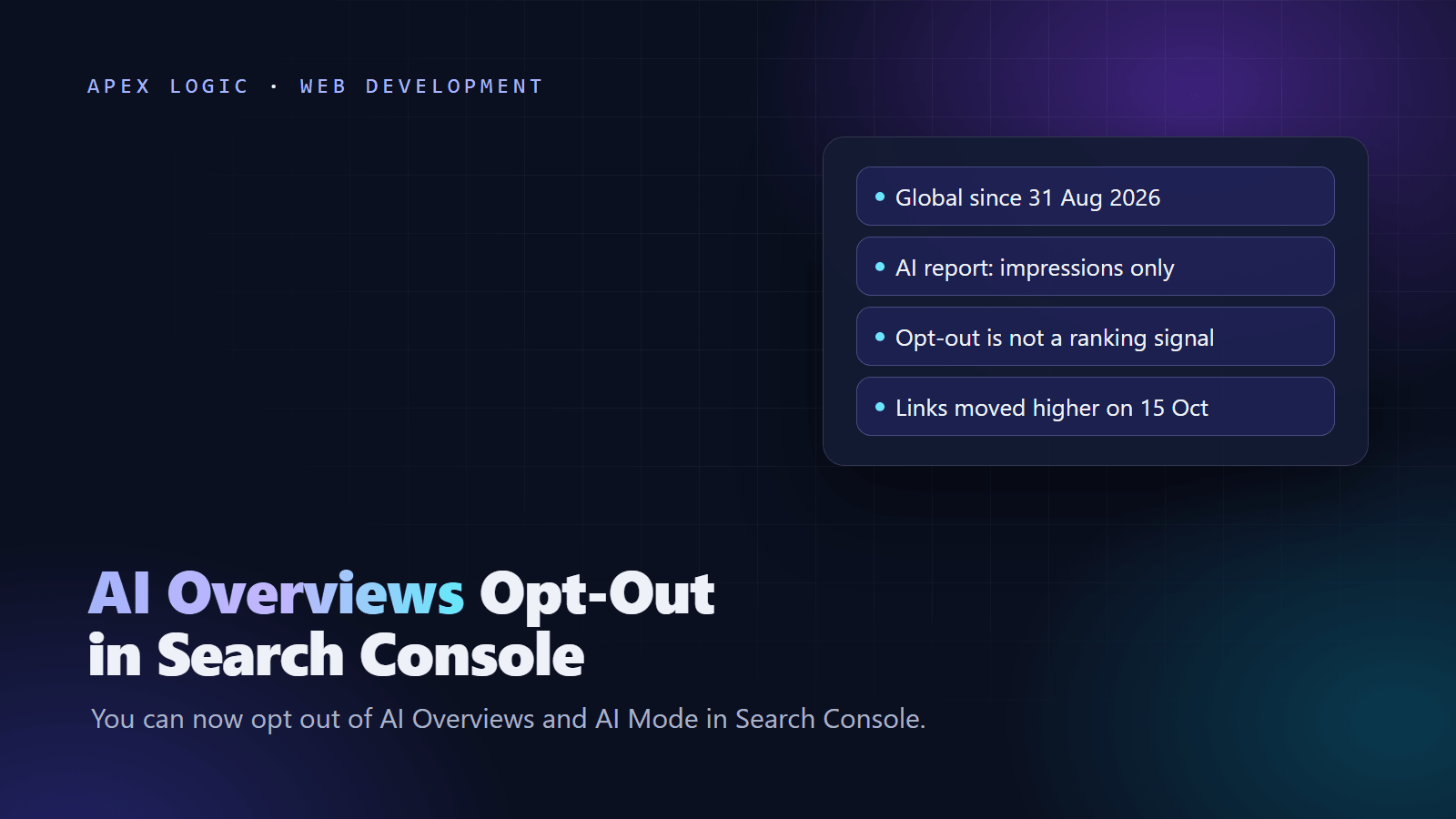
Updated 18 October 2026. Google moved links higher in AI Mode and AI Overviews on 15 October 2026; this guide covers that change, the Search Console AI report and the opt-out control.
Yes, you can opt your site out of AI Overviews and AI Mode in Google Search Console: open Settings, then Search generative AI, and change the property from include to exclude. Google says the control reached all websites worldwide as of 31 August 2026. An excluded site gets no traffic or impressions from Google's generative AI features in Search and Discover, but Google says the setting is not used as a ranking signal for results outside those features, so your normal listings stay.
Look at the data before you switch. The Generative AI performance report shows how often your pages appear in AI Overviews and AI Mode, but it counts impressions only. Clicks from those features land in the normal Performance report under the Web search type, mixed with everything else. Google also moved links higher in AI responses on 15 October 2026, and Preferred Sources highlighting in AI features only works for included sites. For most businesses, staying in and measuring is the better default; the decision table below shows when excluding makes sense.
Google AI features in Search Console: quick reference
Status as of 18 October 2026:
| Item | What it does | Where | Status |
|---|---|---|---|
| Search generative AI control | Includes or excludes a property from AI Overviews, AI Mode and AI features in Discover | Settings | All websites since 31 August 2026 |
| Generative AI performance report | Impressions by page, country, device and date; no clicks | Performance | All websites since 31 August 2026 |
| Performance report, Web | Clicks and impressions, AI features included but not separated | Performance | Long-standing |
| Preferred Sources | Readers pick favorite sites, shown in Top Stories and AI features | Button or link on your site | AI features need inclusion |
| AI contribution pilot | Payments to selected sites used in AI answers | Search Console, invite only | Test, reported 17 September 2026 |
What Google changed on 15 October 2026
In a post on The Keyword, Hema Budaraju, VP of Product Management at Google, listed five changes:
- Inline links higher. Google is launching updates that show inline links higher in responses more often.
- Official pages section (test). Key official links in a section at the top of a response, with a note on why each is useful.
- News carousels. Carousels of timely articles that highlight Preferred Sources are rolling out to more locations and languages.
- Dive deeper links. Links at the end of some responses get image thumbnails and a more clickable design.
- Creator names (test). Clickable creator and publisher names on AI Mode video results, linking to Search profiles.
Google added that Preferred Sources use has grown more than sevenfold since the start of 2026. The post does not mention Search Console or click data. For a business site, more of the value now comes from being the link people click, which strengthens the case for staying included, and clear pages for common tasks such as pricing, booking, returns and support are worth having in good shape if the official pages test expands.
How to see AI Overviews and AI Mode data in Search Console
- Open Search Console and choose your property.
- Under Performance, open Generative AI performance report (Search). Google's help page gives the direct address as search.google.com/search-console/performance/search-analytics/ai.
- Group the data by Pages, Countries, Devices or Dates.
- Use the search type filter to separate Web: text-based from Web: multimodal, which covers image searches such as Google Lens and Circle to Search.
- Export the chart and table. Values shown as a tilde or a dash export as zeros.
Per Google's help page, an impression means a link to your site was shown in a generative AI feature, several results from your site in one feature count once, and the newest data is preliminary (a dotted line). The report may not appear if your site has had few impressions in these features, and excluded sites have no data.
Where AI clicks show up
The generative AI report has no clicks and no queries. Clicks are in the main Performance report, under the Web search type, together with every other organic click. Google's Performance report help defines how they count:
- Clicking an external link in AI Mode or in an AI Overview counts as a click.
- An AI Overview takes a single position, and every link inside it shares that position.
- Position in AI Mode follows the same method as a normal results page.
- A follow-up question in AI Mode counts as a new query.
- Search Labs experiments are not included.
Find your most AI-exposed pages
Because the two reports sit apart, the quickest way to see which pages AI features show most is to export the Pages table from both and join them. This illustrative Python script uses only the standard library; change the column names at the top if your export uses different ones.
# Illustrative: joins two Search Console page exports.
# Usage: python ai_exposure.py web_pages.csv ai_pages.csv
import csv
import sys

PAGE = "Top pages"
CLICKS = "Clicks"
IMPRESSIONS = "Impressions"


def load(path, columns):
    rows = {}
    with open(path, newline="", encoding="utf-8-sig") as f:
        for row in csv.DictReader(f):
            values = {}
            for col in columns:
                raw = (row.get(col) or "0").replace(",", "")
                values[col] = float(raw or 0)
            rows[row[PAGE].strip()] = values
    return rows


web = load(sys.argv[1], [CLICKS, IMPRESSIONS])
ai = load(sys.argv[2], [IMPRESSIONS])

report = []
for page in set(web) | set(ai):
    w = web.get(page, {CLICKS: 0.0, IMPRESSIONS: 0.0})
    ai_impr = ai.get(page, {}).get(IMPRESSIONS, 0.0)
    ratio = ai_impr / w[IMPRESSIONS] if w[IMPRESSIONS] else 0.0
    report.append([page, int(w[CLICKS]), int(w[IMPRESSIONS]), int(ai_impr), round(ratio, 3)])

report.sort(key=lambda r: r[3], reverse=True)
with open("ai_exposure.csv", "w", newline="", encoding="utf-8") as f:
    out = csv.writer(f)
    out.writerow(["page", "web_clicks", "web_impressions", "ai_impressions", "ai_to_web_ratio"])
    out.writerows(report)
print("Wrote", len(report), "pages to ai_exposure.csv")
Use the ratio to rank pages, not as an exact share, since the reports count impressions differently. Pages with many AI impressions and falling clicks are where AI answers may be replacing visits. Running this weekly is a small job; our automated reporting guide shows the pattern.
How to opt out of AI Overviews and AI Mode, step by step
- In Search Console, choose the property you want to change.
- Open Settings, then Search generative AI.
- Choose exclude. Include is the default for every property, and child properties default to inheriting from their parent.
- Wait. Google says changes generally take a few days, content is excluded within one to two days after the control goes live, and some content can take longer because of caching and propagation.
- Check the Generative AI performance report about a week later to confirm the impressions have stopped.
To exclude only part of a site, Google's help page says a child property can follow its parent's setting or override it, and the owner of the top-level domain property is notified when a child overrides. A child inherits from its closest parent with a manually set value, or otherwise from the top-level domain property.
What excluding does and does not do
Excluding removes your links and content from those AI features, with their traffic and impressions, while other sites can still appear in the same answers. It does not remove you from Search (noindex does that) and does not control AI training. Google's help page adds that your content may still help power Google Search in general.
Other controls compared
| Control | Effect | Side effects |
|---|---|---|
| Search Console, Search generative AI, exclude | Removes the property from AI Overviews, AI Mode and AI features in Discover | No AI impressions or traffic, no AI report data, no Preferred Sources highlighting in AI features |
nosnippet, data-nosnippet, max-snippet | Limit what Google can show from a page, or part of a page, in Search | Also shortens or removes your normal snippets |
noindex | Removes the page from Google Search | No search traffic to that page at all |
| Google-Extended in robots.txt | Limits AI training and grounding in some of Google's other systems | Google points to it for its other systems; for AI Overviews and AI Mode, use the Search Console control |
Should you opt out? A decision table
| Your situation | Suggestion | Why |
|---|---|---|
| Local business, agency, SaaS or online store | Stay included | AI answers can name and link you early in a purchase, and excluding brings no ranking gain |
| Publisher using Preferred Sources | Stay included | Highlighting in AI features needs inclusion |
| Content is the product (paid research, data) and AI impressions rise while clicks fall | Exclude a child property for that section first | Tests the effect without removing the whole site |
| Licensed or contract-restricted content | Check the contract, then exclude if required | One setting covers the whole property |
| Not sure yet | Stay included, review monthly | Excluded sites lose AI report data |
If you want to be cited more rather than less, our generative engine optimization guide covers how. Google is not the only platform with new rules for your content this month: see our explainer on Meta's 30 October commercial terms.
Add a Preferred Sources button
Google's documentation, last updated 18 September 2026, says preferred sources appear in Top Stories with a preferred badge in every language where Search is available, and can be highlighted in AI Mode and AI Overviews for people who chose them if your site is included in Search generative AI features. Only domains and subdomains are eligible, not subdirectories such as /blog.
The standard button is two lines of HTML:
<script async src="https://news.google.com/swg/js/v1/publisher.js"></script>
<div google-add-preferred-source-btn></div>
Set data-theme to light or dark and data-lang for the language. For newsletters and social posts, use the deeplink, replacing example.com with your domain:
https://www.google.com/preferences/source?q=example.comCheck first that your site appears in the source preferences tool. Promotion is optional: Google says you do not need it to appear as a preferred source.
The AI contribution pilot
9to5Google reported on 17 September 2026, citing Digiday, that Google is testing payments to some websites whose content contributes significantly to AI Overviews and other AI results, shown in an earnings panel in Search Console. The reporting describes at least dozens of mostly small and mid-sized publishers, well beyond news sites. Google has not published payout rates, eligibility rules or how contribution is measured, and there is no way to apply. An excluded site would presumably not qualify, though Google has not said so.
Your checklist for this week
- Export the Generative AI performance report and the Performance report pages for the last three months, and run the join script.
- Check the click trend of the 20 pages with the most AI impressions.
- Check Settings, Search generative AI on every property, including child properties.
- Decide include or exclude per property with the table above, and write down why.
- If you publish articles regularly, add the Preferred Sources button or link.
- Make pricing, booking, returns, support and contact pages clear and crawlable. If they rely on client-side JavaScript, read our JavaScript SEO guide.
- Keep structured data accurate with our structured data guide.
- Review monthly; Google says the features covered by the report will change over time.
If you want both reports joined and in your inbox every Monday, or a second opinion before you exclude a property, we build this kind of reporting as a fixed-quote automation project, and our AI Data Analyst page shows how plain-English questions over business data work. Get in touch.
AI Overviews opt-out FAQ
Does opting out of AI Overviews hurt my Google rankings?
Google says no. Its announcement states that the Search generative AI control will not be used as a ranking signal for search results outside the generative AI features, and the help page says it is not a ranking or inclusion signal for other parts of Search. You lose the traffic and impressions those AI features would have sent, and the data in the Generative AI performance report, but your normal listings are not penalized.
How long does the Search Console opt-out take to apply?
Usually a few days. Google's help page says changes generally take a few days, that content is excluded within one to two days after the control goes live for your site, and that some content can take longer because of caching and propagation. Check the Generative AI performance report about a week later to confirm impressions have stopped, and switch back to include if you change your mind.
Does the Generative AI performance report show clicks?
No. As of 18 October 2026 it shows impressions only, grouped by page, country, device and date, with a filter for text-based and multimodal searches. Clicks from AI Overviews and AI Mode are counted in the main Performance report under the Web search type, mixed with your other organic clicks. Google's 15 October 2026 update to AI Mode and AI Overviews did not add click data to Search Console.
Will opting out stop Google from training AI on my content?
No. The Search generative AI control only decides whether your content appears in, and helps ground, AI Overviews, AI Mode and generative AI features in Discover. Google's help page says it does not affect AI training. For training and grounding in some of Google's other systems, Google points to the Google-Extended token in robots.txt. To keep a page out of Google Search entirely, use noindex.
Can I opt out only part of my website?
Yes, at the property level. Google's help page says a child property can follow its parent's setting or override it, and the top-level domain owner is notified when it does. So a subdomain or section with its own Search Console property can be excluded while the rest stays included. For page-level limits, nosnippet, data-nosnippet and max-snippet restrict what Google shows, but they also change your normal snippets.
Sources
- Google: AI Mode and AI Overviews updates (15 October 2026)
- Google: New controls for website owners
- Search Console Help: Generative AI performance report
- Search Console Help: Search generative AI control
- Search Console Help: Performance report
- Google Search Central: AI features and your website
- Google Search Central: Preferred Sources guide
- Google Search Central: documentation updates
- Search Engine Roundtable: generative AI report and control live
- 9to5Google: AI contribution pilot
Loading comments...