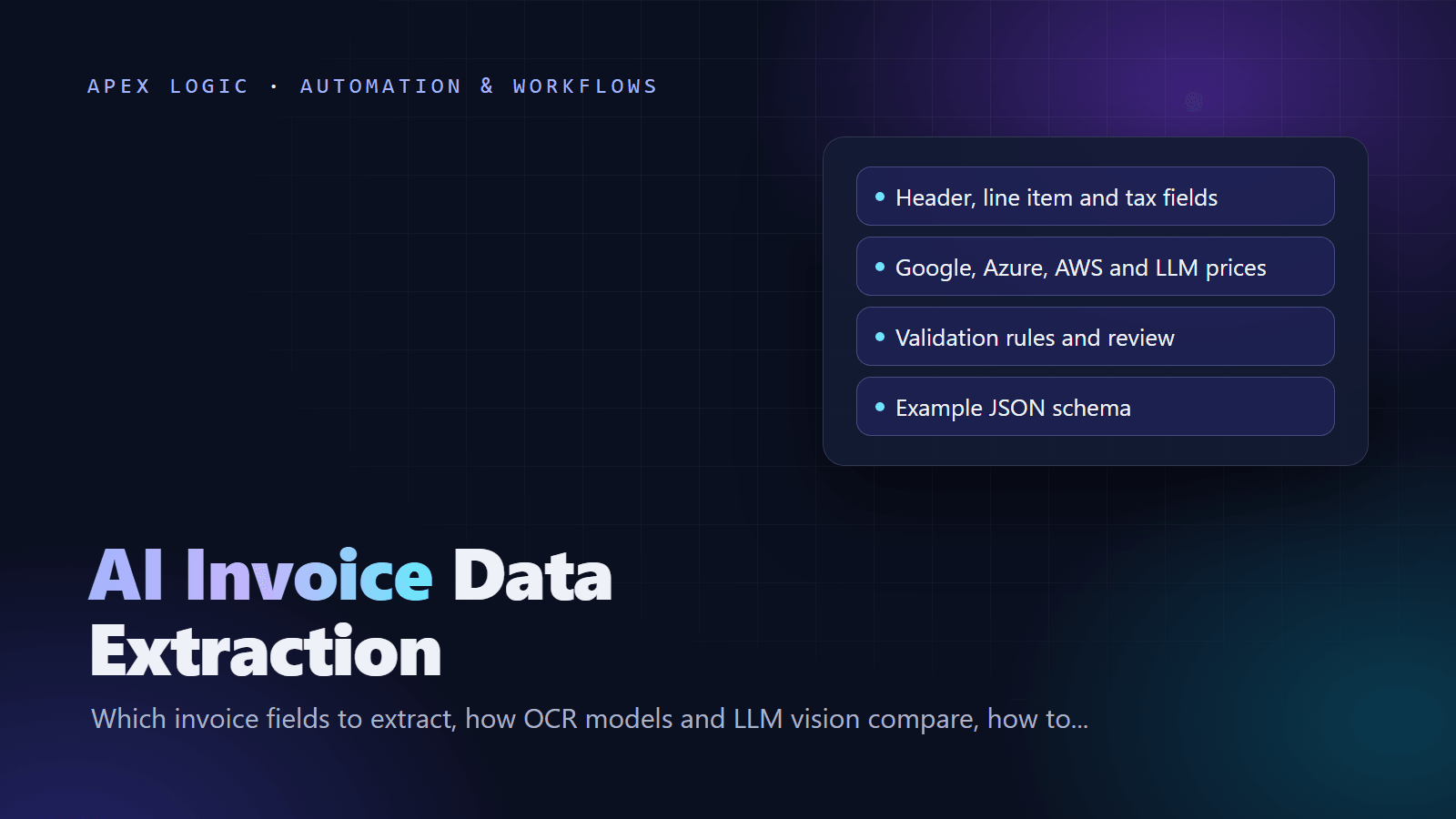
Updated 18 October 2026. New guide: the fields to extract, accuracy tests, validation rules, an example JSON schema and dated pay-as-you-go prices for Google, Azure, AWS and LLM vision.
AI invoice data extraction turns a supplier invoice (PDF, scan or photo) into structured data your accounting system can use: header fields, every line item and each tax line. You can buy it as a pay-as-you-go API from Google, Microsoft or Amazon, or build it on a vision-capable language model. Either way, accuracy in production comes from validation rules plus human review of the invoices that fail them.
As of 18 October 2026, Azure's prebuilt invoice model and Amazon Textract's AnalyzeExpense both list $0.01 per page at standard volume. Google Document AI's invoice parser charges $0.10 per document of up to 10 pages. For sending, chasing and paying invoices, see our invoice automation guide.
Invoice data extraction vendors compared (pay as you go)
| Option | List price (as of 18 October 2026) | Free tier | Output |
|---|---|---|---|
| Google Document AI invoice parser | $0.10 per document of 1 to 10 pages; 11 to 20 pages cost $0.20 | None listed for this parser | Entities such as supplier_name, line_item and vat, with confidence |
| Azure AI Document Intelligence, prebuilt-invoice | $10 per 1,000 pages (S0, East US); commitment tiers from $190 a month for 20,000 pages | 500 pages a month (F0), first two pages of each document only | Fields such as VendorName, Items and TaxDetails, with confidence |
| Amazon Textract AnalyzeExpense | $0.01 per page for the first 1 million pages a month, then $0.008 | 100 pages a month for three months (new AWS customers) | Standard fields such as VENDOR_NAME, TAX and line items, with confidence |
| LLM vision (example: Claude) | Per token: Claude Haiku 5.5 $0.10 input and $0.50 output per million tokens; Claude Sonnet 5.5 $2 and $10 | None | Any JSON schema you define; no per-field confidence |
These are USD list prices from each provider's pricing page; region, currency, savings plans and tax change them. Google and Azure also sell generative custom extractors at $30 per 1,000 pages at standard volume.
The cost of 1,000 one-page invoices, as of 18 October 2026, is about $100 with Google's invoice parser and $10 with Azure or Textract. Our LLM estimates: $1.80 with Claude Haiku 5.5, $36 with Claude Sonnet 5.5 and $72 with Claude Opus 5.5, assuming 8,000 input and 2,000 output tokens per invoice. Anthropic says a PDF page typically uses 1,500 to 3,000 text tokens plus image tokens, so measure your own invoices with token counting.
Which invoice fields to extract
Extract three groups. Most errors hide in the second and third.
| Group | Fields | Used for |
|---|---|---|
| Header | Vendor name and tax ID (VAT, GST, EIN), bill-to entity, invoice number, invoice and due dates, payment terms, PO number, currency, subtotal, discount, shipping, tax total, total, bank details | Posting, approvals, payment, duplicate checks |
| Line items | Description, product code, quantity, unit, unit price, discount, tax rate, tax amount, line total | PO matching, cost coding, price checks |
| Tax lines | Tax type, rate, taxable base, tax amount (one row per rate) | Tax recovery, invoices with mixed rates |
Each service names these differently. Azure returns fields such as VendorTaxId, TotalTax and InvoiceTotal, plus Items and TaxDetails arrays. Google returns entities such as line_item/unit_price and vat/tax_rate. Textract uses types such as INVOICE_RECEIPT_ID, TAX and UNIT_PRICE. Map them all to one internal schema so you can switch providers.
How AI invoice extraction works: OCR models vs LLM vision
OCR plus layout models, the prebuilt invoice models from Google, Azure and AWS, read the text and use its position to find labels, values and tables. They return a fixed set of fields, each with a confidence score and page location. They are fast and need no prompt work, but you get their field list.
LLM vision sends the page to a multimodal language model with your schema. Claude, for example, processes each PDF page as both extracted text and an image, and structured outputs make the reply match your JSON schema. It copes well with unusual layouts and custom fields such as cost codes. The trade-offs: no per-field confidence, token-based cost, and more testing, because a model can return a plausible value that is not on the page.
| OCR plus layout model | LLM vision | |
|---|---|---|
| Setup | Call an API | Write a schema and prompt, then test |
| Custom fields | Limited, or train a custom model | Add them to the schema |
| Confidence per field | Yes | No |
| Page location of values | Yes | Not by default |
| Pricing | Per page or per document | Per token |
A common middle path runs a prebuilt model first and sends only failed or low-confidence invoices to an LLM. Our overview of AI document processing covers the wider pipeline.
Example JSON output schema
Normalize every engine's output to one schema. Here is a compact example for a fictional invoice, with check results stored next to the data:
{
  "vendor": {"name": "Acme Packaging Ltd", "tax_id": "GB000000000"},
  "invoice_number": "INV-20417",
  "invoice_date": "2026-09-30",
  "due_date": "2026-10-30",
  "currency": "GBP",
  "po_number": "PO-7781",
  "line_items": [
    {"description": "Shipping boxes, medium", "sku": "BX-M", "quantity": 500,
     "unit_price": 0.42, "tax_rate": 20, "amount": 210.00},
    {"description": "Packing tape", "sku": "TP-48", "quantity": 40,
     "unit_price": 1.95, "tax_rate": 20, "amount": 78.00}
  ],
  "tax_lines": [{"rate": 20, "taxable_amount": 288.00, "tax_amount": 57.60}],
  "subtotal": 288.00,
  "tax_total": 57.60,
  "total": 345.60,
  "source": {"file": "inv-20417.pdf", "pages": 1, "engine": "llm-vision"},
  "checks": {"lines_match_subtotal": true, "tax_math_ok": true,
             "duplicate": false, "needs_review": false}
}
Validation rules for totals, tax, vendors and duplicates
Validation is code, not AI. Run these checks on every invoice and send any failure to a person:
- Line math: quantity times unit price equals the line amount, within a cent or two.
- Totals: lines add up to the subtotal, and subtotal minus discount plus shipping plus tax equals the total.
- Tax math: each tax line equals its rate times its taxable base, the tax lines add up to the tax total, and the rate is valid for that vendor and item.
- Dates: the invoice date is not in the future, and the due date fits the payment terms.
- Vendor master data: match the vendor by tax ID, then name. Unknown vendors and changed bank details always go to a person, because bank-detail changes are a common route for payment fraud.
- Duplicates: normalize the invoice number (uppercase, no spaces, symbols or leading zeros), then check vendor plus number, and vendor plus amount plus date.
- PO match: compare quantities and prices with the purchase order and, for goods, the delivery record.
Our guide to automating data entry applies the same pattern to other documents.
Confidence thresholds and human review
Prebuilt models return a confidence score for each field. Use it per field, not per document, and set the threshold by risk:
- Money fields and bank details: highest. Any doubt goes to review.
- Dates, invoice number and vendor: high, because they drive payment and duplicate checks.
- Descriptions and codes: lower, because a person can fix them later.
Start strict, for example by reviewing every invoice with a money field below 0.90, then adjust with test results. LLM output has no built-in confidence score, so on that route the validation rules are the gate.
The review screen should show the page beside the extracted fields, highlight the failed rule and save every correction. Corrections become your next test set.
How to measure invoice extraction accuracy
Collect 100 to 300 real invoices from your own vendors, including scans, phone photos, multi-page invoices and credit notes, and key in the correct values once. Then measure three levels:
- Field level: the share of invoices where each field matches the correct value after normalizing format (ISO dates, two-decimal amounts, trimmed text). Count blanks and wrong values separately; they need different fixes.
- Line-item level: pair each extracted line with a true line by amount and description, then score quantity, unit price and amount on the pairs. Count missed, extra, split and merged lines separately.
- Document level: the share of invoices with every required field right, and the share that passes all validation rules. That straight-through rate decides the business case.
Score money fields on their own: a perfect description with a wrong total is still a failure. Our AI automation ROI formula turns the results into a payback estimate.
Python example: LLM vision extraction with totals and tax checks
This example sends a PDF invoice to Claude with the Anthropic Python SDK, gets output that matches a Pydantic model, then checks the math in plain code. Add the duplicate, vendor and PO checks above before you rely on it.
import base64
from decimal import Decimal

import anthropic
from pydantic import BaseModel, ValidationError


class LineItem(BaseModel):
    description: str
    quantity: float | None
    unit_price: float | None
    tax_rate: float | None
    amount: float


class TaxLine(BaseModel):
    rate: float
    taxable_amount: float | None
    tax_amount: float


class Invoice(BaseModel):
    vendor_name: str
    vendor_tax_id: str | None
    invoice_number: str
    invoice_date: str
    due_date: str | None
    currency: str
    po_number: str | None
    line_items: list[LineItem]
    tax_lines: list[TaxLine]
    subtotal: float
    tax_total: float
    total: float


INSTRUCTIONS = (
    "Extract this invoice. Copy values exactly as printed. "
    "Dates as YYYY-MM-DD, tax rates as percentages (20 means 20 percent). "
    "Use null for anything that is not on the invoice."
)

client = anthropic.Anthropic()


def extract(pdf_path: str) -> Invoice | None:
    with open(pdf_path, "rb") as f:
        pdf_data = base64.standard_b64encode(f.read()).decode("utf-8")
    try:
        response = client.messages.parse(
            model="claude-opus-5-5",
            max_tokens=16000,
            messages=[{
                "role": "user",
                "content": [
                    {"type": "document", "source": {
                        "type": "base64",
                        "media_type": "application/pdf",
                        "data": pdf_data,
                    }},
                    {"type": "text", "text": INSTRUCTIONS},
                ],
            }],
            output_format=Invoice,
        )
    except ValidationError:
        return None  # refused or cut off: send to a person
    return response.parsed_output


def cents(value: float) -> Decimal:
    return Decimal(str(value)).quantize(Decimal("0.01"))


def check(inv: Invoice) -> list[str]:
    problems = []
    tolerance = Decimal("0.02")
    line_sum = sum(cents(li.amount) for li in inv.line_items)
    if abs(line_sum - cents(inv.subtotal)) > tolerance:
        problems.append("line items do not add up to the subtotal")
    tax_sum = sum(cents(t.tax_amount) for t in inv.tax_lines)
    if abs(tax_sum - cents(inv.tax_total)) > tolerance:
        problems.append("tax lines do not add up to the tax total")
    for t in inv.tax_lines:
        if t.taxable_amount is not None:
            expected = cents(t.taxable_amount * t.rate / 100)
            if abs(expected - cents(t.tax_amount)) > tolerance:
                problems.append("tax at rate " + str(t.rate) + " does not match its base")
    if abs(cents(inv.subtotal) + cents(inv.tax_total) - cents(inv.total)) > tolerance:
        problems.append("subtotal plus tax does not equal the total")
    return problems


invoice = extract("invoice.pdf")
if invoice is None:
    print("Review: no usable output")
else:
    issues = check(invoice)
    print("Review: " + "; ".join(issues) if issues else "Passed all checks")
The example uses Claude Opus 5.5. To compare cost and accuracy, rerun your test set with other models by changing the model name. For volume that can wait, Anthropic's Batch API halves token prices (as of 18 October 2026).
Build vs buy for invoice extraction
| Option | Best when | Watch out for |
|---|---|---|
| Bill capture in your accounting software | Low volume, standard invoices, one accounting system | Little control over fields and rules |
| Prebuilt API plus your own rules | Steady volume, standard fields, developers available | You still build review, vendor matching and posting |
| LLM vision pipeline | Unusual layouts, custom fields, mixed document types | Testing effort, no confidence scores, token costs |
| Hybrid | High volume with a long tail of odd invoices | Two engines to monitor |
The extraction call is the easy part. Most work goes into intake, validation rules, the review screen, vendor matching and posting to your books. Our comparison of custom software and off-the-shelf tools helps with the wider decision.
If you want invoices read, checked and posted to your books, with a person approving the exceptions, see our AI invoice data extraction tool or tell us about your invoice volume for a fixed quote.
AI invoice extraction FAQ
What is AI invoice data extraction?
AI invoice data extraction is software that reads invoices in PDF, scan or photo form and returns structured data: vendor, invoice number, dates, totals, line items and tax. It uses OCR plus layout models, a vision-capable language model, or both. Rules check the output, and a person reviews anything that fails before it reaches your accounting system.
Can AI extract line items and tax from invoices?
Yes. Azure's prebuilt invoice model returns an Items array and TaxDetails, Google's invoice parser returns line_item and vat entities, and Textract's AnalyzeExpense returns each row as an EXPENSE_ROW with fields such as ITEM, QUANTITY and PRICE. An LLM can return any structure you define. Score line items separately and check that they add up.
How accurate is automatic invoice data extraction?
It depends on your invoices, so measure it rather than trusting a headline figure. Build a test set of real invoices from your vendors, including poor scans and multi-page invoices, then score each field, each line item and each whole document. The number that matters most is the share of invoices that pass every validation rule untouched.
Which invoice data extraction vendors offer pay-as-you-go pricing?
Google, Microsoft and Amazon all do. As of 18 October 2026, Google Document AI's invoice parser charges $0.10 per document of up to 10 pages. Azure AI Document Intelligence charges $10 per 1,000 pages for prebuilt models in East US, and Amazon Textract's AnalyzeExpense $0.01 per page for the first million pages a month. LLM providers charge per token instead.
Is an LLM better than an invoice OCR API?
Neither wins everywhere. Prebuilt OCR APIs are predictable, return confidence scores and page locations, and need little setup. LLM vision handles unusual layouts and custom fields without training, but needs more testing and gives no confidence scores. Run both on the same 100 of your invoices and compare accuracy and cost.
How long does it take to build an invoice reader AI?
A focused build for one document type, with intake, extraction, validation rules, a review screen and posting to one accounting system, typically takes us 2 to 4 weeks. More document types, purchase order matching or several accounting systems add time. Measuring accuracy on your own invoices is part of the build, not an extra.
Sources
- Google Cloud: Document AI pricing
- Google Cloud: Document AI processor list
- Google Cloud: Handle the processing response
- Microsoft Azure: Document Intelligence pricing
- Microsoft: Azure Retail Prices API, Document Intelligence (East US)
- Microsoft Learn: Document Intelligence invoice model
- Azure Samples: Invoice model field schema
- AWS: Amazon Textract pricing
- AWS: Analyzing invoices and receipts with Textract
- Anthropic: Claude API pricing
- Anthropic: PDF support
- Anthropic: Structured outputs
Loading comments...