Related: PostgreSQL vs MongoDB: How to Actually Choose in 2026
WordPress runs a huge share of the web, and for good reason. It is quick to start and easy to fill with content. But as a site grows, the cracks show. Pages load slowly. Plugins clash. Security patches pile up. Custom features feel like a fight. At some point a custom website becomes the better path. A custom build gives you a clean codebase, faster pages, and exact control. Moving off WordPress is a big step though. Done badly, it can wipe out search rankings and break links. Done well, it sets you up for years of smooth growth.
Key takeaways
- Migrate when WordPress slows you down, costs too much to maintain, or cannot support what you need.
- Plan first. Inventory every page, asset, and feature before you write any code.
- Keep your URLs the same where you can. This protects rankings the most.
- Set up 301 redirects for every URL that changes. Skipping this loses traffic.
- Test on a staging site, then launch at a quiet time and watch closely.
When to migrate away from WordPress
Migration is not free, so do it for clear reasons, not for fashion. WordPress is fine for many sites. These signals suggest you have outgrown it.
- Speed. Your site is slow even after caching and image fixes, often due to plugin bloat and a heavy theme.
- Maintenance cost. You spend too much time and money on plugin updates, conflicts, and patches.
- Security. You face repeated attacks on the admin area or known plugin holes.
- Custom features. You need logic or integrations that fight the WordPress way of doing things.
- Scale. Traffic has grown and the current stack struggles at busy times.
If only one is true, a cleanup might be enough. If several are true, a custom build will likely pay off. For a deeper look at the trade offs, read our comparison of WordPress versus a custom website.
Plan before you build
Most failed migrations fail in planning, not in code. A careful inventory now saves painful surprises later. Before development starts, write down what you have.
- Crawl the whole site and export a full list of URLs. A crawler finds pages you forgot.
- List your top pages by traffic and by revenue. These deserve the most care.
- Note every form, login, and integration, such as payment, email, or analytics.
- Save all media, including images, PDFs, and downloads.
- Record your current meta titles, descriptions, and headings.
Next, decide what to keep, change, or drop. A migration is a good moment to remove dead pages and thin content. But removals must be deliberate, since deleting pages by accident is a common cause of traffic loss.
Preserve content and SEO
This is the part that protects your traffic. Search engines remember your URLs and the value they carry. Your job is to move that value without dropping it.
| Item to preserve | Why it matters |
|---|---|
| URL structure | Same URLs mean no redirect needed and no lost ranking signals. |
| Page titles and meta | They drive click through and tell search engines the topic. |
| Headings and body text | The content itself is what ranks. Move it word for word. |
| Image alt text | Helps accessibility and image search. |
| Internal links | They spread ranking power and help users move around. |
| Structured data | Keeps rich results like reviews and FAQs. |
Keep the same URL paths whenever you can. When you must change a URL, plan a redirect, which we cover next. Move page content fully, not as a summary. Rebuild your XML sitemap and keep your robots rules correct so you do not block pages by mistake.
Redirects, testing, and launch
Redirects are the safety net of any migration. A 301 redirect is a permanent forward. It sends both users and search engines from an old URL to the right new one, and it passes almost all of the ranking value.
- Build a redirect map. List every old URL in one column and its new URL in the next.
- Use 301, the permanent type, not 302, which is temporary.
- Point each old URL to the closest matching new page, not just the home page.
- Avoid redirect chains, where one redirect leads to another.
- Keep redirects in place for the long term, not just for launch week.
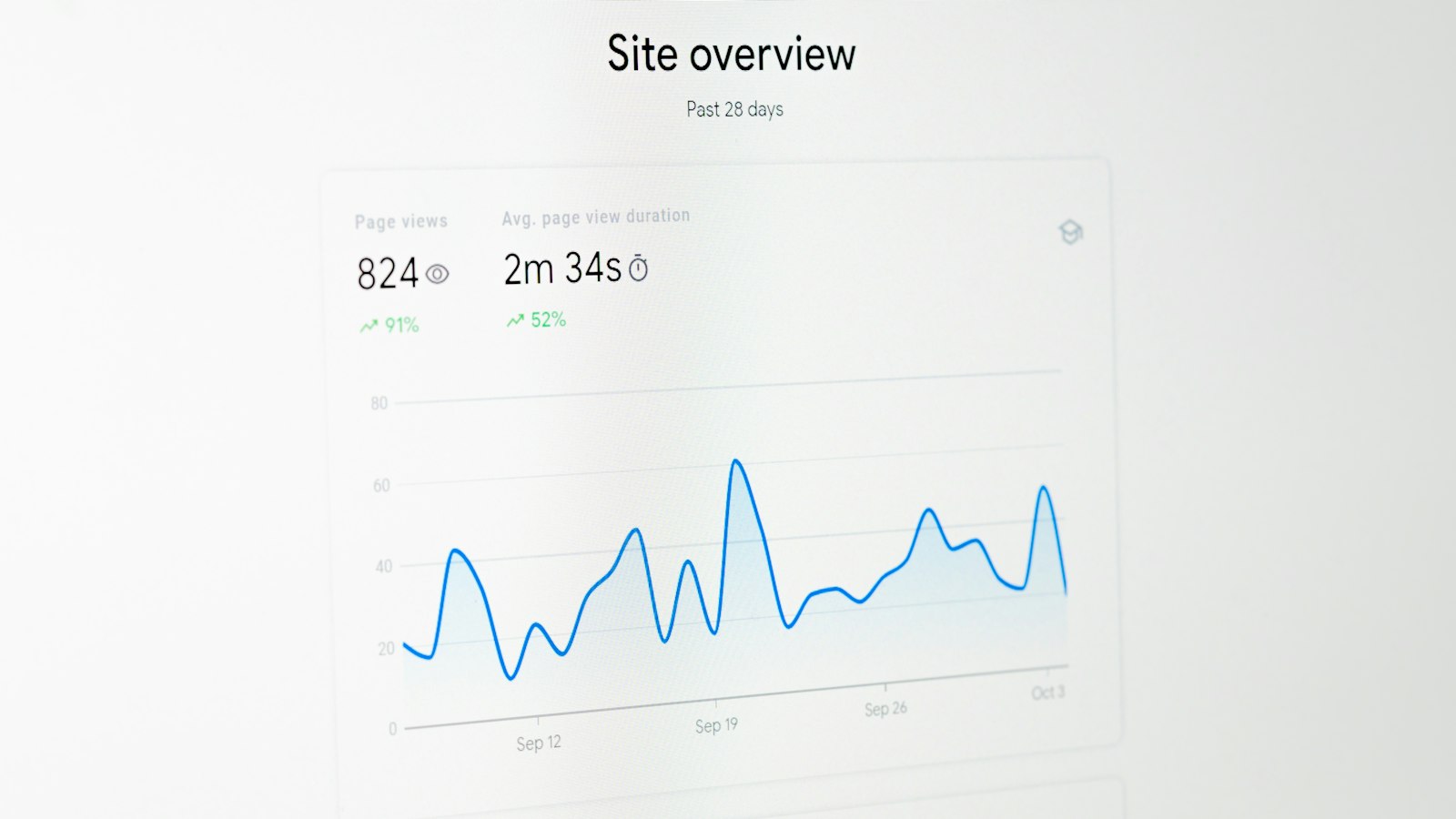
Test everything on a staging site that the public and search engines cannot index. Check that pages render, forms send, and payments work. Crawl the staging site to catch broken links before launch. When ready, launch during a quiet traffic period. Right after launch, submit the new sitemap in Google Search Console, then watch crawl errors, rankings, and traffic for several weeks. A small dip is normal at first. A steady fall means something is wrong, so check your redirects first.
Risks and how to reduce them
- Lost rankings. The top risk. Caused by missing redirects, changed content, or blocked pages. Reduce it with a full redirect map and careful content moves.
- Broken links. Internal links that point to old paths. Fix them by updating links and crawling before launch.
- Missing content. Pages or images left behind. Avoid it with a complete inventory.
- Downtime. The site is unreachable during the switch. Reduce it with a staging test and a quiet launch window.
- Higher upfront cost. A custom build costs more at first than a template. Weigh it against lower long term upkeep, which we cover in our guide on website maintenance cost.
Keep your old site backed up until the new one is proven stable. That backup is your way back if something serious breaks.
FAQ
Will I lose my Google rankings when I migrate?
Not if you plan well. Rankings drop when URLs change without redirects, when content is cut, or when pages get blocked. Keep your URLs where you can, set a 301 redirect for every URL that changes, and move content in full. Most sites see only a short, small dip, then recover.
How long does a migration take?
It depends on size and complexity. A small brochure site might take a few weeks. A large site with many pages and integrations can take a few months. Planning and testing take the most time. Do not rush the launch to hit a date, since a rushed switch is where damage happens.
Can I keep my content writers on WordPress?
Yes. A common modern setup uses a headless content system. Writers still use a friendly editor, while a custom front end shows the pages. You get the speed and control of a custom build, and your team keeps an easy way to publish.
Working with Apex Logic
A migration is a project where small mistakes cost real traffic. At Apex Logic we plan the move end to end. We inventory your site, build the redirect map, rebuild your pages on a fast custom stack, and watch the numbers after launch. You keep your rankings and gain a site that is quicker and easier to grow. See our services or reach out through our contact page for a clear, no pressure plan.
References
Google Search Central, documentation on site moves with URL changes and redirects.
Google Search Central, guidance on 301 redirects and managing crawling with sitemaps.
Mozilla Developer Network, reference on HTTP redirect status codes.

Comments